
免费试用无需登录无水印高清下载

在线透明背景制作器

在线移除图片背景并下载干净的透明 PNG,可用于商品图、人像、宠物、车辆、Logo、电商图片和社交媒体素材。上传 JPG、PNG、WebP 或 BMP,AI 会识别主体、移除背景,并可继续在同一编辑器里处理图片。

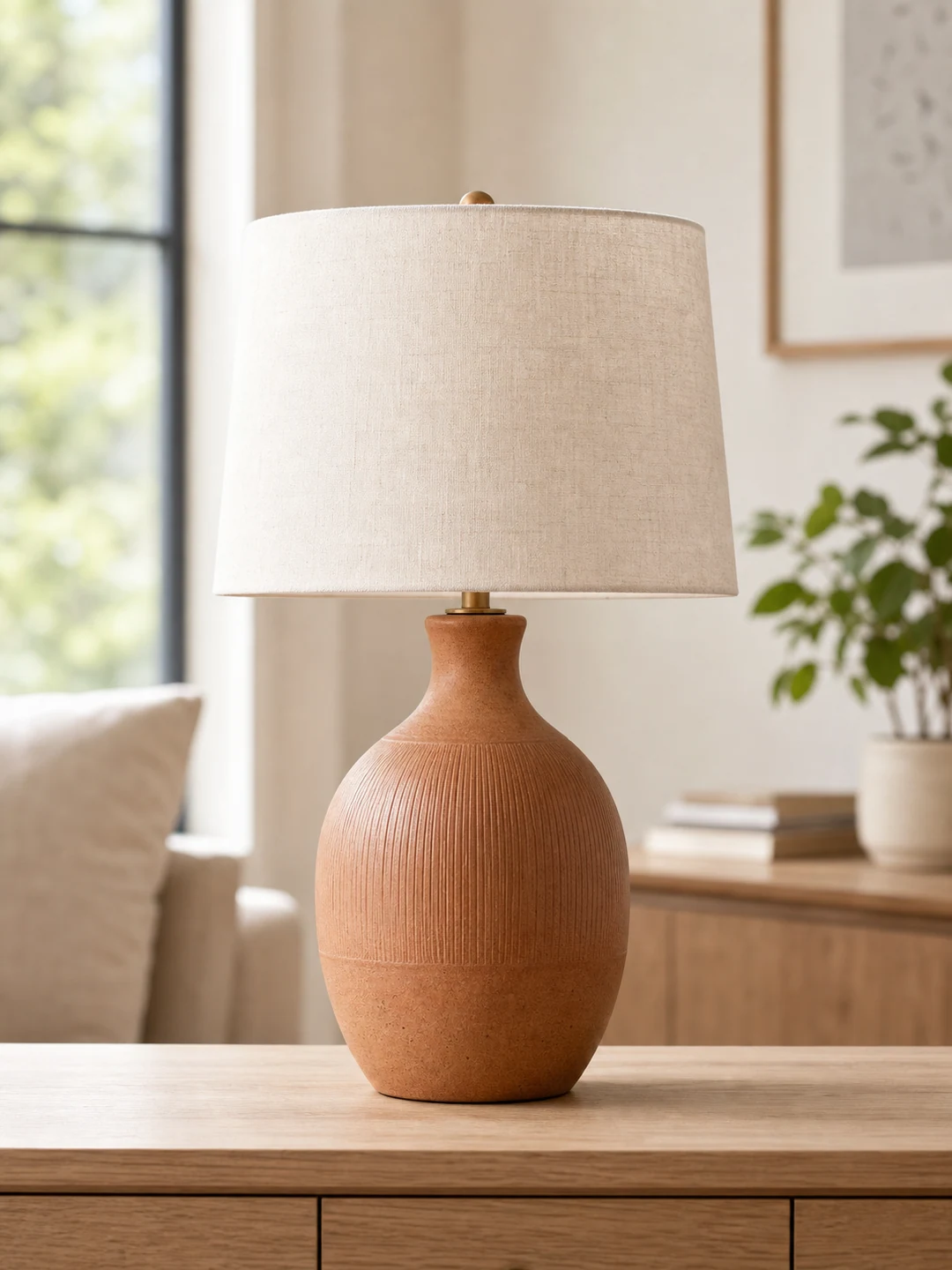
Transparent background maker hero preview
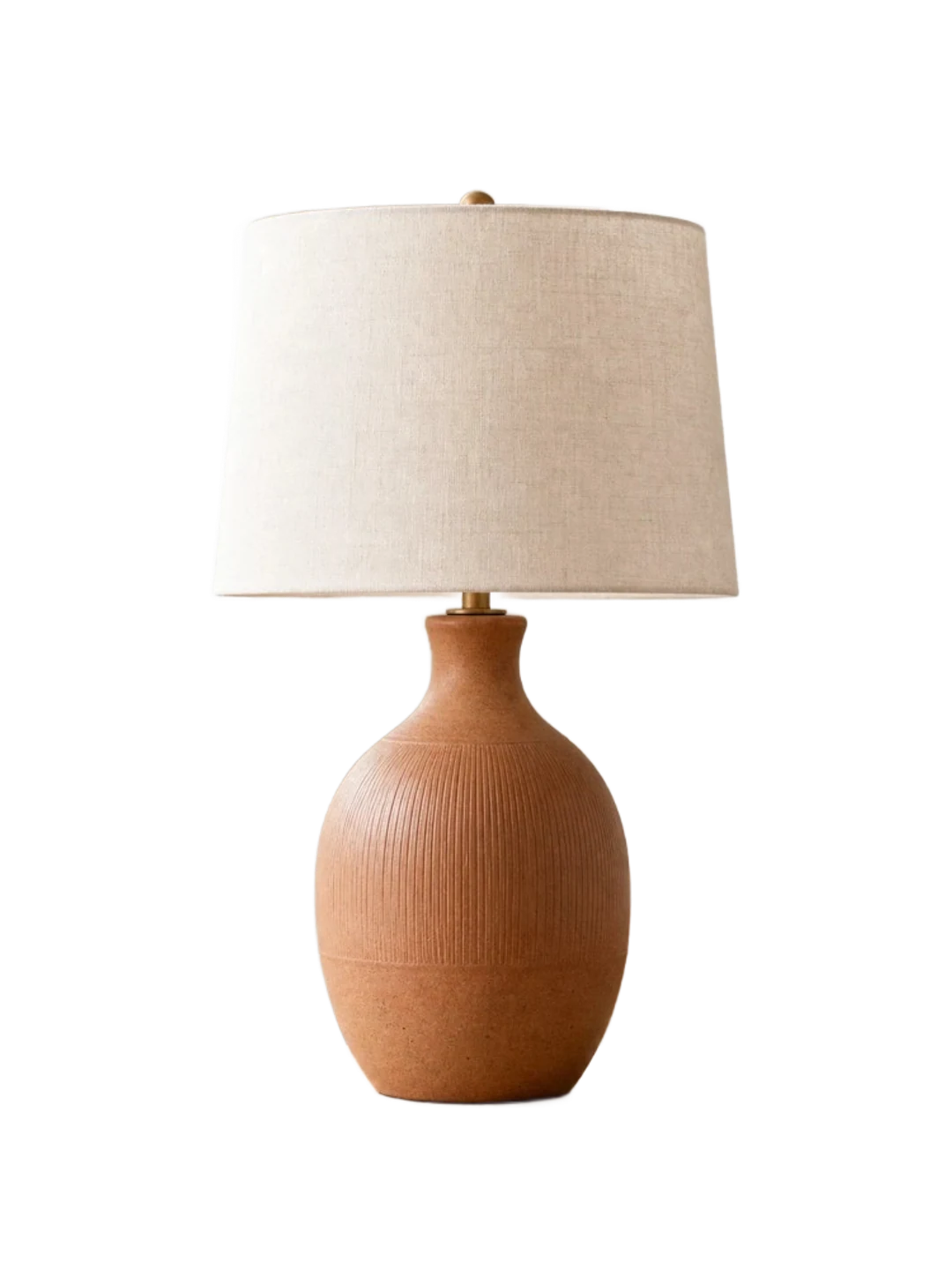
Transparent background maker hero preview after AI cleanup
BeforeAfter
批量去背景

No image yet? Try a product, portrait, pet, or vehicle sample and see how the transparent background maker removes the background and creates a transparent PNG result.

上传图片即表示你确认有权编辑该图片,并同意我们的 服务条款 隐私政策.

用一个清晰流程让图片背景透明

AISuperRemover 可将复杂背景转为透明 PNG,适合网店商品图、头像、社交图片、目录图、缩略图、广告图和设计素材。上传照片后,AI 会分离主体,你可以下载透明背景图片,也可以继续编辑。

BeforeBefore
AfterAfter
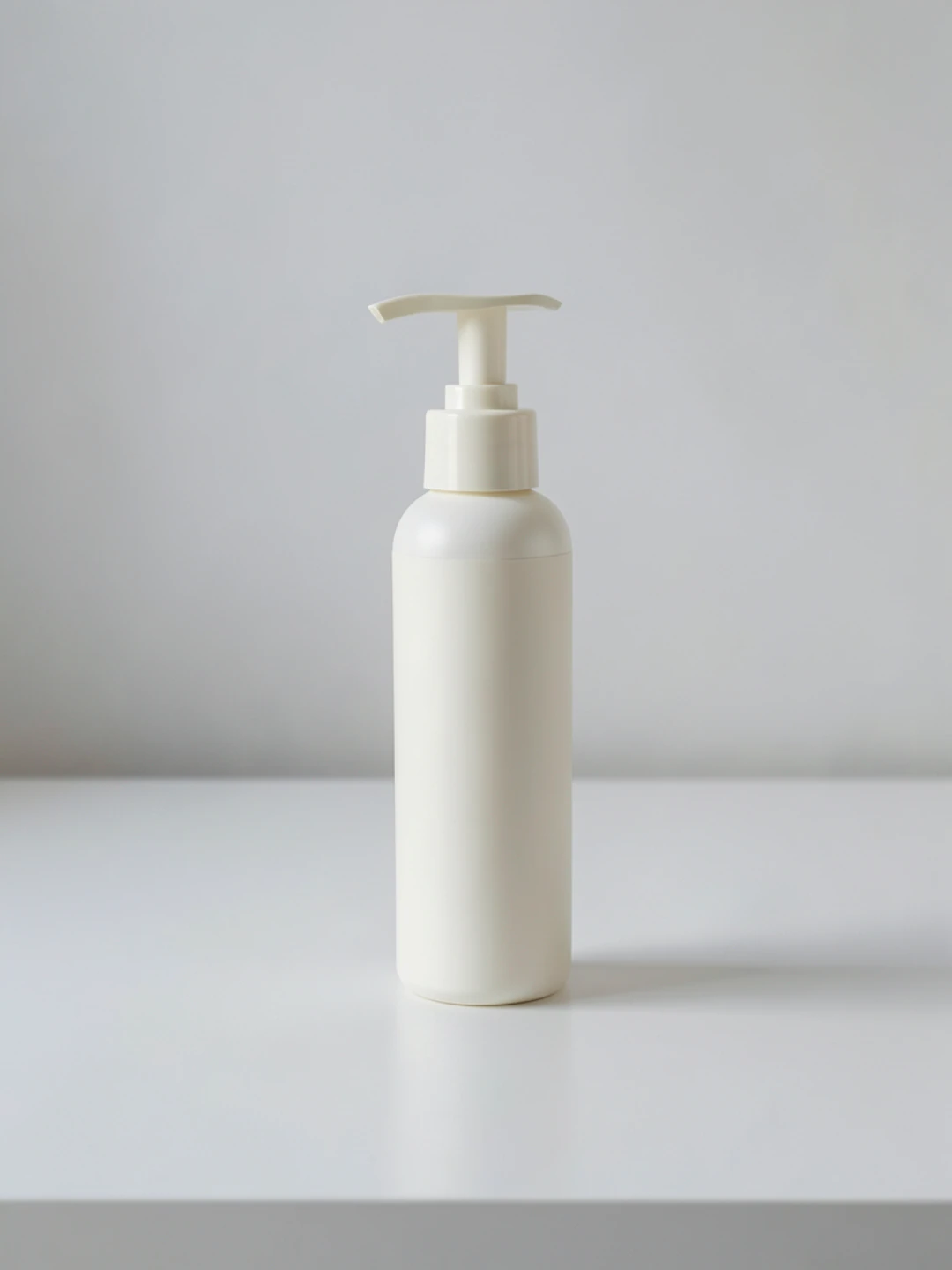
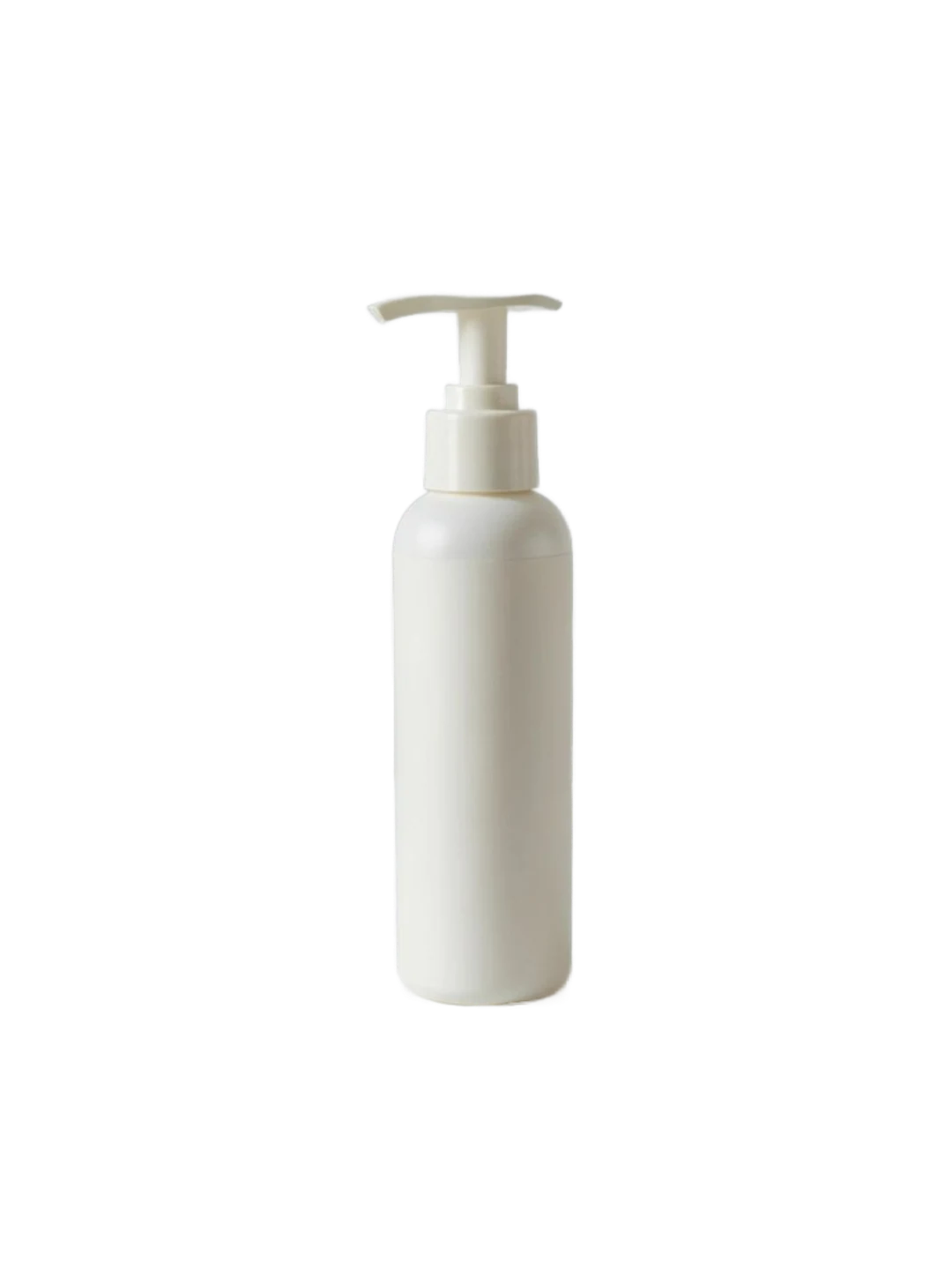
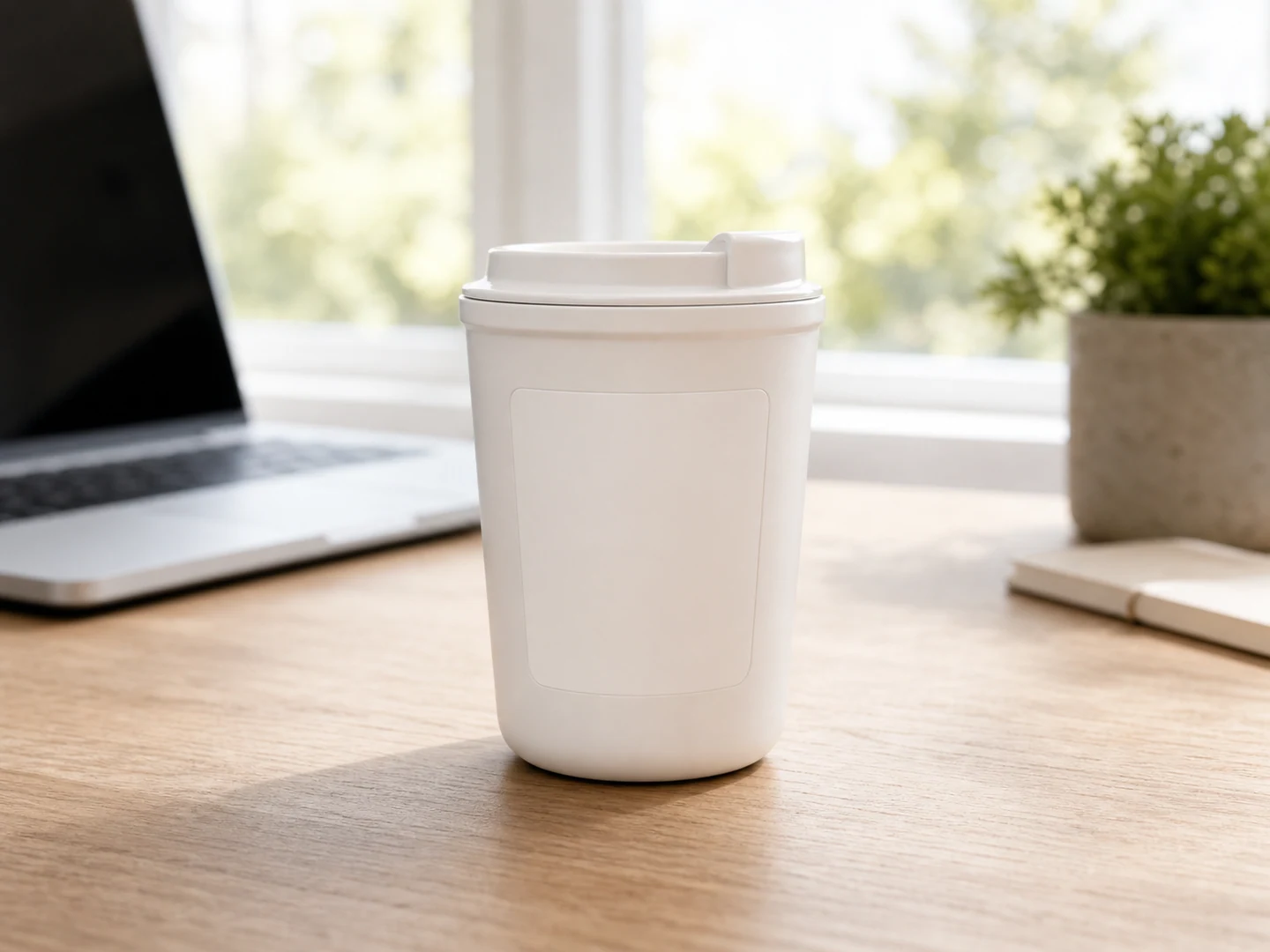
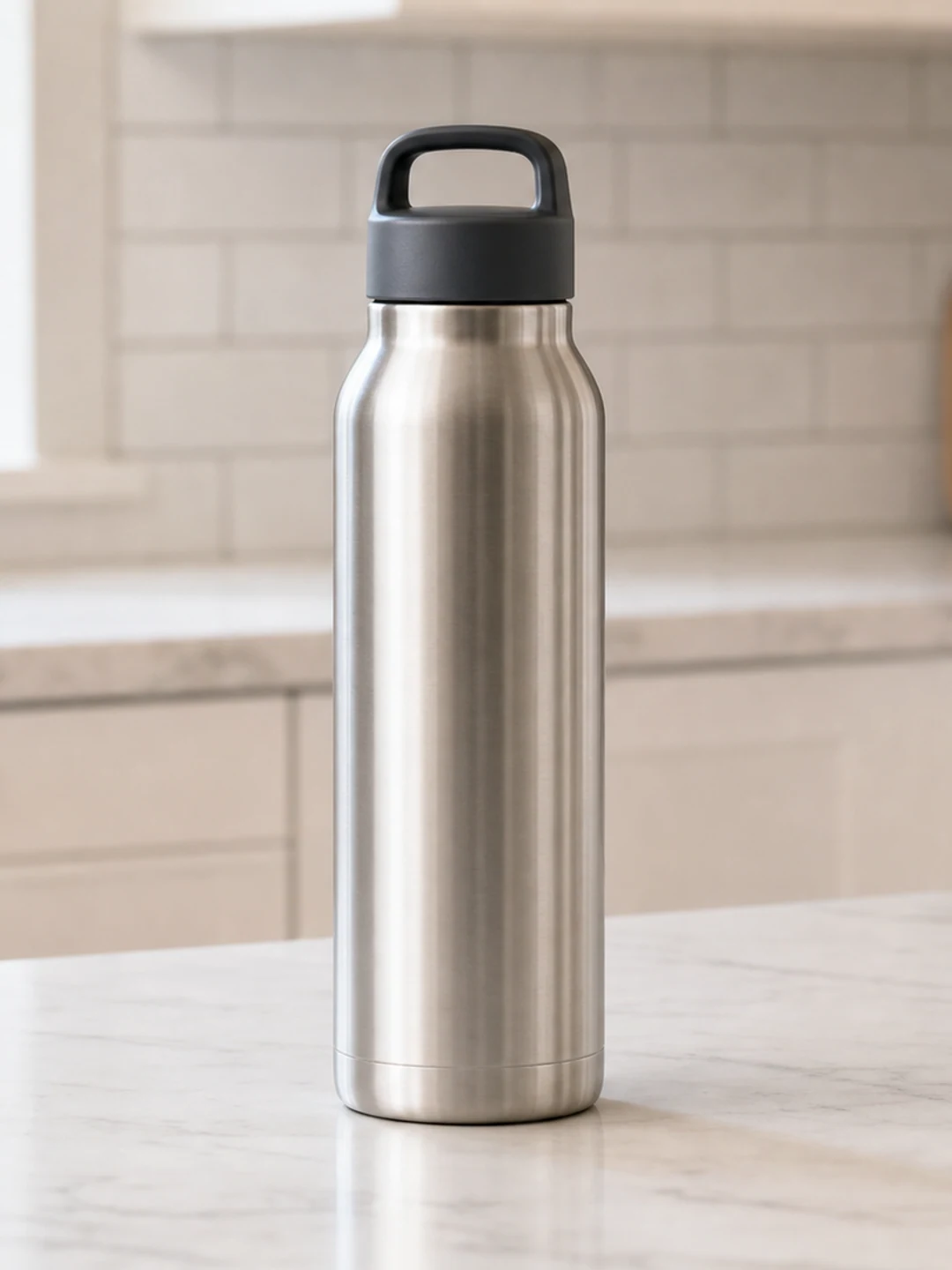
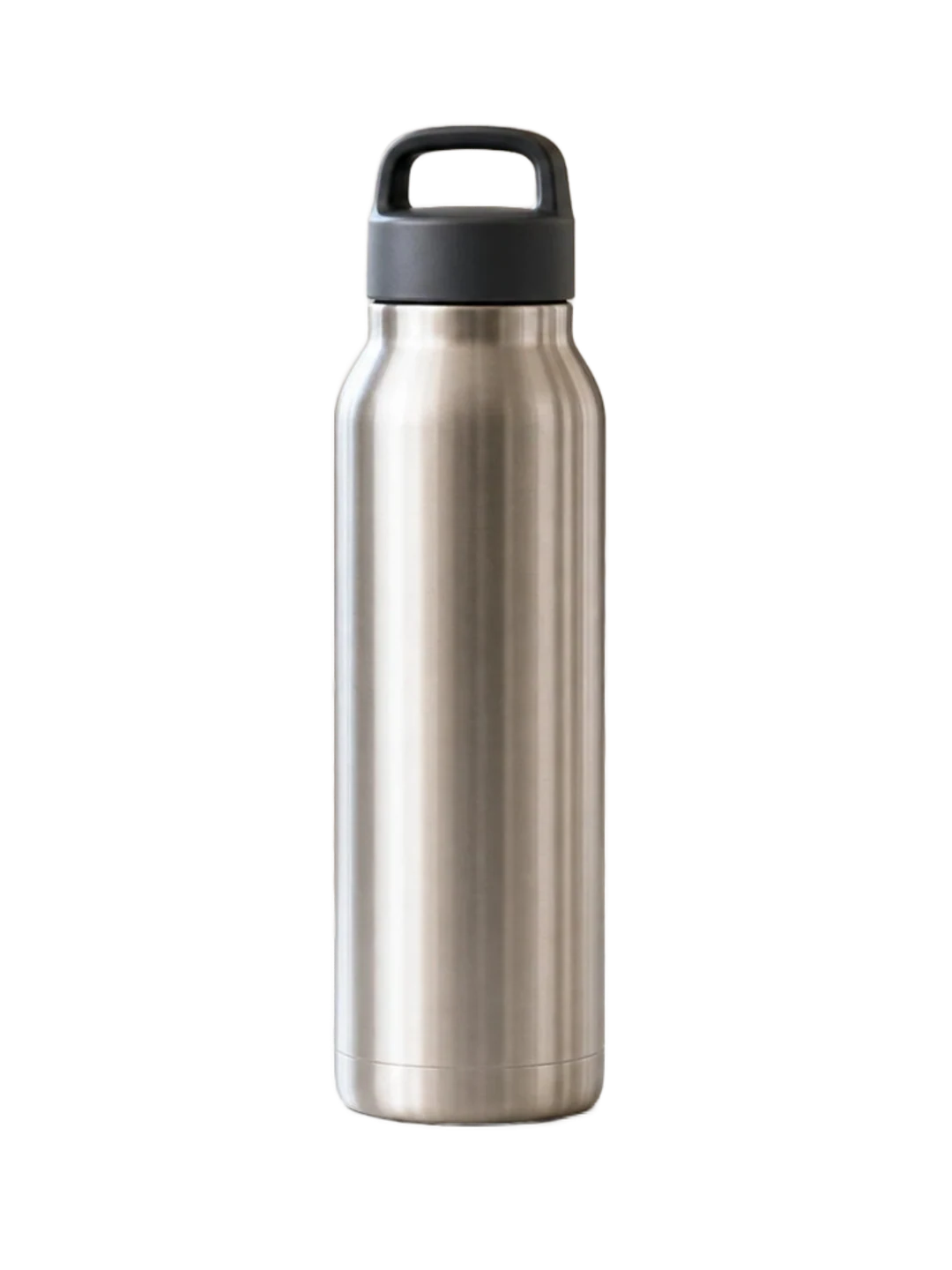
Product photo before and after transparent background maker result
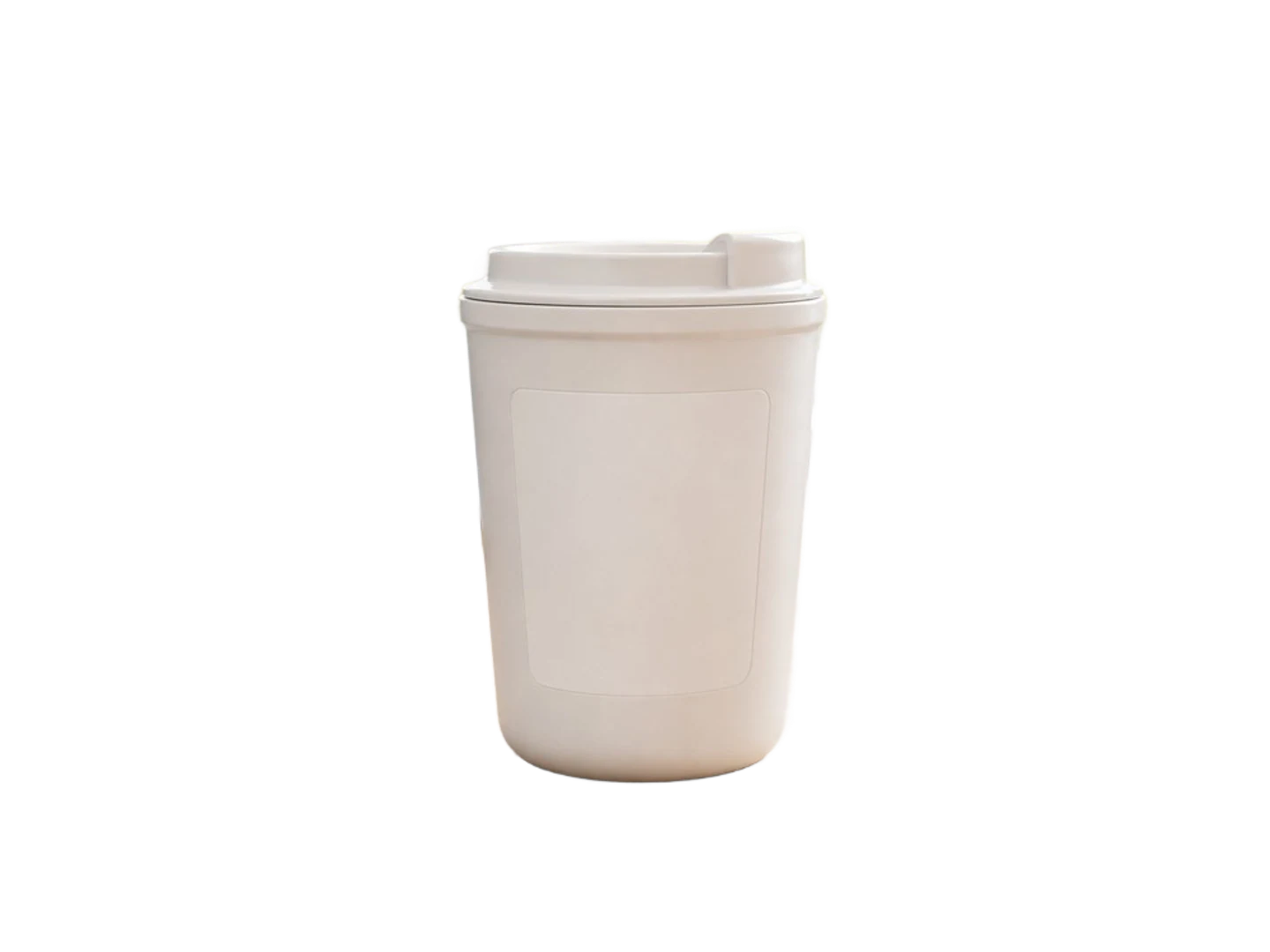
Product photo before and after transparent background maker result after AI cleanup
BeforeAfter

Product Photo Background Remover for Transparent PNGs and White Background Images

Use the AI product photo background remover to remove backgrounds from product images and create cleaner ecommerce visuals. Upload a product image, let AI detect the subject, erase messy studio or tabletop backgrounds, then download a transparent PNG, background remover PNG, or white background image for online stores, marketplaces, catalog pages, ads, and social campaigns. For broader product cleanup, open the ai background remover workflow and prepare reusable product cutouts without complicated software like Photoshop.


Portrait before and after making the background transparent
Portrait before and after making the background transparent after AI cleanup
BeforeAfter

Portrait Background Remover for Profile Pictures, Resumes, and ID Photo Edits

Use the AI portrait background remover to remove backgrounds from portraits and create clean profile pictures, resume photos, speaker bios, ID photo edits, thumbnails, and social covers. The image background remover detects the person and keeps hair, shoulders, clothing, and body edges where possible, so you can download a transparent PNG, create transparent photos for profiles, or continue to change background in a photo with a white, solid color, office-style, or branded scene that fits your resume, portfolio, profile page, or social media cover.

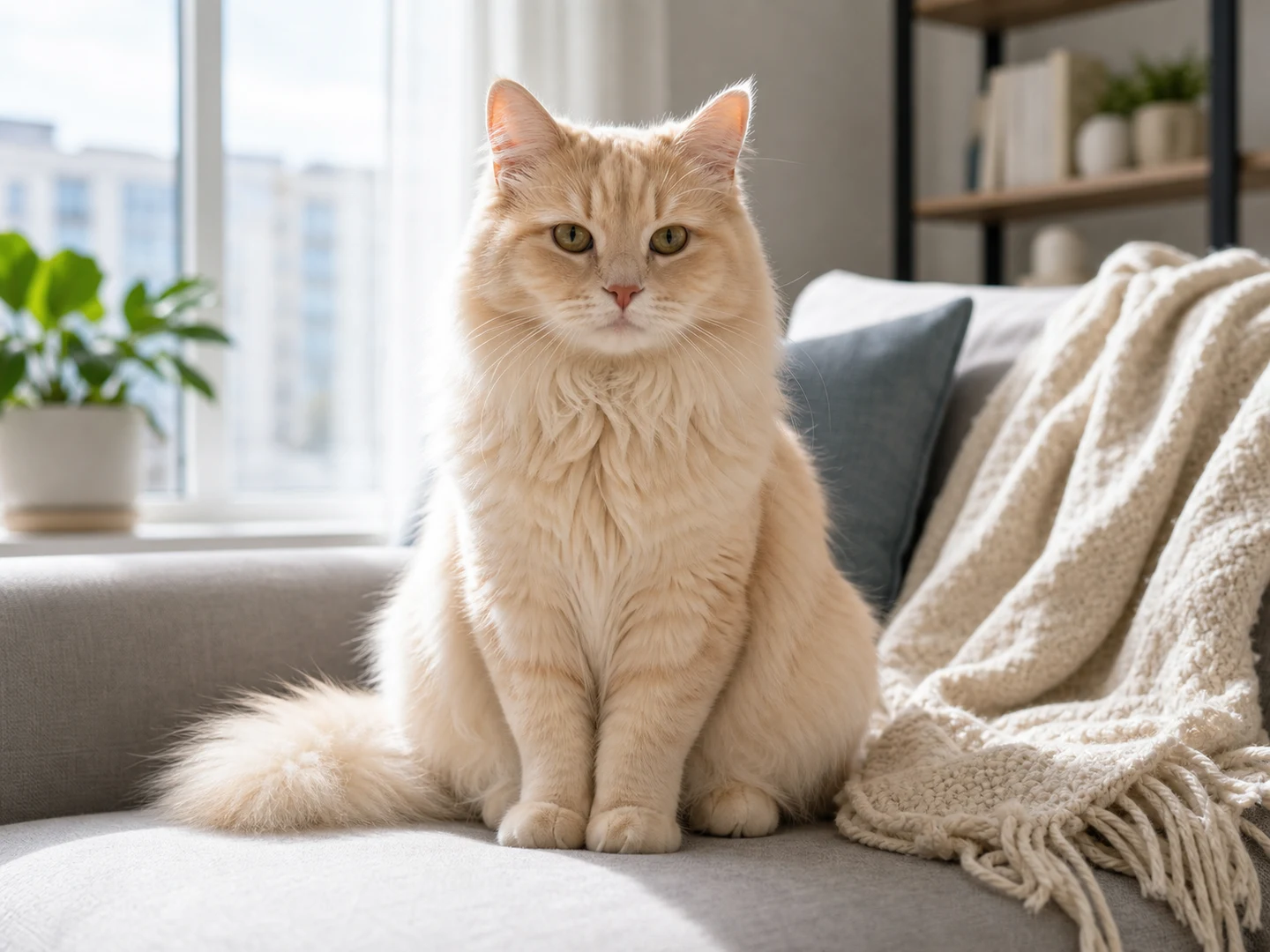
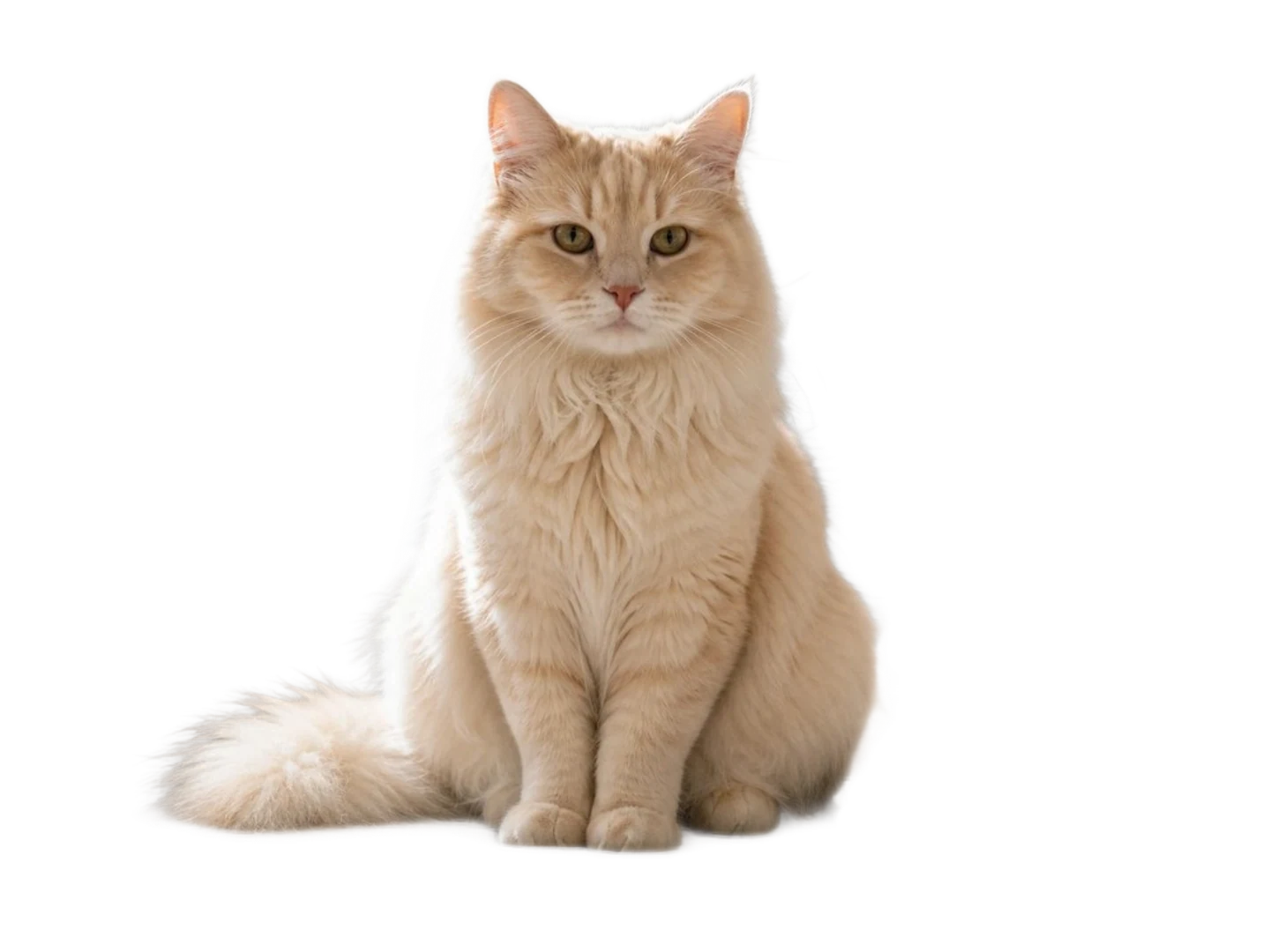
Pet photo before and after transparent PNG background removal
Pet photo before and after transparent PNG background removal after AI cleanup
BeforeAfter

Pet Photo Transparent PNG Maker for Stickers and Social Images

Create reusable transparent PNG pet assets from cat, dog, and pet photos with the transparent background maker. Remove rooms, floors, sofas, grass, bedding, toys, or home backgrounds, then use the clean pet cutout for stickers, adoption posts, keepsakes, social graphics, seasonal frames, and branded pet shop visuals. If small background leftovers remain around fur, paws, blankets, or toys, refine the image with the magic eraser so the animal stays as the focus and the transparent PNG looks cleaner in posts, shop banners, and printable layouts.

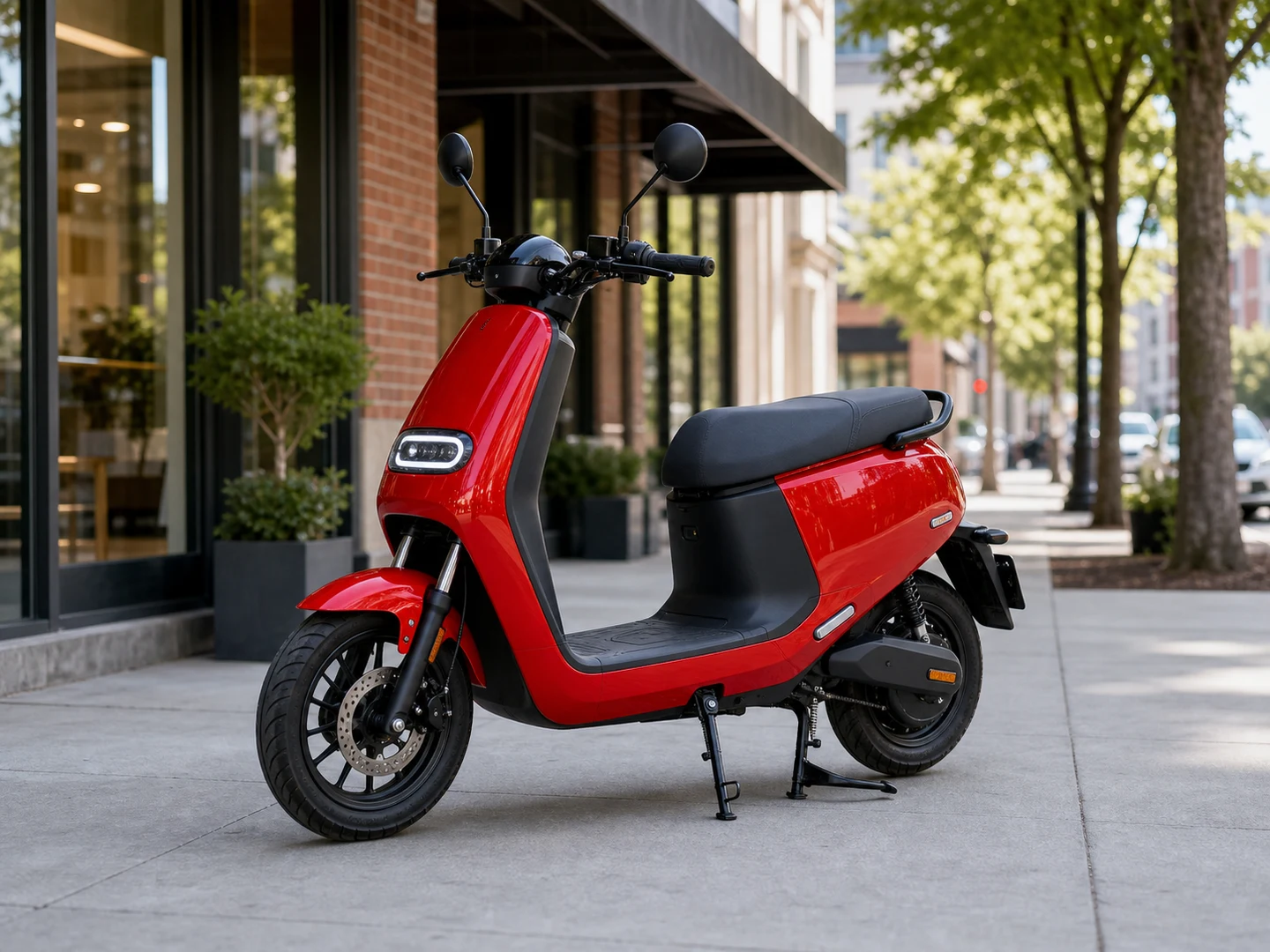
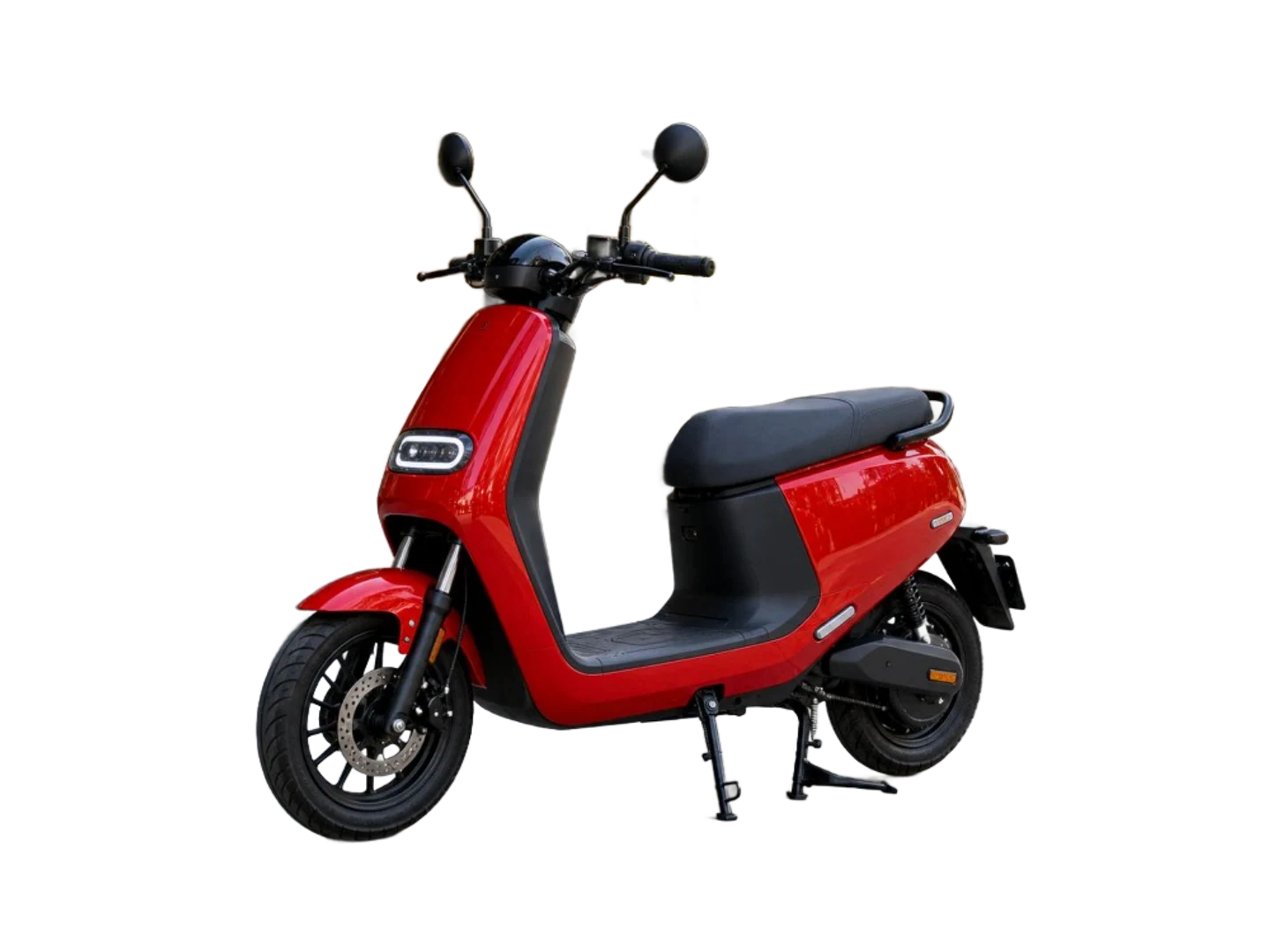
Vehicle photo before and after transparent background maker result
Vehicle photo before and after transparent background maker result after AI cleanup
BeforeAfter

Vehicle Background Remover for Listings, Ads, and Marketplace Images

Make vehicle backgrounds transparent from car, scooter, motorcycle, and large item photos. Remove streets, signs, garages, parking lots, buildings, trees, or cluttered surroundings so the vehicle shape, color, wheels, and main details stand out for dealer inventory pages, classifieds, local ads, banners, and marketplace listings. For dealership sets, inventory uploads, or repeated marketplace work, use the batch background remover to process multiple listing images faster, then export transparent PNG files or edit each photo background for a cleaner sales image.

为真实图片工作流导出透明 PNG

同一套去背景流程可用于电商、人像、社交媒体、设计素材和可复用透明图片。
BeforeBefore
AfterAfter

Make white backgrounds transparent

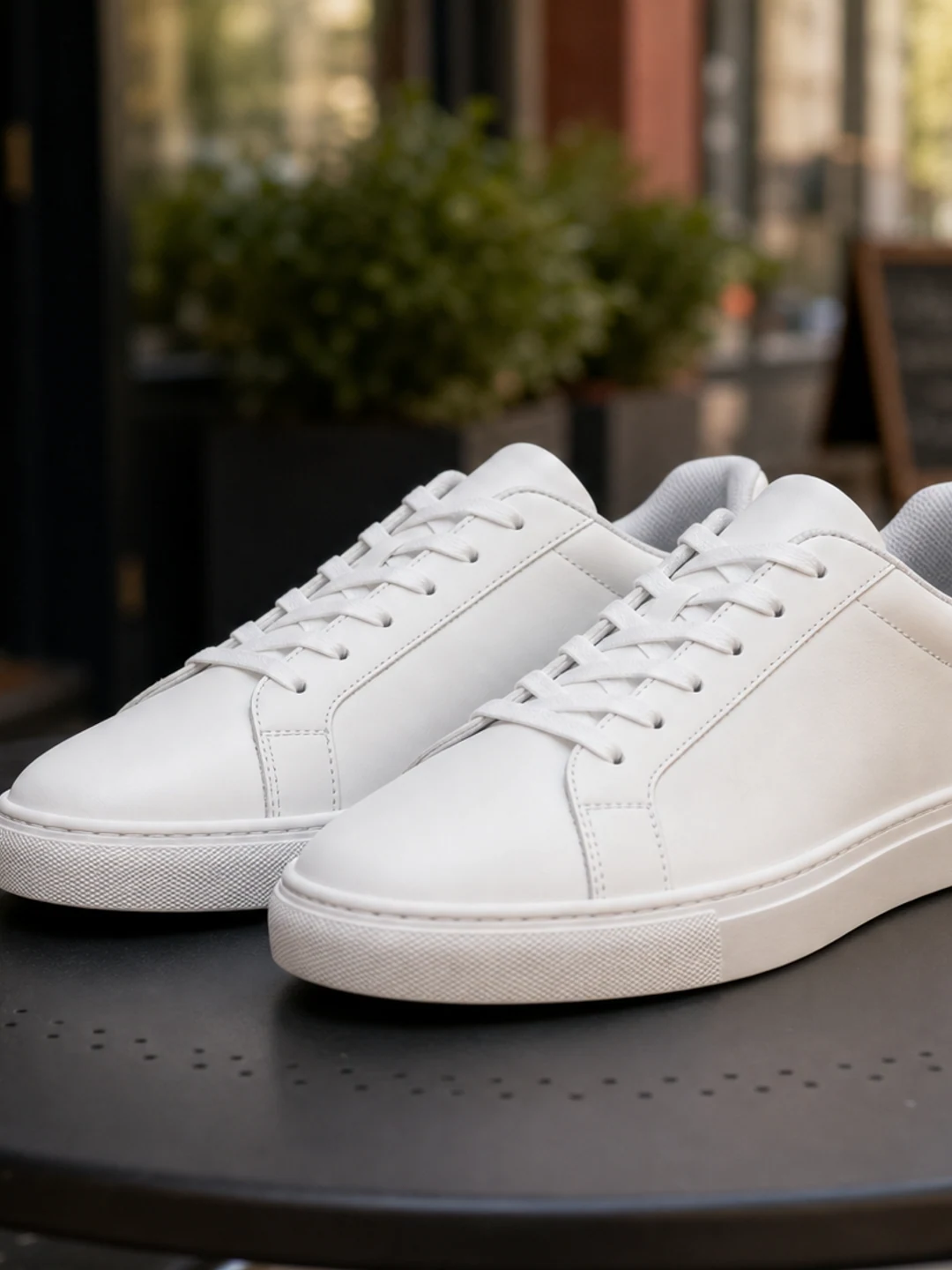
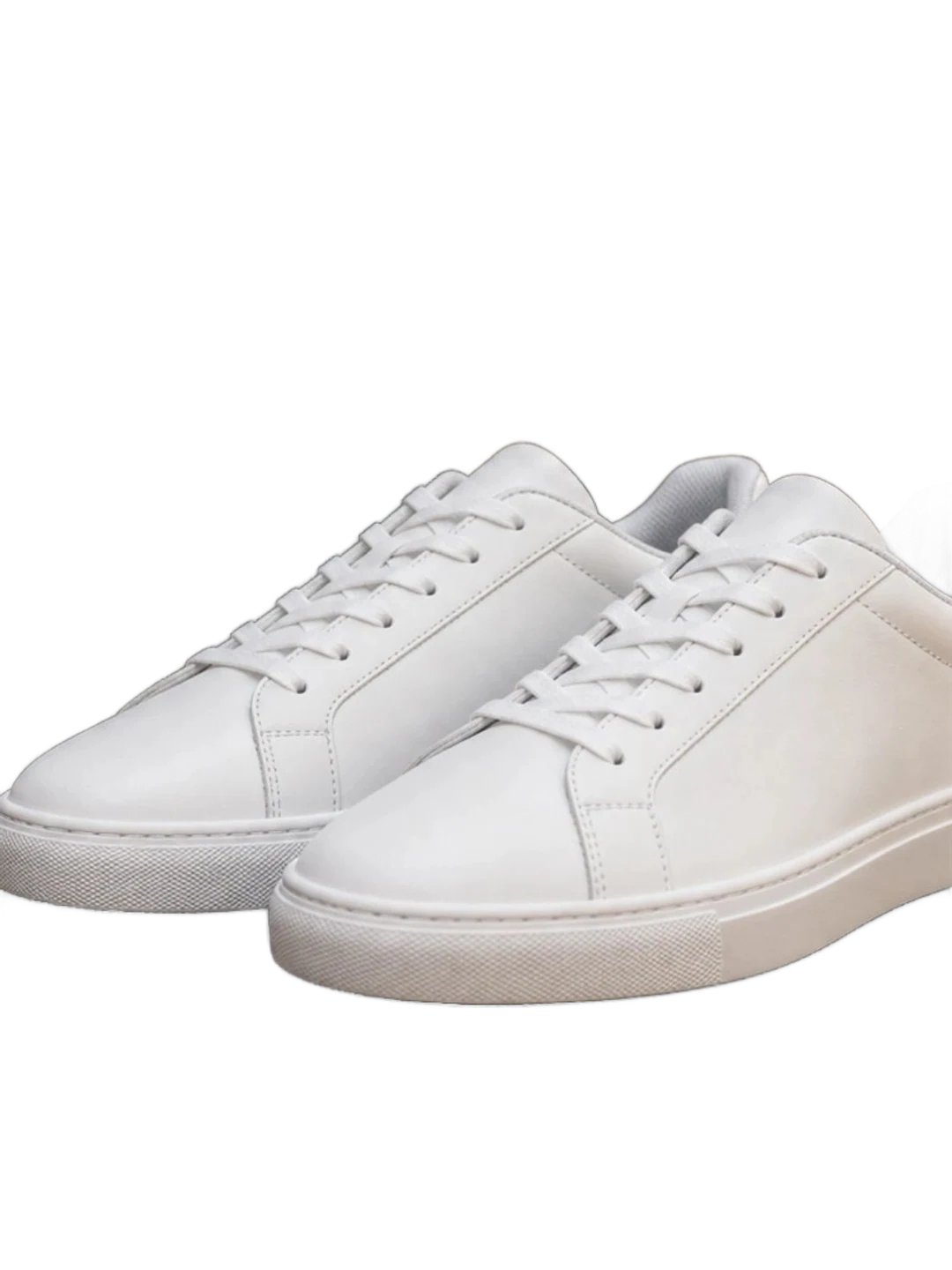
Remove white, light gray, tabletop, studio, and simple ecommerce backgrounds so product photos become clean transparent PNG cutouts. This is useful when you need to make a white background transparent, reuse a catalog image, or create a background remover PNG for a marketplace listing.

BeforeBefore
AfterAfter

Keep portrait edges and product outlines clean

Create transparent-background results that preserve hair, fabric, product curves, shoes, bottles, wheels, and other details users notice first. AI background removal helps isolate the subject while keeping the transparent photo natural enough for profiles, thumbnails, ads, and product pages.

BeforeBefore
AfterAfter

Download a PNG or keep editing

Export the result as a transparent PNG, switch to a white background, replace the scene, crop, add text, or clean small areas in the editor. You can remove the background first, then edit the photo background to match your brand, post, listing, or design layout.

BeforeBefore
AfterAfter

Create transparent graphics for listings and ads

Turn product, decor, craft, and marketplace photos into transparent PNG graphics you can place into ads, banners, listings, thumbnails, and design layouts. The image background remover keeps the subject separate from the original photo background so creators and sellers can publish faster.

如何在线制作透明背景

上传图片,让 AI 移除背景,然后下载透明 PNG。该流程支持常见图片格式,并可在浏览器中完成。
1

Upload an image

Choose a product photo, portrait, pet image, vehicle listing, logo-style graphic, or social visual in JPG, PNG, WebP, or BMP format. Clear lighting and a visible subject help the background remover create a better transparent background.

2

Remove the background

AI detects the main subject, removes the surrounding background, and previews the result on a transparent checkerboard. No complicated Photoshop workflow is required for a clean transparent photo or background remover PNG result.

3

Download or continue editing

Download a transparent PNG, change the background color, replace the scene, or continue refining the image in the editor. You can edit the photo background for ecommerce images, social media posts, profile photos, ads, and design assets.

FAQ

透明背景制作器常见问题

了解如何让图片背景透明、生成 PNG 抠图、移除白底,以及如何负责任地使用 AI 去背景。
How do I make an image background transparent?

Upload an image, let AI detect the subject, remove the background, and download the result as a transparent PNG. You can also keep editing with background replacement, crop, text, cleanup tools, or a new photo background that fits your use case.

Can I remove a white background from a logo or product photo?

Yes. The transparent background maker can remove white, light gray, studio, tabletop, office, and outdoor backgrounds when the subject is clear enough. It is useful for making white backgrounds transparent, creating product cutouts, and preparing transparent PNG assets.

What file formats can I upload?

The page accepts common image formats such as JPG, PNG, WebP, and BMP, with the same upload limits used by the image editor. Upload a clear image and the AI image background remover will create a transparent background preview before export.

Will the output be a transparent PNG?

The workflow is designed for transparent-background PNG exports. You can download a high-quality transparent PNG, use the background remover PNG result in design tools, or switch to a white, solid color, or replacement background before downloading.

Can I use this for ecommerce photos?

Yes. Ecommerce sellers can use the product photo background remover for product pages, marketplaces, SKU libraries, ads, catalogs, and social commerce visuals that need consistent transparent backgrounds, white backgrounds, or clean PNG product cutouts.

Can I edit the photo background after removing it?

Yes. After AI removes the background, you can keep editing the photo background in the editor. Switch to a white background, add a solid color, replace the scene, crop the image, add text, or clean small areas before downloading the final transparent PNG or edited image.

How do I get a cleaner transparent PNG cutout?

Start with a clear photo where the subject is in focus and separated from the background. Good lighting, visible edges, and enough image resolution help the transparent background maker preserve hair, product outlines, fabric, wheels, bottles, shoes, and other details in the PNG cutout.

Can I make a white background image instead of transparent?

Yes. You can remove the original background first, then export a transparent PNG or place the subject on a clean white background. This is useful for product photos, marketplace listings, profile images, catalog assets, and social media posts that need a consistent background.

Can I remove backgrounds from multiple images?

For multiple product photos or repeated ecommerce work, use the batch background remover option. It helps remove backgrounds from several images, create transparent PNG assets, and prepare consistent product visuals faster than editing each photo manually.

What should I avoid uploading?

Only upload images you own or have permission to edit. Do not use background removal to misrepresent identities, bypass licensing rules, or create misleading product or profile images.

透明背景制作器 - 在线让图片背景透明