Use Magic Eraser to remove objects, people, text, stickers, logos, watermarks, marks, and background distractions from photos.
Brush over the distraction, let AI repair the area, and keep the photo's original feel.
No image yet? Try a food, street, product, or portrait cleanup sample.
PNG, JPG, JPEG, WEBP, BMP, <= 20MB
Free TrialNo Sign-UpNo WatermarkHD Download
Free AI Magic Eraser Online
Use Magic Eraser to remove objects, people, text, stickers, logos, watermarks, marks, and background distractions from photos.
Brush over the distraction, let AI repair the area, and keep the photo's original feel.
Brush-based AI photo cleanup
Remove distractions without cropping, reshooting, or rebuilding the image
One small detail can make a useful photo feel unfinished: a tourist behind your subject, product label, timestamp, sticker, crumbs, or wall mark. Magic Eraser fixes those distractions directly in the browser. Upload your photo, brush over what you want removed, and AI rebuilds the area with nearby texture, color, lighting, and background context. Use it as an online Magic Eraser, object remover, people remover, text remover, sticker remover, logo cleanup tool, watermark remover for images you own, product photo cleaner, portrait retouch helper, real estate image cleaner, and social media image editor.
BeforeAfter
01
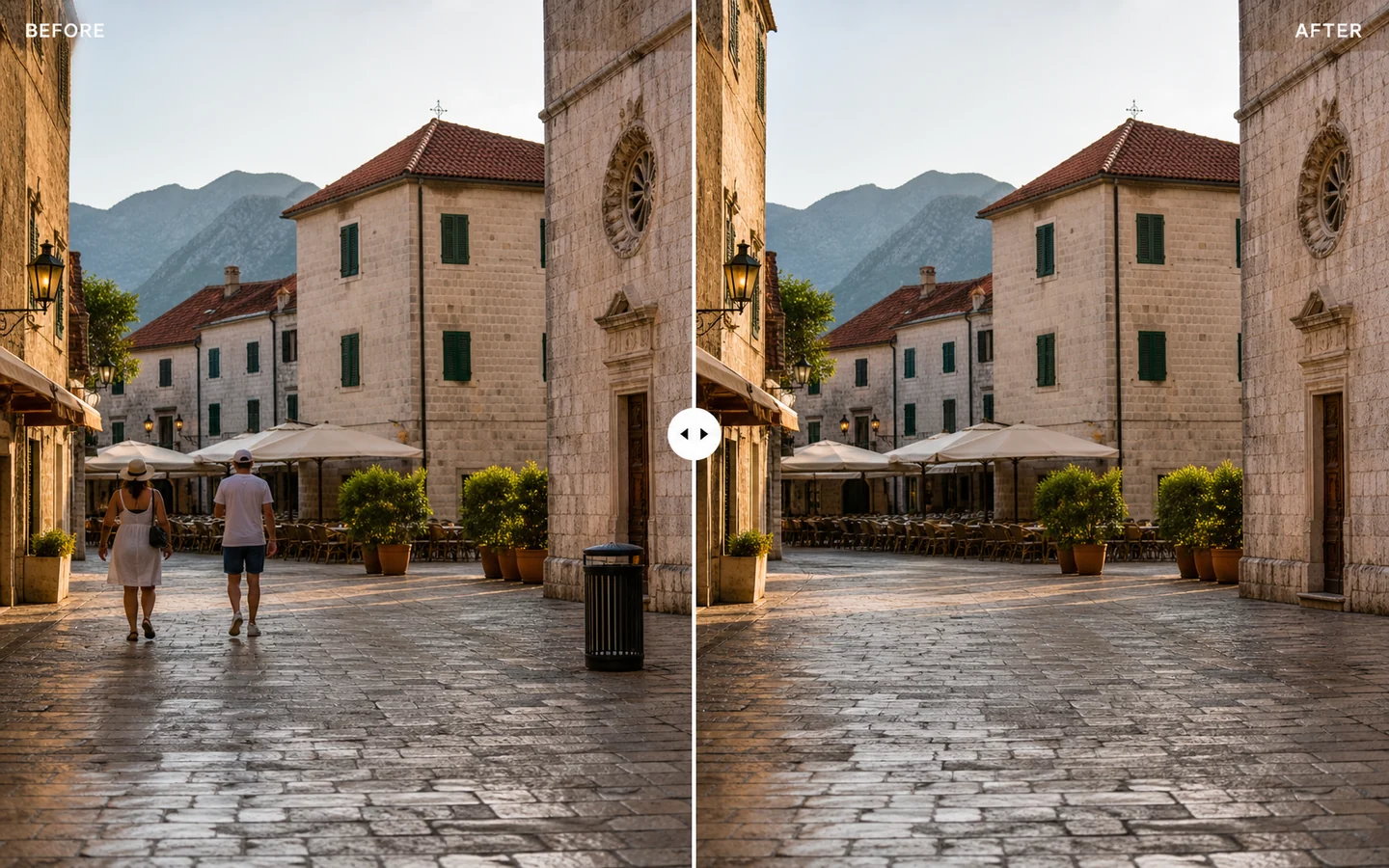
Remove people from photos without cropping
You frame the perfect travel shot, then notice a stranger, tourist, pedestrian, or background person stealing attention from the scene. Cropping can cut off the skyline, landmark, room layout, or street view you wanted to keep. Magic Eraser gives you a cleaner fix, and the people remover workflow is a helpful next step when a photo has multiple background people to clean. Brush over the person you want removed, and AI helps rebuild the area using nearby textures like pavement, walls, trees, sand, water, or sky. The photo keeps its original composition, just without the unwanted distraction.
BeforeAfter
02
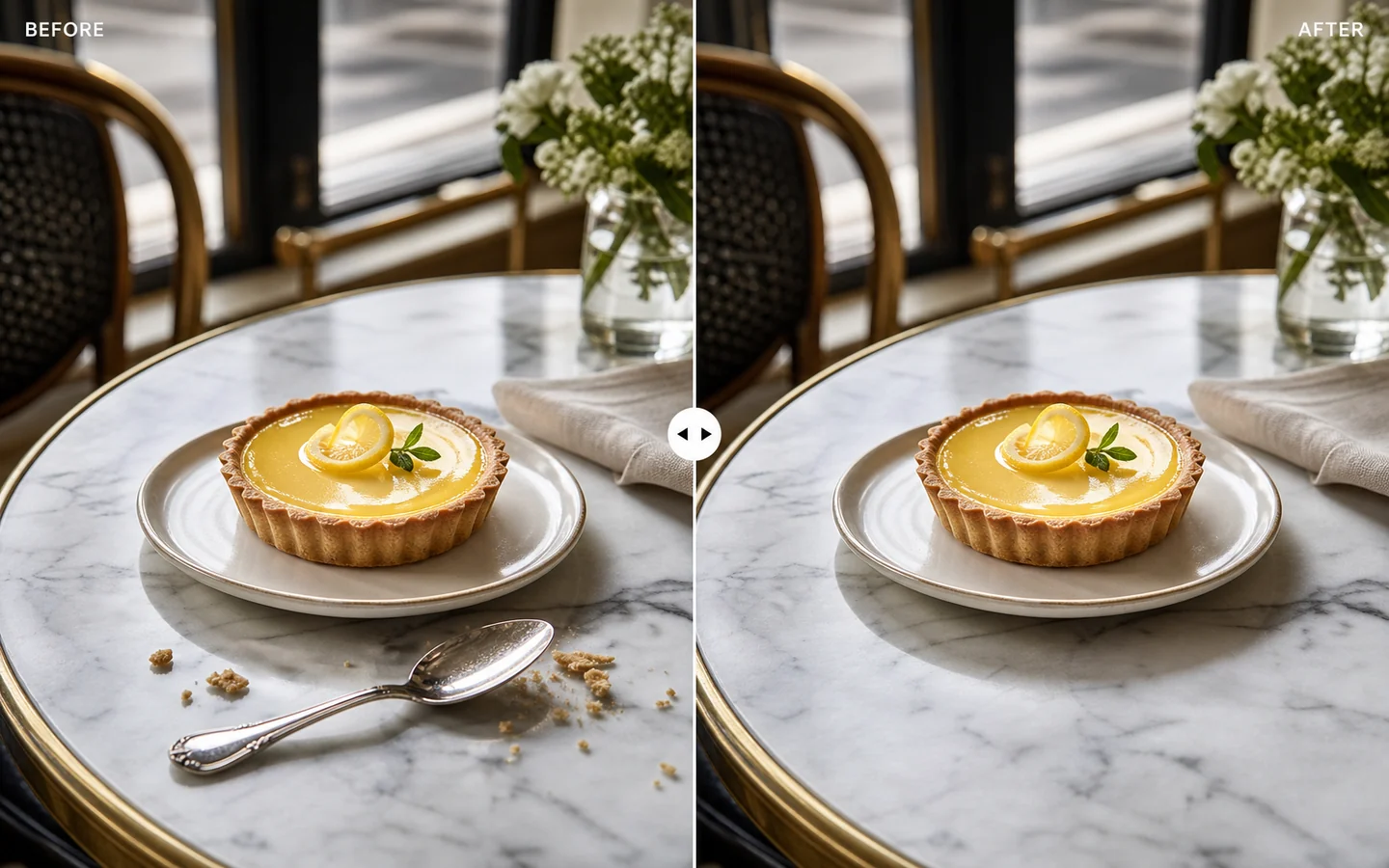
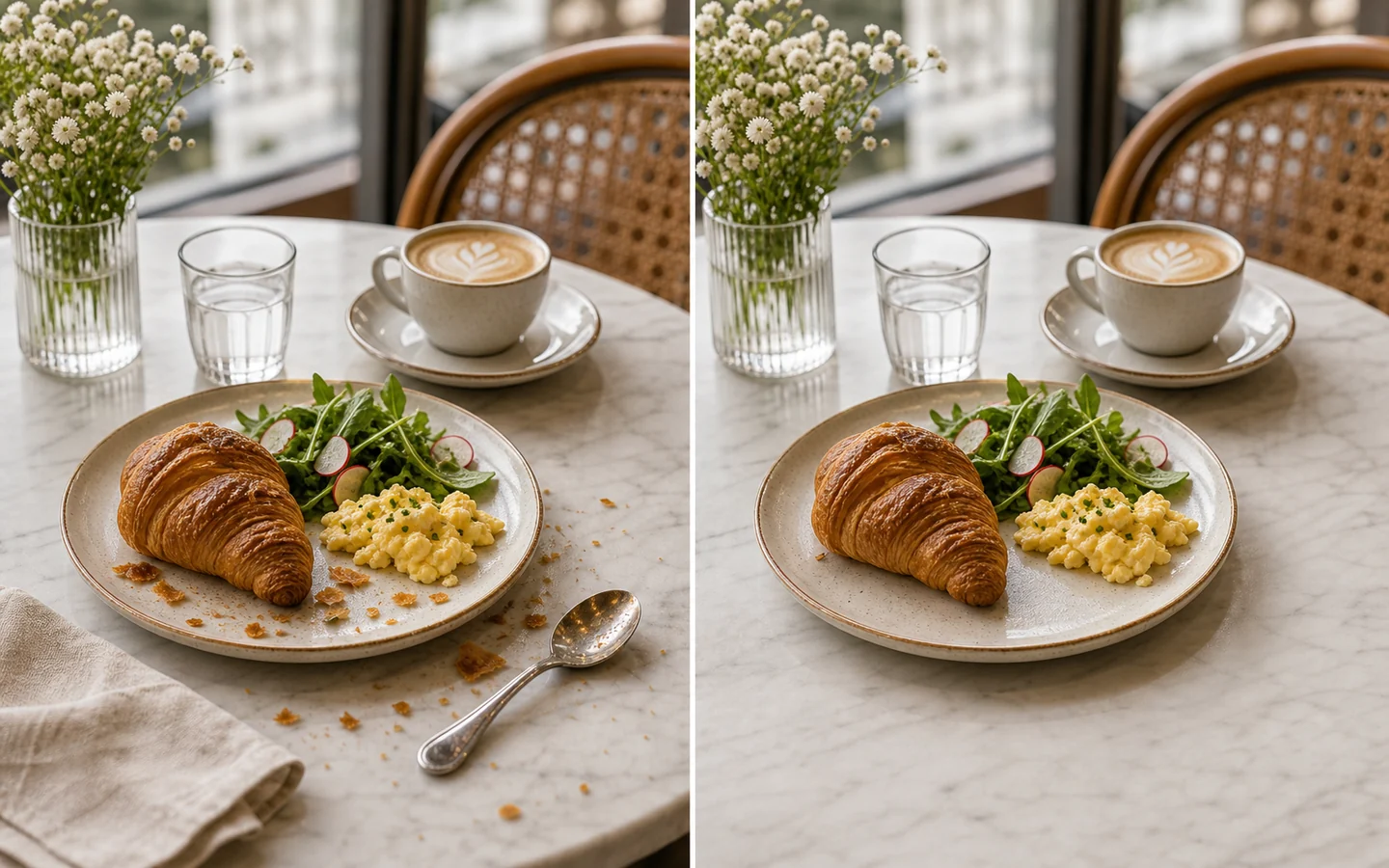
Clean food photos before publishing
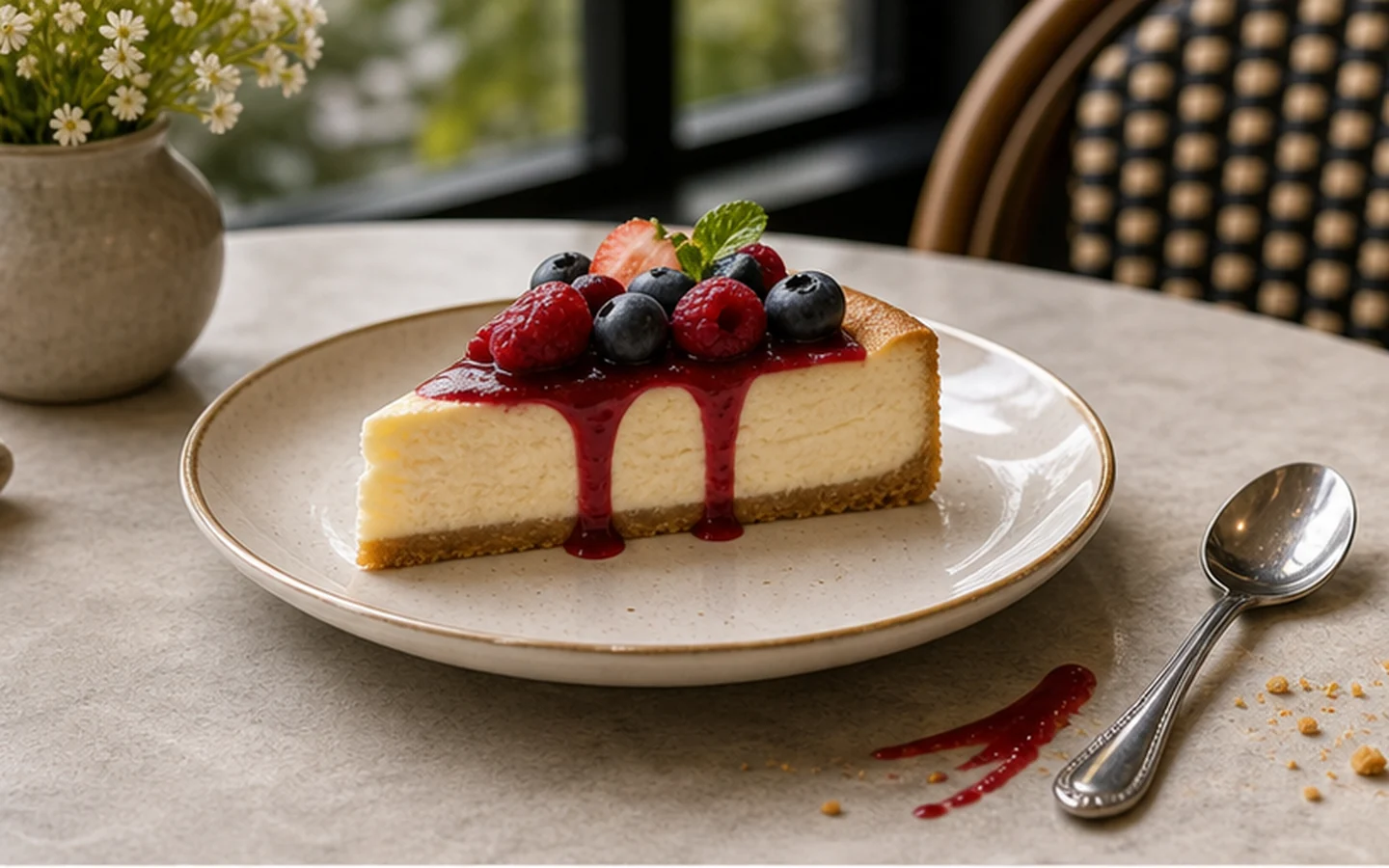
The dish looks good, but the table tells another story: crumbs near the plate, a spoon in the corner, a stain on the surface, a napkin edge, a hand, packaging, or background clutter pulling focus away from the food. Reshooting means resetting the table, the light, and the angle. With Magic Eraser, you can brush over the messy details and let AI blend the area back into the surrounding table, plate, counter, or background. If the full food shot also needs a clean cutout, use the background remover after cleaning small distractions, then prepare cleaner restaurant menu images, food delivery photos, bakery shots, dessert visuals, campaign graphics, and social posts.
BeforeAfter
03
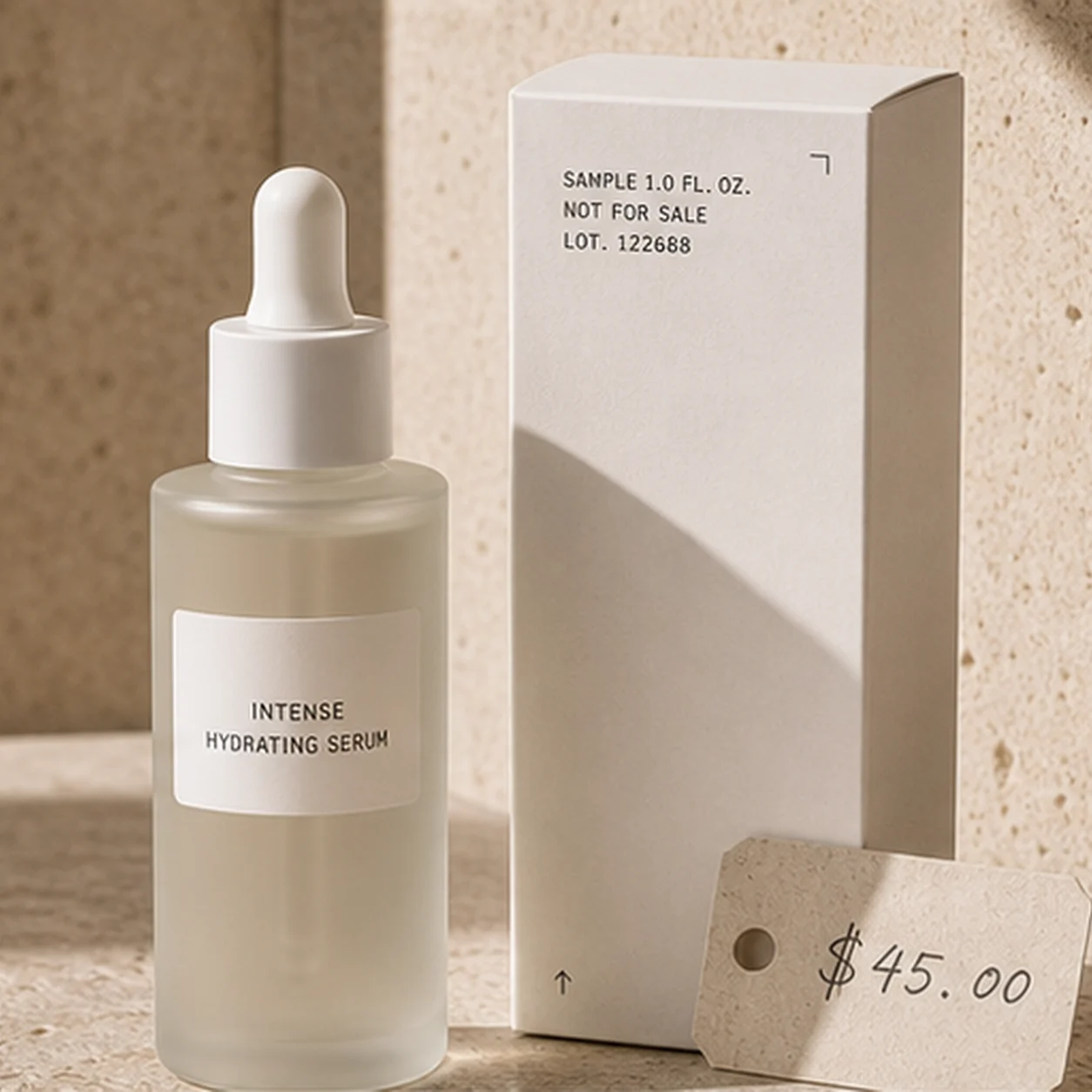
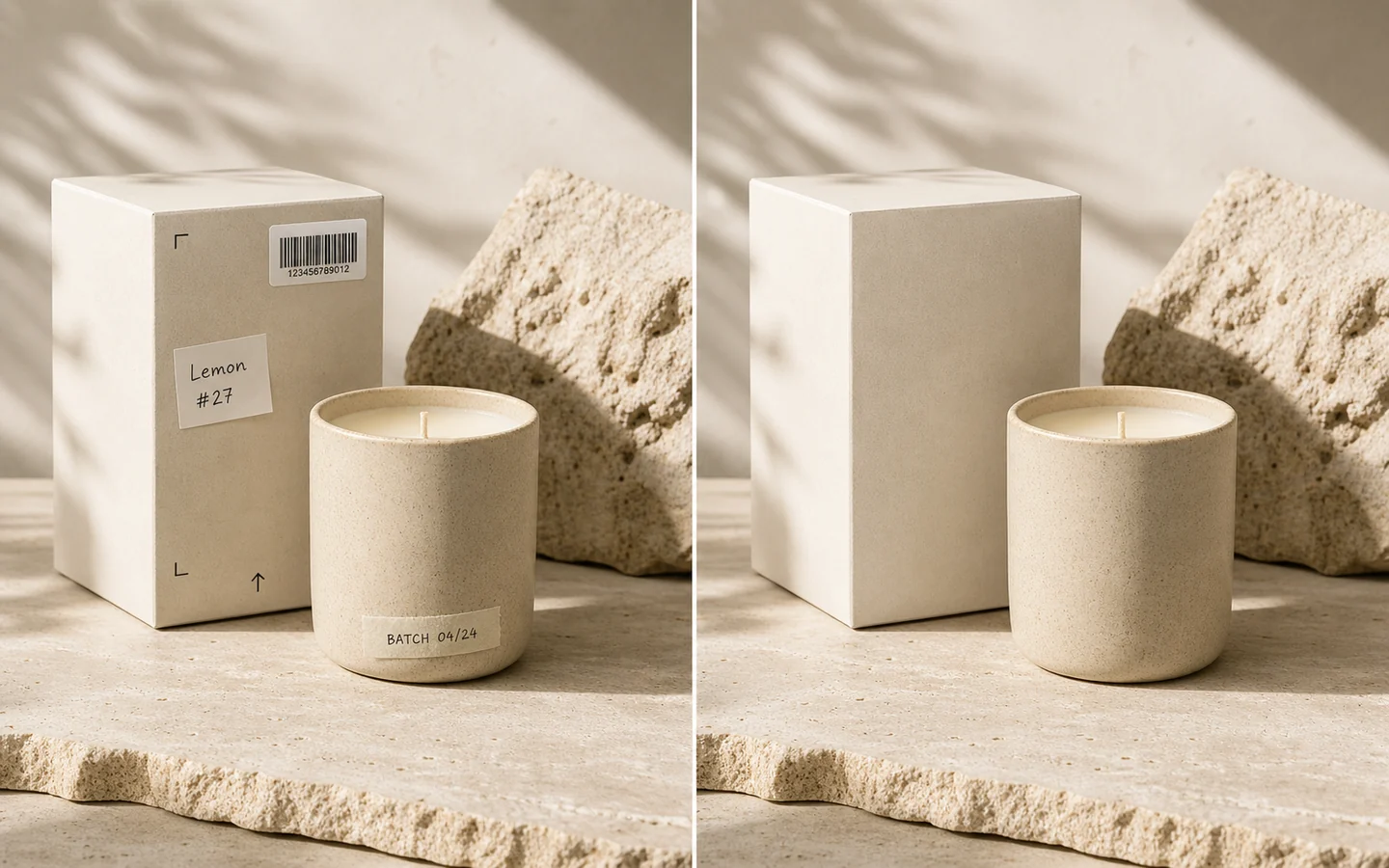
Remove text, labels, date stamps, and small logos
A product photo may be almost ready, except for a temporary label, date stamp, price sticker, old caption, QR code, layout mark, or small logo you no longer want in the image. Rebuilding the image by hand can take longer than the edit is worth. Brush over the text or label with Magic Eraser, and AI helps reconstruct the background from nearby color and texture. For overlay marks on images you own, use the watermark remover before adding your own updated copy, catalog details, ad creative, landing page visuals, or marketplace brand elements.
BeforeAfter
04
Remove stickers and emoji from saved photos
You find a good portrait or social image, but it has a sticker, emoji, reaction label, face cover, or old overlay blocking part of the photo. The original shot is useful, but the extra graphic makes it hard to reuse for an avatar, resume, creator profile, social banner, or thumbnail layout. Brush over the sticker or emoji, and Magic Eraser helps restore a cleaner version of the area around the face, clothes, wall, or background. For avatar and thumbnail exports, pair the cleaned portrait with the transparent background maker when you also need a reusable cutout without starting from scratch.
BeforeAfter
05
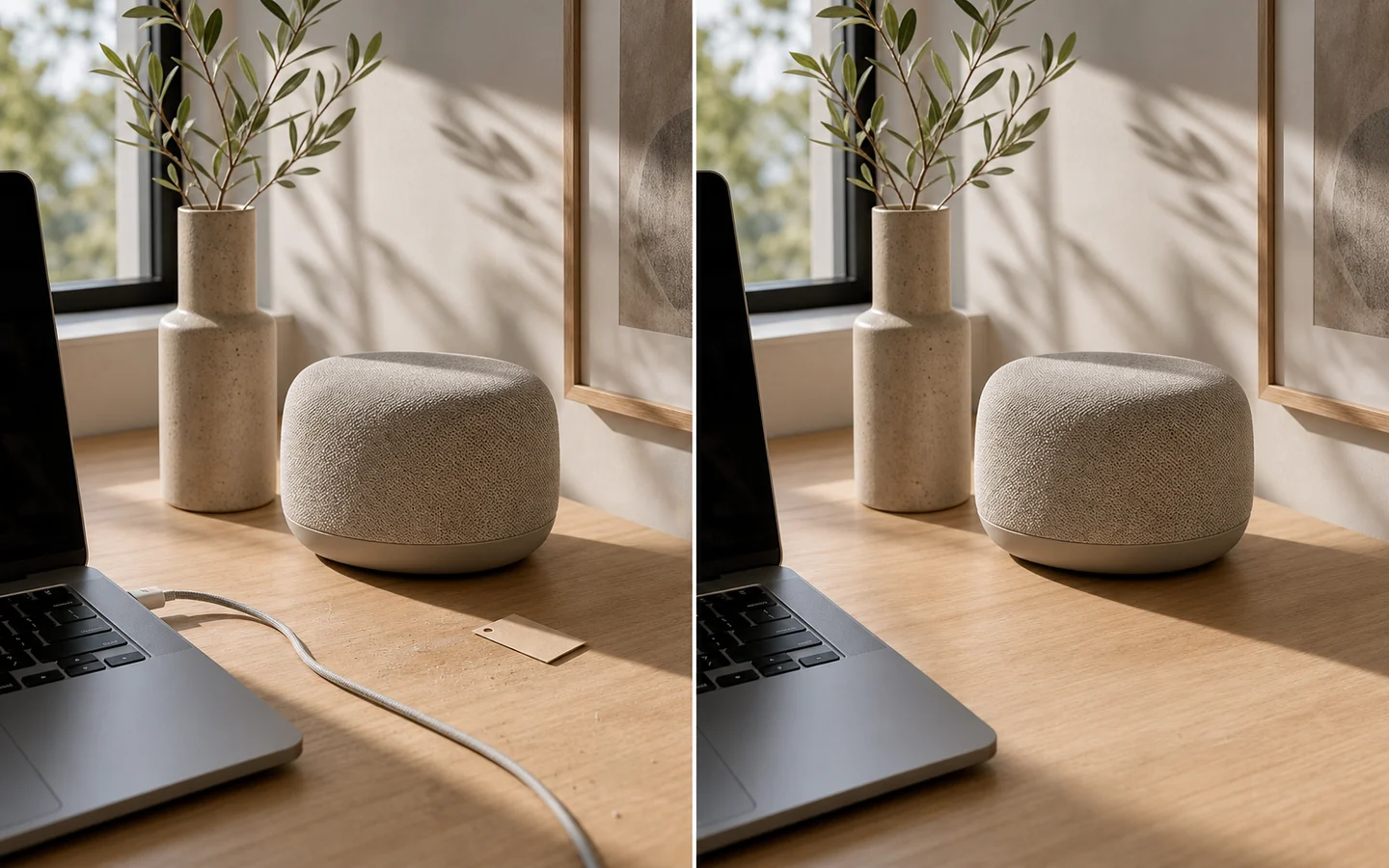
Reduce product scene distractions
Your product is ready to list, but the scene around it is not: dust on the surface, a cable behind the item, harsh reflection spots, packaging flaws, wall marks, props, table clutter, scratches, or shadows that make the image feel less professional. Cropping may cut off the product, and a full reshoot slows down the listing process. Magic Eraser lets you clean the surrounding details while keeping the product, angle, and frame intact. When the cleaned product needs a new setting, use change background to prepare Amazon gallery images, Shopify hero images, Etsy listings, TikTok Shop assets, ad creatives, and marketplace visuals.
How to use Magic Eraser
Remove unwanted objects from photos online in three simple steps
01
Upload a photo or choose a sample
Start with a product photo, portrait, food image, travel shot, real estate photo, ecommerce listing image, thumbnail, ad creative, or social post. Magic Eraser works online, so you do not need a separate app or desktop editing software.
02
Brush over the distraction
Paint over the person, object, wire, crumb, scratch, blemish, sign, or background detail you want to remove. For marks, text, stickers, emoji, logos, or watermarks on an image you own, use the AUTO modes so Magic Eraser can detect the target before repair.
03
Repair, preview, and download
Let AI repair the selected area with surrounding texture, color, and lighting. Preview the cleaned image, refine the selection if needed, then download the result or continue editing with background removal, AI backgrounds, text, adjustments, and export tools.
What Magic Eraser can clean
Fix small distractions that make good photos harder to use
Remove background clutter
A strong subject can still look messy when the background includes wires, signs, trash, table items, crumbs, stains, props, or random objects. Brush over the clutter and use Magic Eraser to make the photo feel cleaner without changing the full scene.
Remove people from travel photos
Keep the beach, street, landmark, event space, or property view you captured, but remove the tourist, crowd, passerby, or photobomber pulling attention away from it. Magic Eraser helps clean people from photos without forcing a heavy crop.
Remove text, labels, and watermarks from owned images
Old captions, product labels, timestamps, small logos, price stickers, and light watermarks can make an image harder to reuse. Use Magic Eraser to clean text or overlay marks from images you own or have permission to modify before adding new copy or design elements.
Remove stickers and emoji
Saved portraits, screenshots, chat images, story graphics, and profile photos often include stickers, emoji, reaction labels, or face covers. Brush over the overlay and restore a cleaner image for avatars, thumbnails, banners, or personal archives.
Fix marks, shadows, and wall spots
A small wall mark, scratch, reflection spot, stain, or harsh shadow can make a photo feel unfinished. Magic Eraser helps reduce those imperfections while keeping the surrounding wall, table, floor, or background texture natural.
Repair ecommerce product photos
Product images often need tiny cleanup before they look ready for a store: dust, scratches, temporary labels, props, wires, packaging flaws, or background marks. Use Magic Eraser to polish listing images, marketplace photos, catalog assets, and campaign visuals before export.
FAQ
Magic Eraser FAQ
Answers about using Magic Eraser online, removing objects, people, text, stickers, logos, watermarks from images you own, supported formats, image quality, and when AI repair works best.
What is Magic Eraser?
Magic Eraser is an online AI photo cleanup tool. Upload a photo, brush over the object, person, text, sticker, mark, or distraction you want to remove, and AI helps repair the selected area using nearby image details.
How do I use Magic Eraser online?
Upload your image, brush over the unwanted area, apply the AI repair, preview the result, and download the cleaned photo. The workflow is designed for quick edits when cropping, reshooting, or manual Photoshop work would take too long.
Is this a free Magic Eraser?
You can start with the free Magic Eraser option to test photo cleanup and object removal. More processing, larger output, or advanced options may follow the current limits shown on the page.
Can I remove objects from photos?
Yes. You can remove objects from photos, including wires, signs, props, table clutter, wall marks, crumbs, scratches, dust, stains, background items, and other small distractions.
Can I remove people from photos?
Yes. Brush over the person, tourist, crowd, passerby, or photobomber you want to remove. Magic Eraser works best when the area around the person has enough clean texture, such as pavement, wall, sand, grass, water, or sky.
Can I remove text from an image?
Yes. You can use Magic Eraser to remove text from an image, including date stamps, captions, product labels, price stickers, old annotations, and temporary overlay text before adding updated copy or design elements.
Can I remove stickers, emoji, or face covers?
Yes. Magic Eraser can help clean stickers, emoji, reaction labels, face covers, social overlays, and small graphic marks from portraits, screenshots, chat images, saved posts, and profile photos.
Can I use Magic Eraser as a watermark remover?
You can use Magic Eraser as a watermark remover only for images you own or have permission to modify. Do not use the tool to bypass copyright, licensing, watermark protection, or platform rules.
Is this a Magic Eraser app or an online tool?
This is an online Magic Eraser tool that runs in your browser. You do not need to install a mobile Magic Eraser app, open Photoshop, or switch between several editing tools for a simple photo cleanup task.
Is this similar to Google Photos, Canva, or Photoshop Magic Eraser?
It offers a browser-based Magic Eraser workflow for removing objects, people, text, stickers, and marks from photos. It is designed for quick online cleanup instead of relying on a specific phone, app, or desktop editor.
What photos can I clean with Magic Eraser?
You can clean product photos, portraits, travel shots, food images, real estate photos, event pictures, ecommerce listing images, thumbnails, ad creatives, and social media visuals.
Will Magic Eraser always look perfect?
Results depend on photo quality, brush accuracy, object size, background texture, lighting, and edge complexity. Smaller distractions and clean surrounding backgrounds usually produce better Magic Eraser results.
Free Magic Eraser Online - Remove Objects from Photos