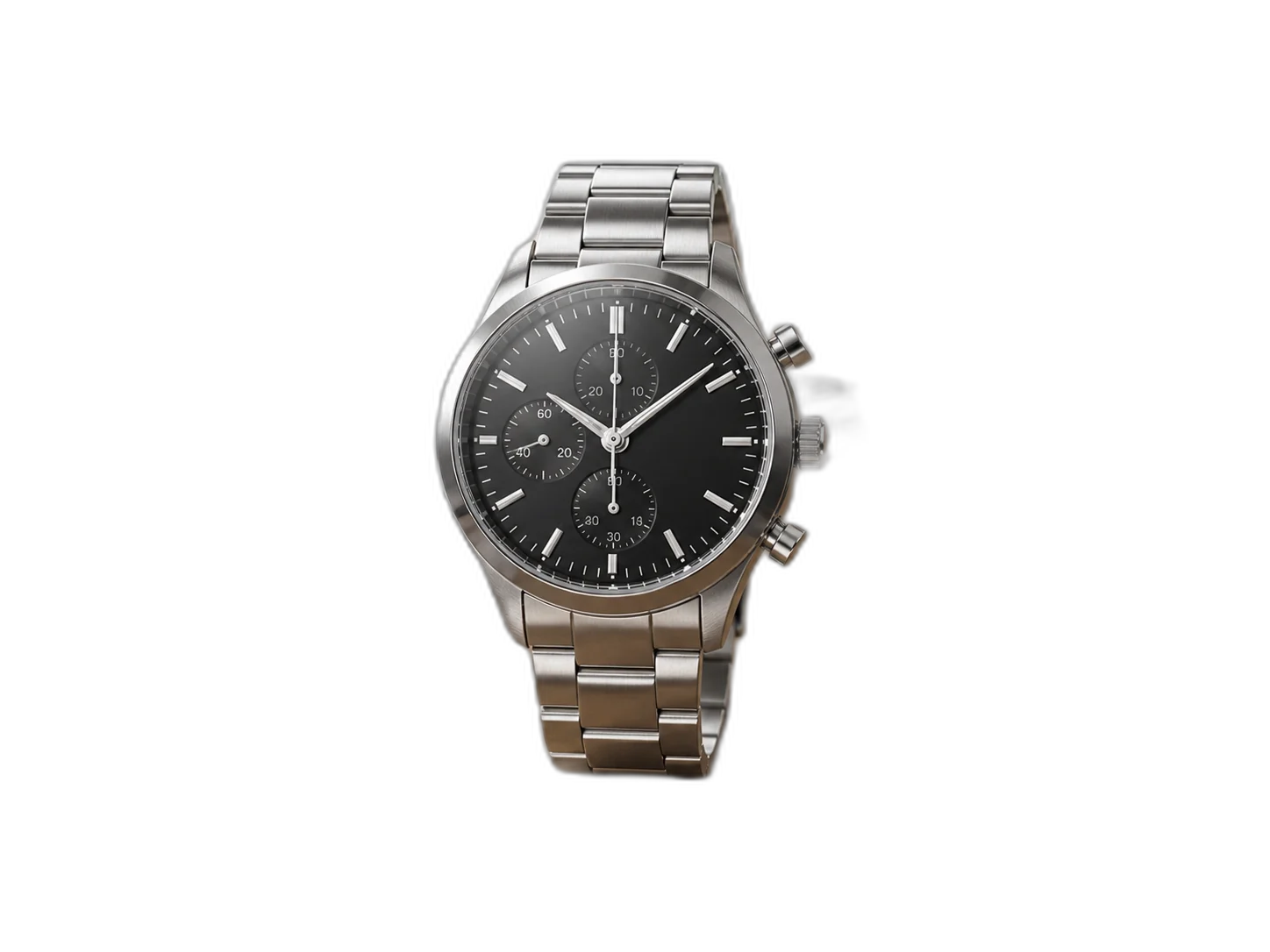
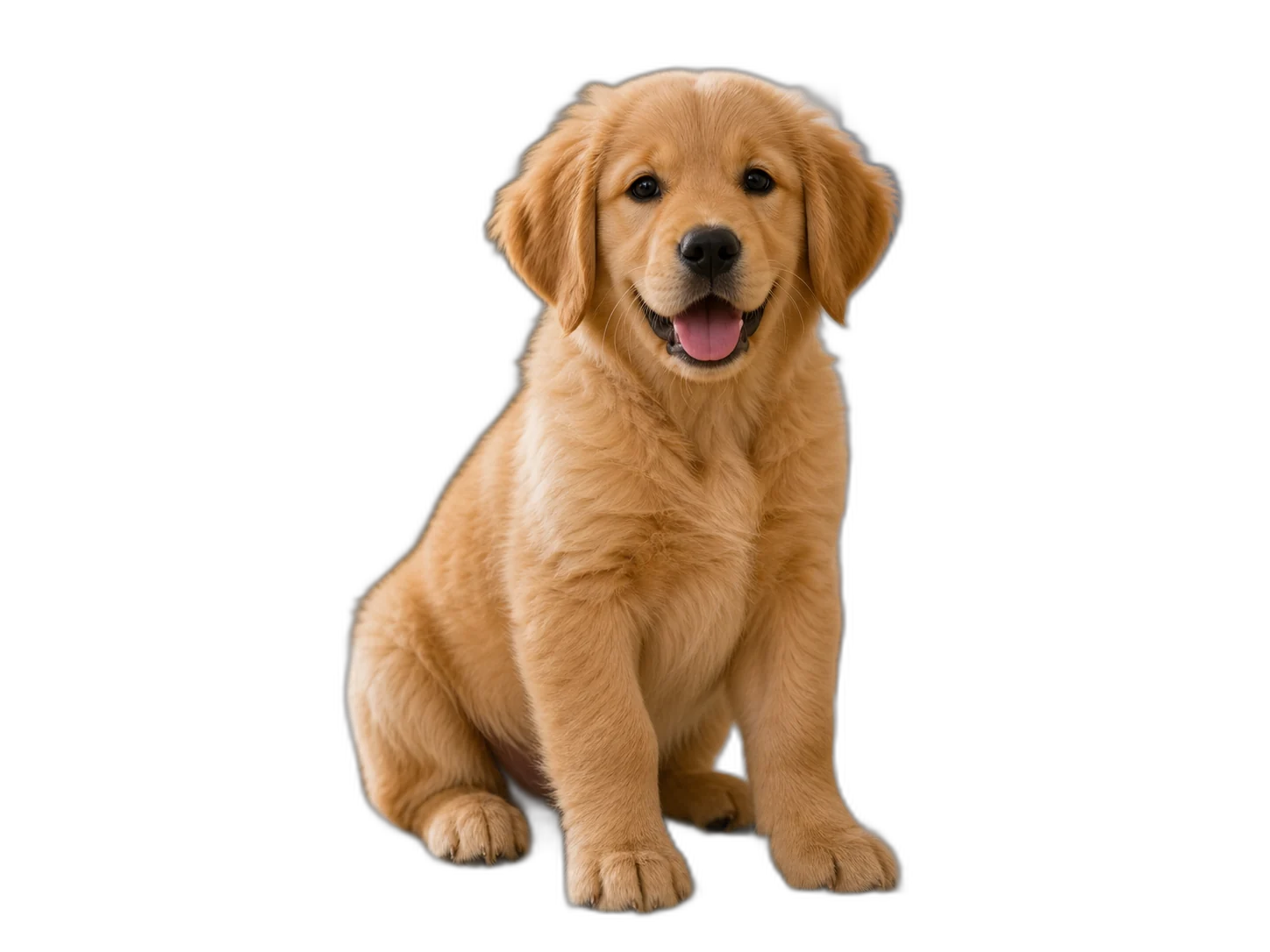
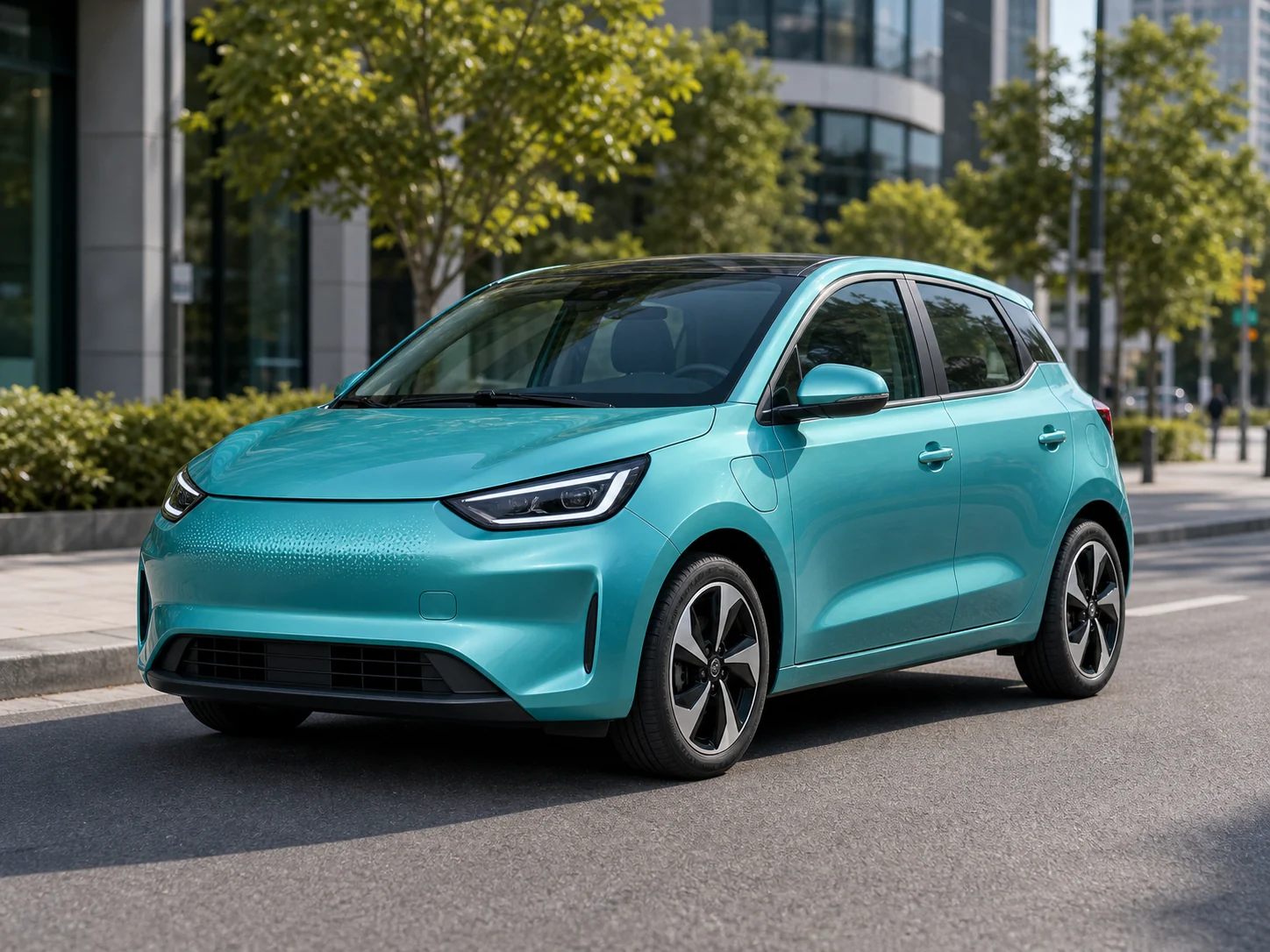
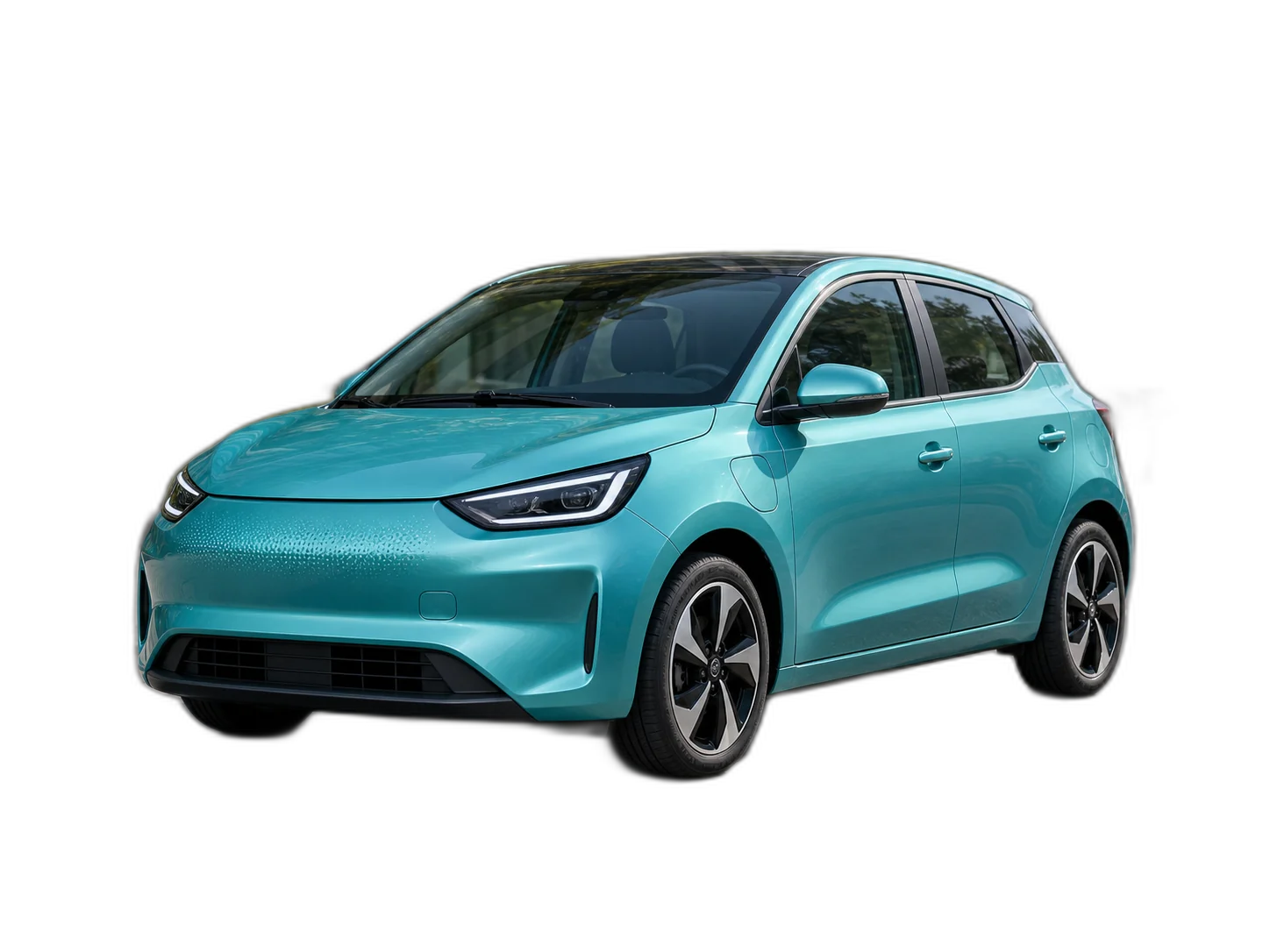
Remove background from image online and download a clean transparent PNG for product photos, portraits, logos, ads, and social media visuals.
Remove background from image and create a transparent PNG or white background product photo
Example images for this workflow
PNG, JPG, JPEG, WEBP, BMP, <= 20MB
Free TrialNo Sign-UpNo WatermarkHD Download
Free AI Background Remover Online
Remove background from image online and download a clean transparent PNG for product photos, portraits, logos, ads, and social media visuals.
Remove background from image and create a transparent PNG or white background product photo
Edit After Background Removal
Remove the Background, Then Keep Editing in One AI Photo Editor
Our AI background remover quickly removes backgrounds and creates clean transparent PNG files. Upload a photo, let AI detect the main subject, erase the background, and keep editing in one complete AI photo editor workflow: add a white ecommerce background, use brand colors, place the cutout in a new scene, crop for marketplaces or social media, add text, clean leftover edges with Magic Eraser, or use AI Smart Remove to remove distracting objects, labels, shadows, cables, clutter, and unwanted details while keeping the main subject intact. Use it for product photos, portraits, logos, pets, vehicles, food images, thumbnails, ads, and social visuals without Photoshop.
BeforeAfter
01
Product Photo Background Remover for Transparent PNGs and White Background Images
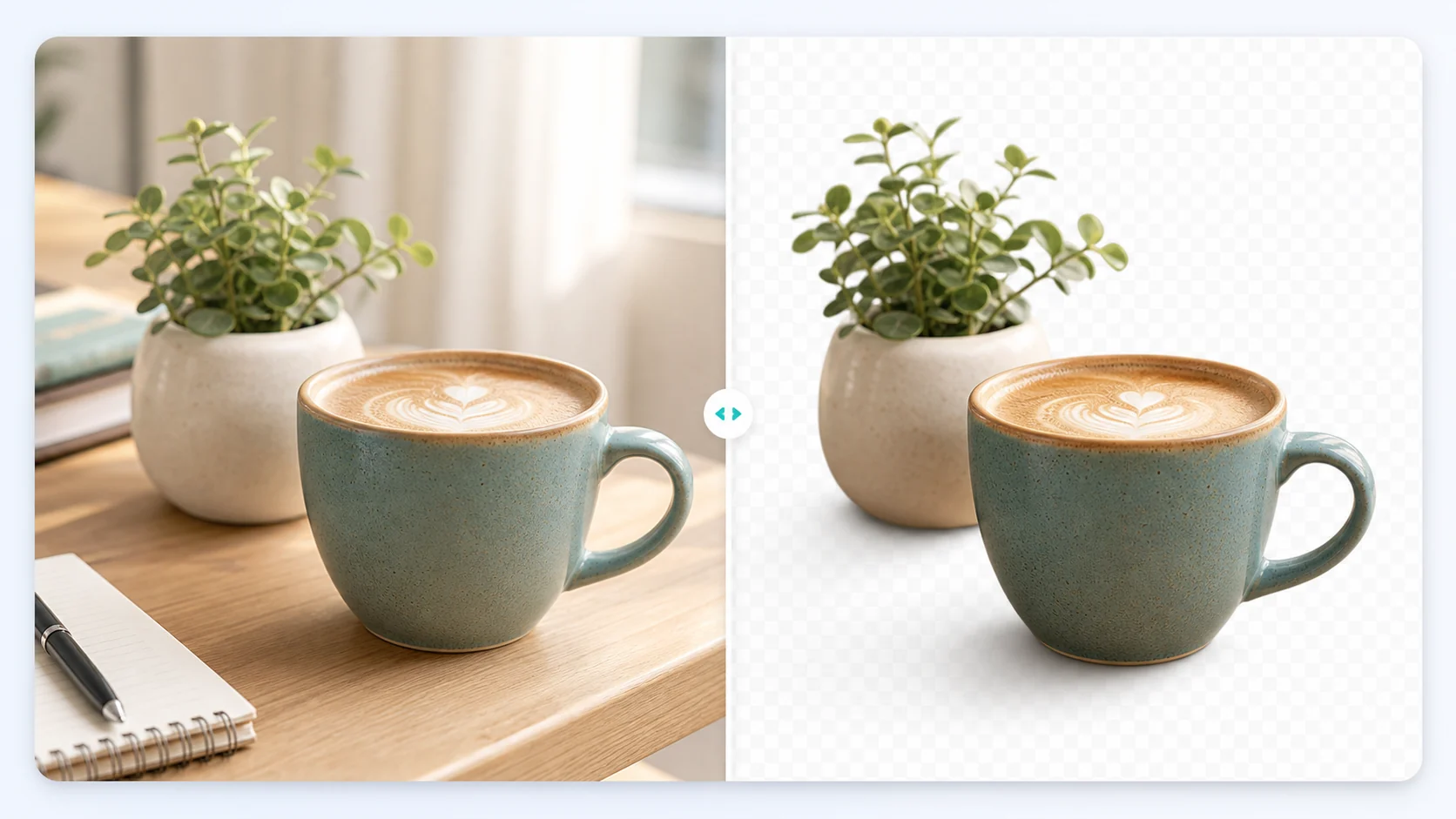
Use the AI product photo background remover to remove background from product images and create cleaner ecommerce visuals. Upload a product image, let AI detect the subject, erase desks, walls, props, shadows, labels, or inconsistent studio backgrounds, then download a transparent PNG or switch to a white background. For reusable product cutouts, open the transparent background maker before preparing product photos for online stores, marketplaces, catalogs, ads, SKU libraries, landing pages, and social campaigns.
BeforeAfter
02
Portrait Background Remover for Profile Pictures, Resumes, and ID Photo Edits
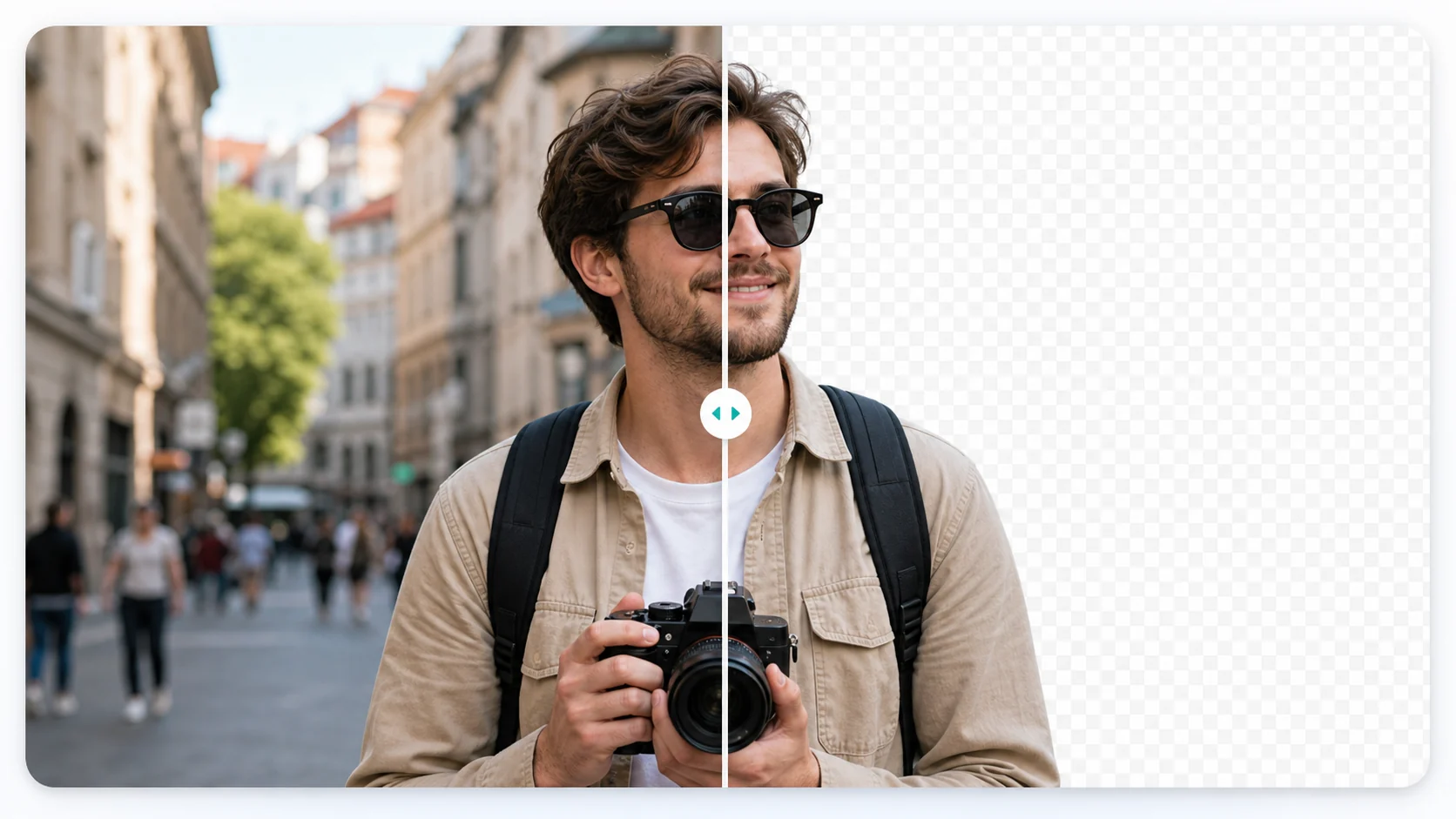
Use the AI portrait background remover to remove backgrounds from portraits and create clean profile pictures, resume photos, speaker bios, ID photo edits, thumbnails, and social covers. Upload a portrait, let AI detect the person, erase office rooms, streets, home backgrounds, shadows, or distracting objects, and keep hair, shoulders, clothing, and body edges where possible. If the source photo looks soft after cropping, continue with the image upscaler before downloading a transparent PNG or placing the portrait on a white, solid color, or branded background.
BeforeAfter
03
Pet Photo Background Remover for Transparent PNGs and Social Media Images
Use the pet photo background remover to remove backgrounds from dog, cat, and pet images and create reusable transparent PNG assets. Upload a pet photo, let AI detect the animal, erase furniture, floors, grass, bedding, toys, or home backgrounds, and preserve fur edges, ears, paws, tails, and the main outline where possible. Clean small leftover distractions with magic eraser before adding a white background, seasonal scene, sticker layout, or branded frame for pet shop visuals, adoption posts, keepsakes, and social media graphics.
BeforeAfter
04
Vehicle Background Remover for Car Listings, Ads, and Marketplace Images
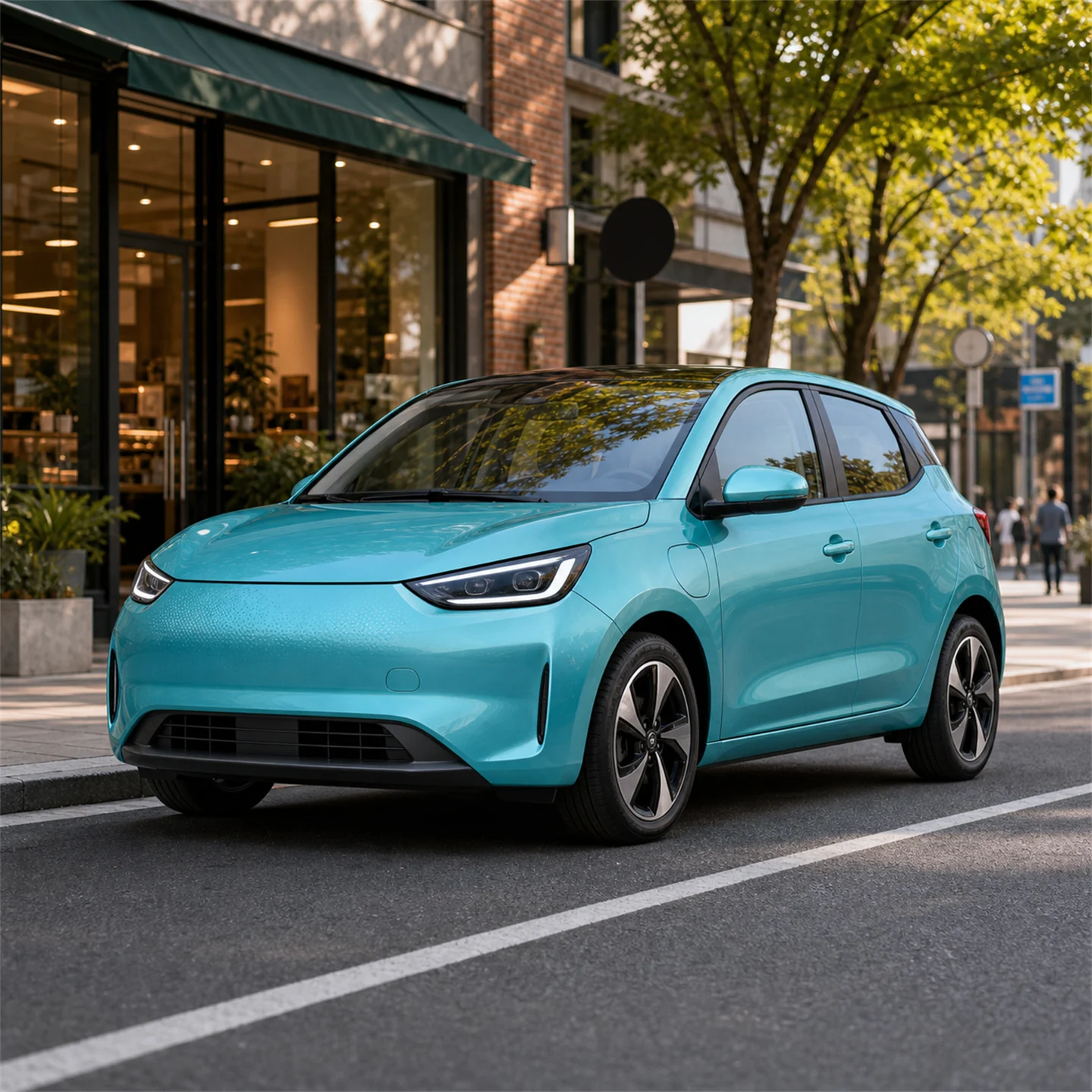
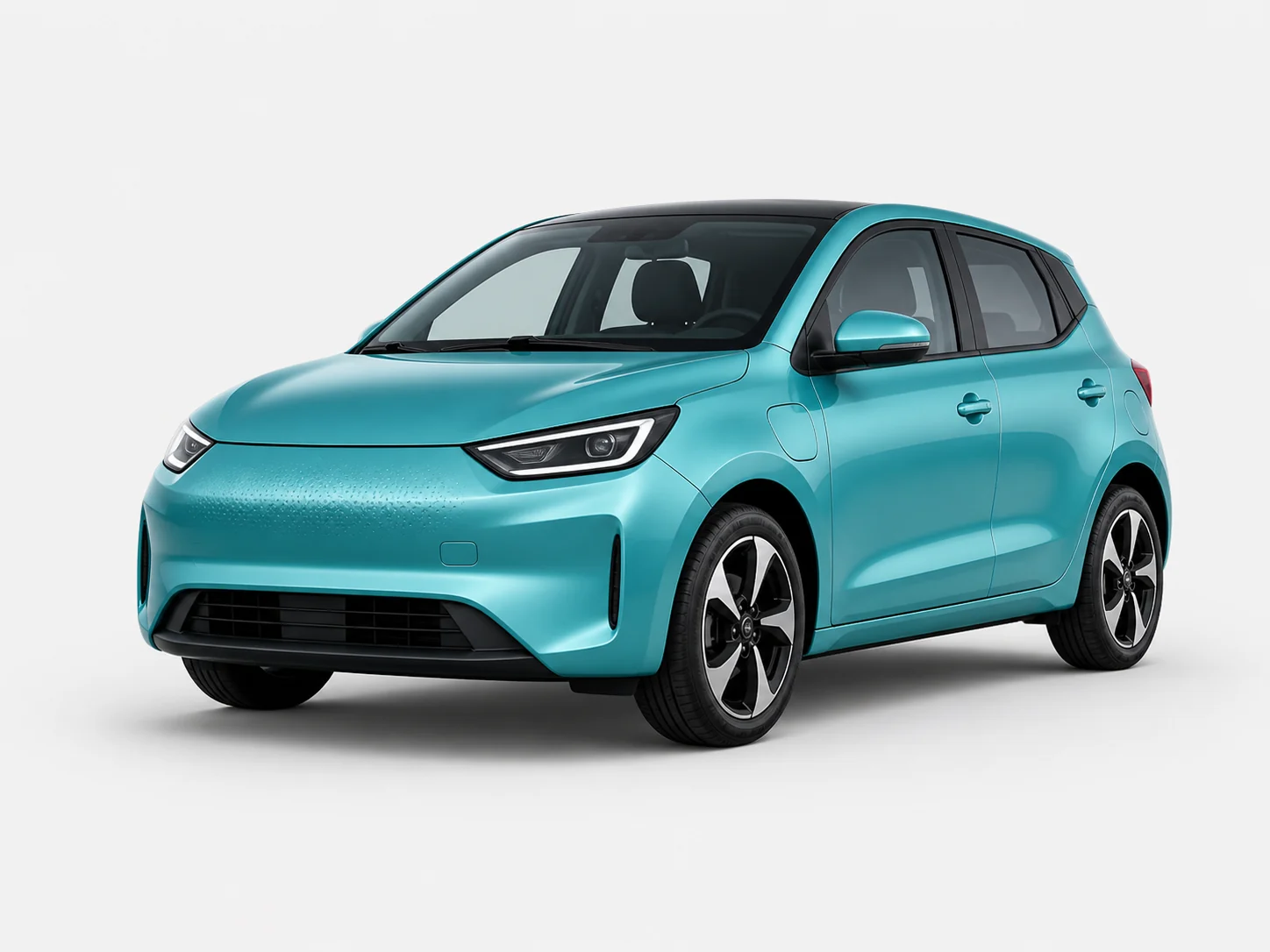
Use the vehicle background remover to remove distractions from car photos, motorcycle photos, and large item listings. Upload a vehicle image, let AI erase streets, signs, garages, parking lots, buildings, reflections, or cluttered surroundings, and make the shape, color, wheels, and main details stand out. For dealer listing layouts, use change background to prepare white backgrounds, branded scenes, classified ads, marketplace listings, local promotions, banners, and landing pages.
BeforeAfter
05
Food Image Background Remover for Menus, Delivery Apps, and Social Posts
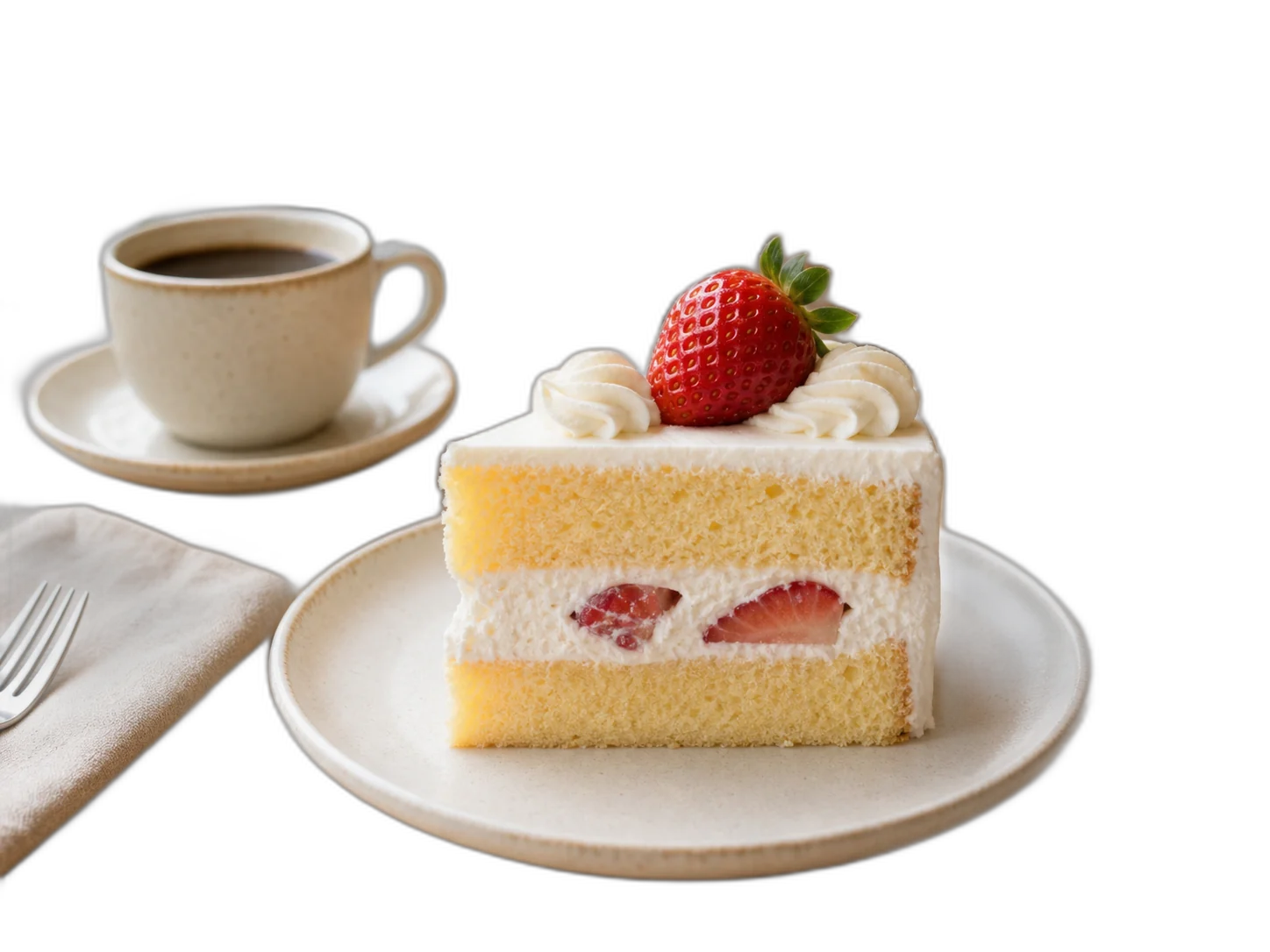
Use the food image background remover to remove backgrounds from desserts, drinks, meals, bakery items, and packaged food photos. Upload a food image, let AI erase busy tables, plates, counters, or inconsistent shooting backgrounds, and create a transparent PNG. If people or repeated distractions affect a set of food photos, use the people remover before building seasonal backgrounds, brand colors, menu layouts, price labels, promo text, or social designs for delivery apps, restaurant menus, posters, campaigns, banners, and ad creatives.
How it works
How to Remove Background from Image Online
01
Upload your image
Upload a JPG, PNG, or WebP image to the online AI background remover. You can start with product photos, portraits, logos, pets, vehicles, food images, thumbnails, ads, profile pictures, or social media images.
02
Let AI remove the background
The AI image background remover detects the main subject and removes the background automatically. It helps remove background from image files online without Photoshop, manual selection, or complicated editing software.
03
Download or keep editing
Download your transparent PNG, or keep editing before export. Add a white background, use a brand color, place the subject on a custom background, crop for ecommerce or social media, add text, clean edges with Magic Eraser, use AI Smart Remove for distracting details, or send more images into a batch workflow. Use the final image for product photos, profiles, logos, ads, marketplaces, social posts, and design assets.
Popular background remover use cases
Create Transparent PNGs, White Background Photos, and Ready-to-Use Visuals
Transparent PNG Product Assets
Use the image background remover to remove background from image files and export a clean transparent PNG. A transparent background makes the same cutout easy to reuse across product photos, logos, profile images, stickers, posters, marketplace galleries, ads, presentations, and design assets without rebuilding the image from scratch.
Clean Portrait and Profile Images
Turn everyday portraits into clean profile pictures with an AI portrait background remover. Upload a photo, remove the portrait background, and download a transparent PNG or switch to a white background for resumes, team pages, speaker cards, thumbnails, ID photo edits, social media covers, and personal brand pages.
Fashion and Marketplace Product Photos
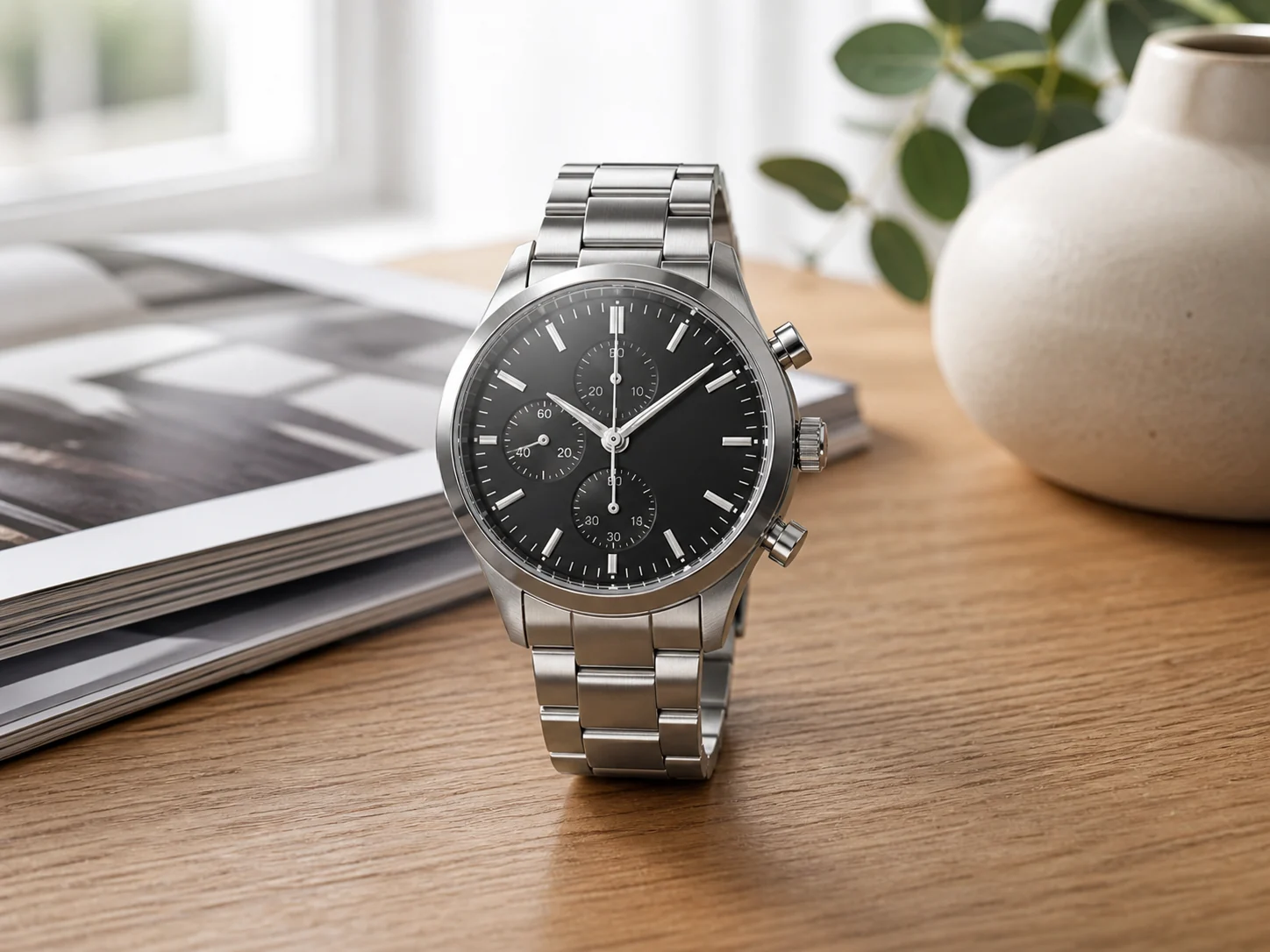
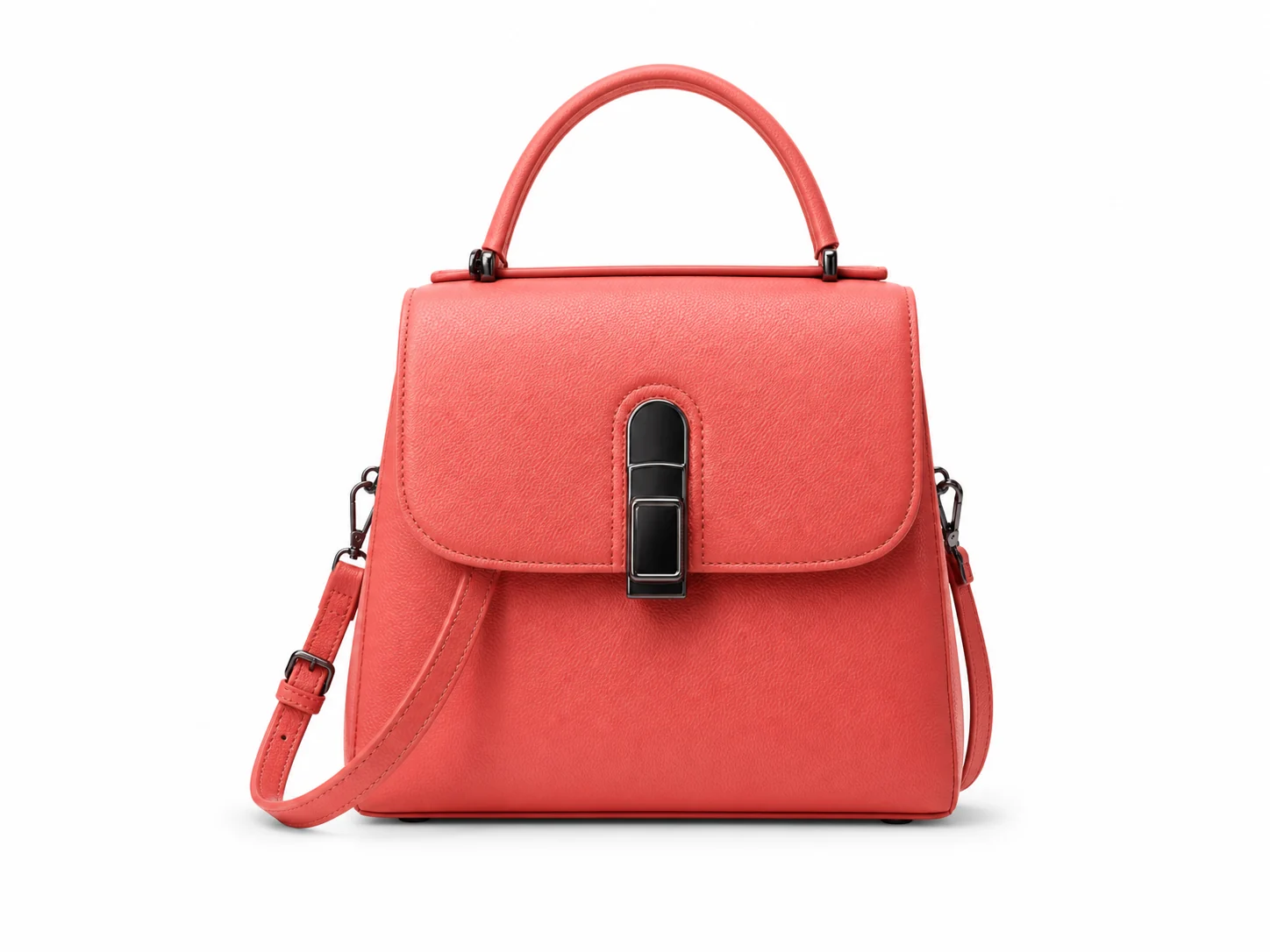
Use the photo background remover for handbags, accessories, apparel, and lifestyle products when the original table, shelf, or room background looks busy. Export transparent PNGs for marketplace galleries, seasonal campaign backgrounds, product detail pages, social media images, and ad campaigns.
White Background Vehicle Photos
Create consistent white background vehicle photos after background removal. The white background remover workflow is useful for dealer inventory, classified ads, local service pages, comparison graphics, marketplace uploads, and catalog images that need a clean listing background.
Custom Background Product Ads
Remove product photo backgrounds and place electronics, accessories, and catalog items on brand colors, gradients, or campaign scenes. Use the online background remover to prepare product launch images, landing page visuals, marketplace banners, social media ads, and promotional graphics.
Logo, Sticker, and Design Cutouts
Remove background online from logos, icons, stickers, badges, and graphic objects so the subject stays on a transparent background. This AI background remover helps create reusable design cutouts for posters, profile images, thumbnails, presentations, campaign graphics, and marketing visuals.
Remove Background from Any Photo and Create Transparent Backgrounds
Original imageRemove backgroundNew backgroundInfinite possibilities
Background remover guide
More Ways to Use the AI Background Remover
Use the background remover to create transparent PNGs, white background product photos, profile pictures, logo cutouts, cleaned overlays, and publish-ready images for ecommerce, ads, and social media.
Automatic background removal
Remove Background from Image Automatically
Upload a JPG, PNG, or WebP image and let the AI background remover remove the background automatically. Download a clean transparent PNG for product photos, portraits, logos, pets, vehicles, food images, thumbnails, ads, and social media visuals without manual editing.
01
Transparent background
Create a Transparent Background for Any Photo
Use the transparent background remover to keep the subject on a transparent background and reuse the same cutout across websites, product pages, thumbnails, stickers, logos, presentations, ad designs, and social media posts.
02
Product photos
Product Photo Background Remover for Ecommerce
Use the product photo background remover to remove background from product images, create clean cutouts, and prepare ecommerce product photos for online stores, marketplaces, catalogs, ads, SKU libraries, and product detail pages. Switch to a white background when your store needs a consistent layout.
03
White or custom background
Switch to White, Color, or Custom Backgrounds
After removing the image background, place the subject on a white background, brand color, or custom scene. You can also use Magic Eraser to clean leftover edges, unwanted objects, marks, or rough background details before publishing.
Use the portrait background remover to remove portrait backgrounds for profile pictures, resumes, team pages, speaker bios, ID photo edits, thumbnails, personal brand pages, and social media covers. Download a transparent PNG or use a clean white background.
05
Finishing workflow
Polish Background Cutouts with Cleanup and New Scenes
After removing a background, clean leftover marks, old overlay text, rough edges, or small visual distractions, then place the image on a clean white, branded, seasonal, or campaign-ready backdrop.
Answers about how to remove background from image online, download transparent PNG files, create white background product photos, edit portrait backgrounds, use supported image formats, and continue editing after background removal.
What is an image background remover?
An image background remover is an online tool that uses AI to detect the main subject in a photo and remove the surrounding background. AISuperRemover works as an AI background remover for common image files, helping you create transparent PNGs, white background product photos, profile pictures, logo cutouts, pet images, vehicle photos, food images, ads, and social media visuals.
Is AISuperRemover only a background remover?
No. AISuperRemover starts with AI background removal, but you can keep editing after the background is gone. Create transparent PNGs, add a white or custom background, clean rough edges with Magic Eraser, remove distracting objects or unwanted details with AI Smart Remove, crop, add text, and prepare images for ecommerce, ads, profiles, and social media in one browser-based AI photo editor.
Can I use AISuperRemover as an AI photo editor?
Yes. Upload an image, remove the background, then continue editing in the browser. You can create transparent PNGs, add white or custom backgrounds, clean up images with Magic Eraser, remove objects with AI Smart Remove, crop for different platforms, add text, and batch process visuals without Photoshop.
How do I remove the background from an image?
Upload your image, let the AI background remover detect the subject, and download the result with a transparent background. You can remove background from image files in the browser, then continue editing by adding a white background, changing to a brand color, cropping the image, adding text, or using Magic Eraser to clean rough edges and unwanted details.
How do I remove background from image online?
Open the online background remover, upload a JPG, PNG, or WebP image, and let AI remove the background automatically. No Photoshop or desktop software is required. The transparent PNG result can be used for product photos, profile pictures, logos, ads, thumbnails, marketplace listings, and design layouts.
Is the background remover free?
You can try the background remover for free. The free background remover option is useful for testing image cutouts, creating transparent PNGs, and checking how your product photos, portraits, logos, or social media images look after background removal. More processing, larger files, or higher-quality exports may follow the limits and options shown on the page.
Can I download a transparent PNG?
Yes. After background removal, you can download a transparent PNG with the subject on a transparent background. Use the background remover PNG result for product photos, logos, profile pictures, ID photo edits, stickers, presentations, thumbnails, ads, and reusable design assets.
Can I create a transparent background?
Yes. The tool removes the original image background and keeps the subject on a transparent background. A transparent PNG makes it easy to place the same cutout on websites, ecommerce product pages, social media posts, banners, ads, presentations, and other designs.
Which image formats are supported?
Common image formats such as JPG, PNG, and WebP are supported. For better background removal results, upload a clear image with a visible subject, good lighting, and enough contrast between the subject and the background. Always follow the upload limits shown on the page.
Can I use it for product photos and white backgrounds?
Yes. You can use AISuperRemover as a product photo background remover to remove background from product images, export transparent PNGs, or create white background product photos for ecommerce listings, catalogs, ads, SKU libraries, marketplace uploads, and product detail pages.
Can I remove background from product images?
Yes. The product image background remover can help clean up desks, walls, props, shadows, reflections, and inconsistent shooting backgrounds. This makes product images look more consistent across online stores, marketplaces, product catalogs, landing pages, social media campaigns, and ads.
Can I use it for portraits or ID photos?
Yes. The AI portrait background remover can remove portrait backgrounds for profile pictures, resumes, team pages, ID photo edits, speaker bios, thumbnails, personal brand pages, and social media covers. Hair, complex edges, transparent objects, or low-resolution images may require extra cleanup.
Can I remove backgrounds from logos, pets, and social media images?
Yes. You can remove backgrounds from logos, pet photos, lifestyle images, vehicles, food photos, graphics, and social media visuals. After background removal, download a transparent PNG or place the subject on a white background, solid color, brand color, or custom background.
Can I batch remove backgrounds from multiple images?
Yes. If you need to prepare many product photos, portraits, catalog images, marketplace visuals, or social media assets, use the batch background remover workflow. Batch background removal helps remove backgrounds from multiple images and keep results more consistent across a product set or campaign.
Can I remove background on mobile?
Yes. The online background remover can be used in a browser on desktop or mobile. Upload an image, remove the background online, preview the transparent PNG result, continue editing if needed, and download the edited image from the same page.
Can it handle complex hair edges or transparent objects?
AI background removal tries to preserve subject edges, but hair, glass, semi-transparent objects, motion blur, low-resolution images, and low contrast may affect the final result. Clear images with strong contrast between the subject and background usually create cleaner transparent PNG cutouts.
Can I keep editing after removing the background?
Yes. After you remove the background, you can continue editing the image without uploading again. Add a white background, change to a brand color, place the subject on a custom background, crop for ecommerce or social media, add text, or use Magic Eraser to clean unwanted objects and leftover edge details.
Will background removal reduce image quality?
The background remover tries to preserve subject details while removing the surrounding background. Very small images, noisy photos, complicated edges, transparent objects, or blurred subjects may affect the final cutout. Clear source images usually produce cleaner background removal results.
What makes a good image for background removal?
Use a sharp image with good lighting, a visible subject, and enough contrast between the subject and the background. Product photos, portraits, pets, cars, food images, and logos usually work best when the main subject is not heavily blurred, hidden, or blended into the background.
What can I create after removing the background?
After background removal, you can create transparent PNG assets, white background product photos, profile pictures, logo cutouts, social media images, marketplace listings, ads, thumbnails, and reusable design materials. You can also continue editing with custom backgrounds, cropping, text, adjustments, Magic Eraser cleanup, and batch workflows.
AISuperRemover | Free AI Background Remover Online