Used first; paid features still need an entitlement
0
Basic free credits
AI Object Remover Online
AI Object Remover for Photos
Remove unwanted objects from photos online with AI. Clean people, clutter, props, cables, signs, trash, and background distractions in your browser. Free to start, no login required, no watermark added, and no Photoshop needed.
Use AI object remover to select unwanted objects, people, clutter, or props and keep the original photo composition.
AI object remover targets clutter and unwanted objects for a fast first pass.
No image yet? Try a room, product, travel, or street cleanup sample.
Only edit images you own or have permission to modify. By uploading, you agree to our Terms of Service and Privacy Policy.
Brush-based AI photo cleanup
Remove distractions without cropping, reshooting, or rebuilding the image
Our AI object remover uses smart AI to quickly remove unwanted objects from your photos. One small object can make a useful photo feel unfinished: a cable behind a product, a trash bin near a room, a tourist in the background, or clutter on a table. Simply upload your image, mark what you want removed, and let AI rebuild the selected area with nearby texture, lighting, color, and scene context, without complicated software like Photoshop.
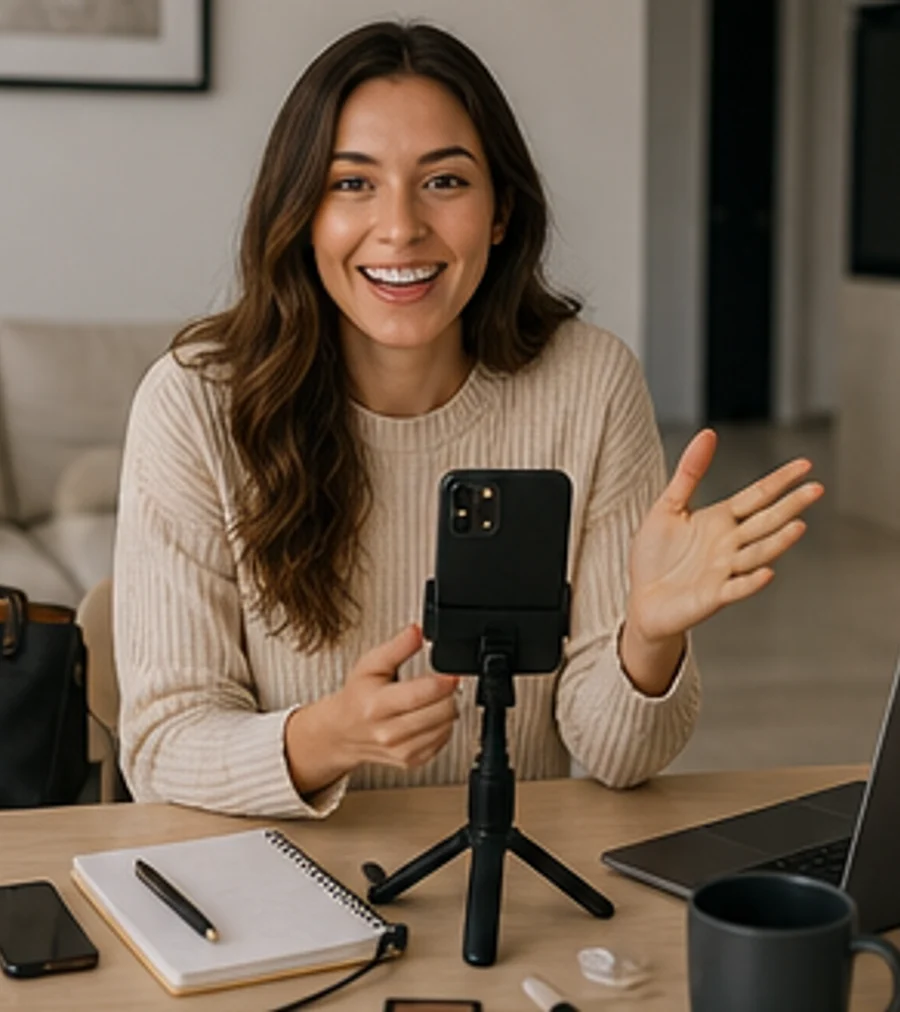
Before
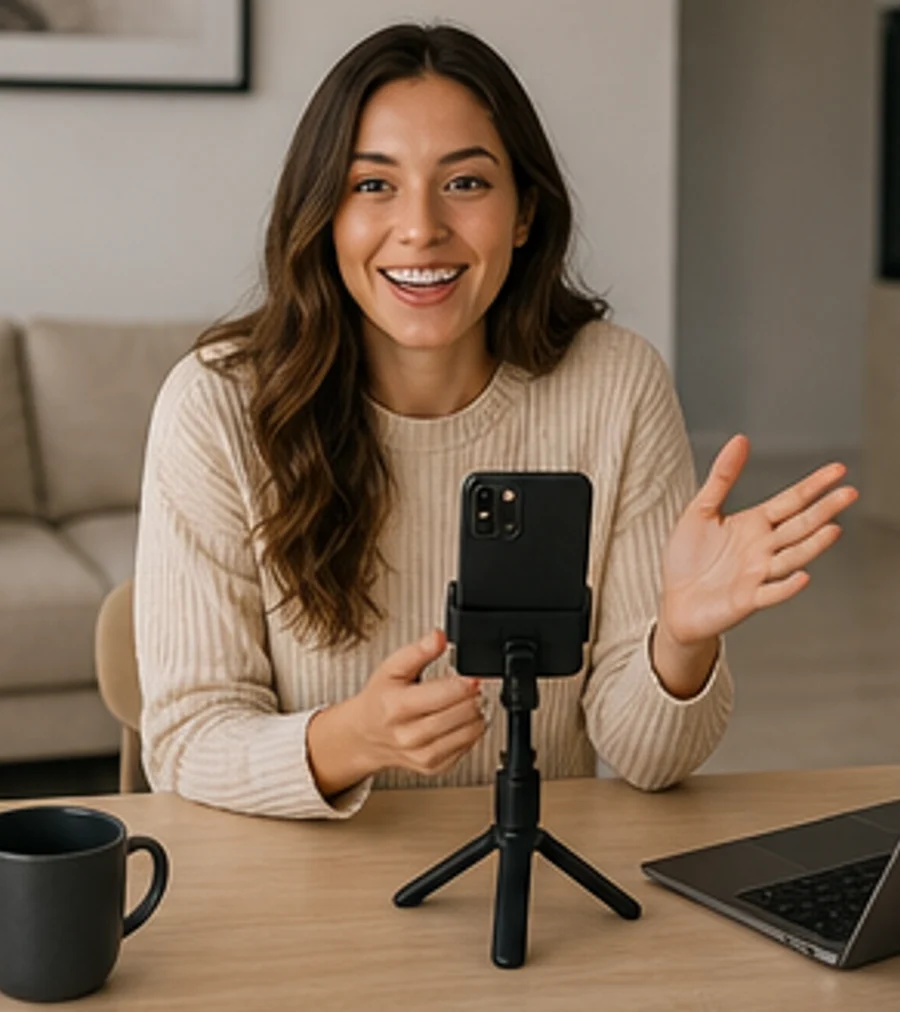
After
Before
After
Remove objects from photos without cropping
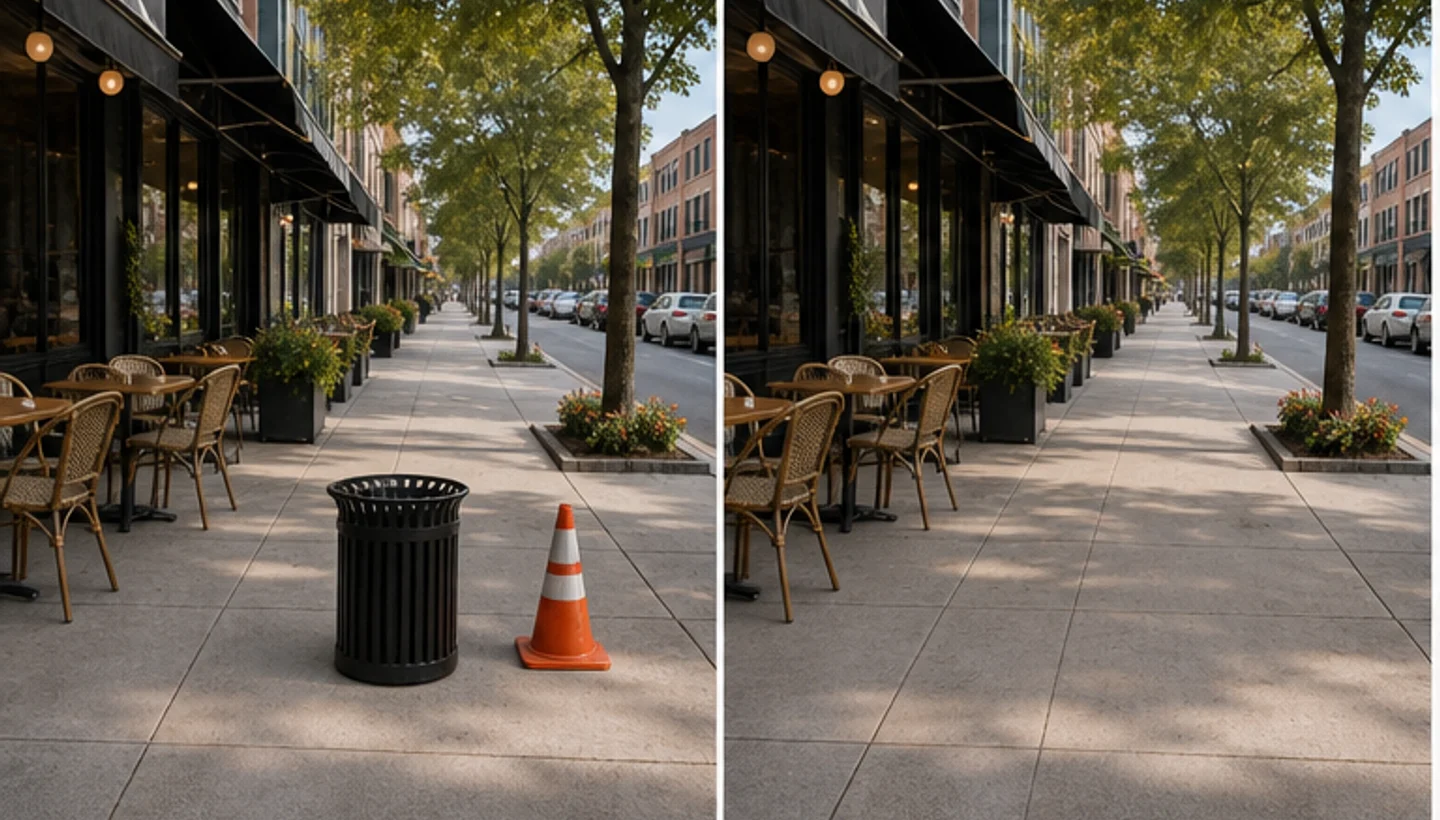
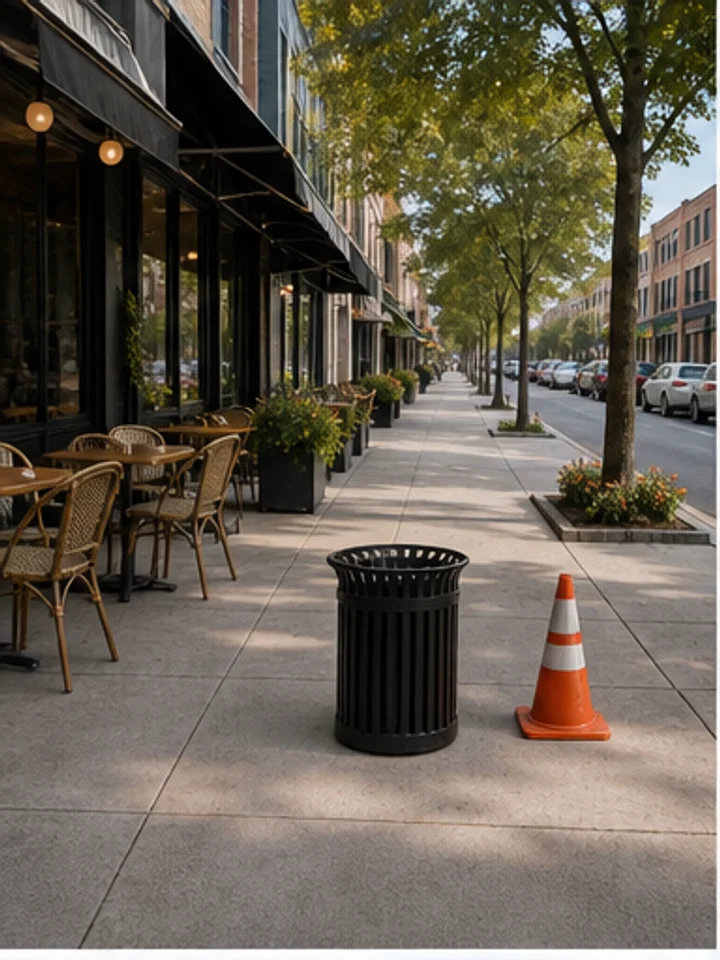
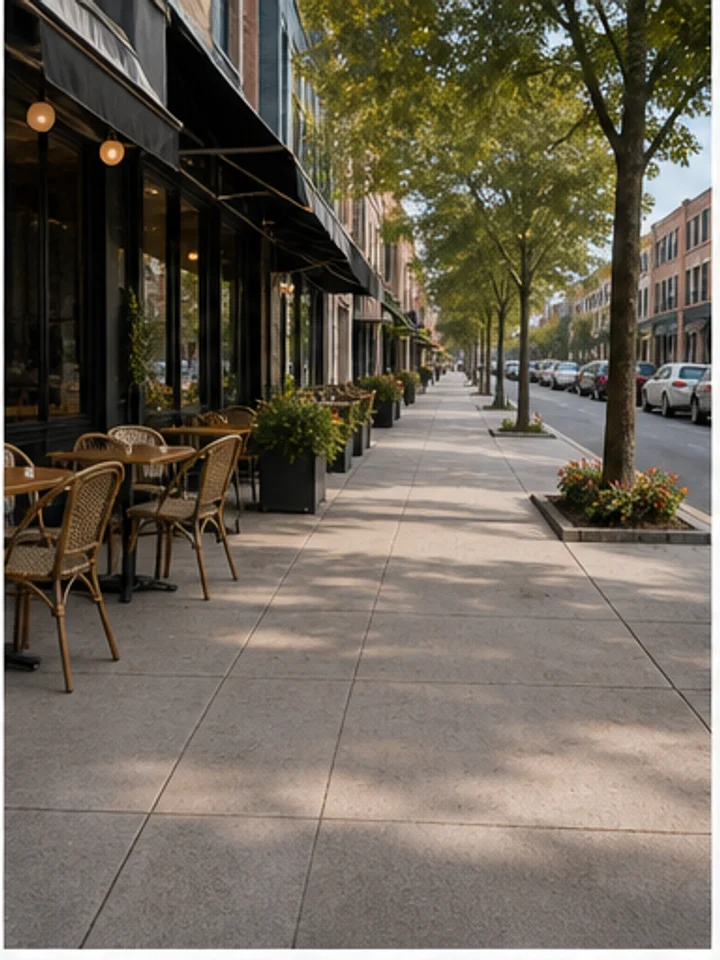
Keep the frame you already captured instead of cutting away useful space. Use the AI object remover online to brush over a trash bin, cable, sign, prop, or background person, then let AI rebuild the selected area with nearby pavement, wall, grass, sky, table, or room texture. It is useful when the composition is strong but one distraction makes the image feel unfinished.
Before
After
Clean product photos before publishing
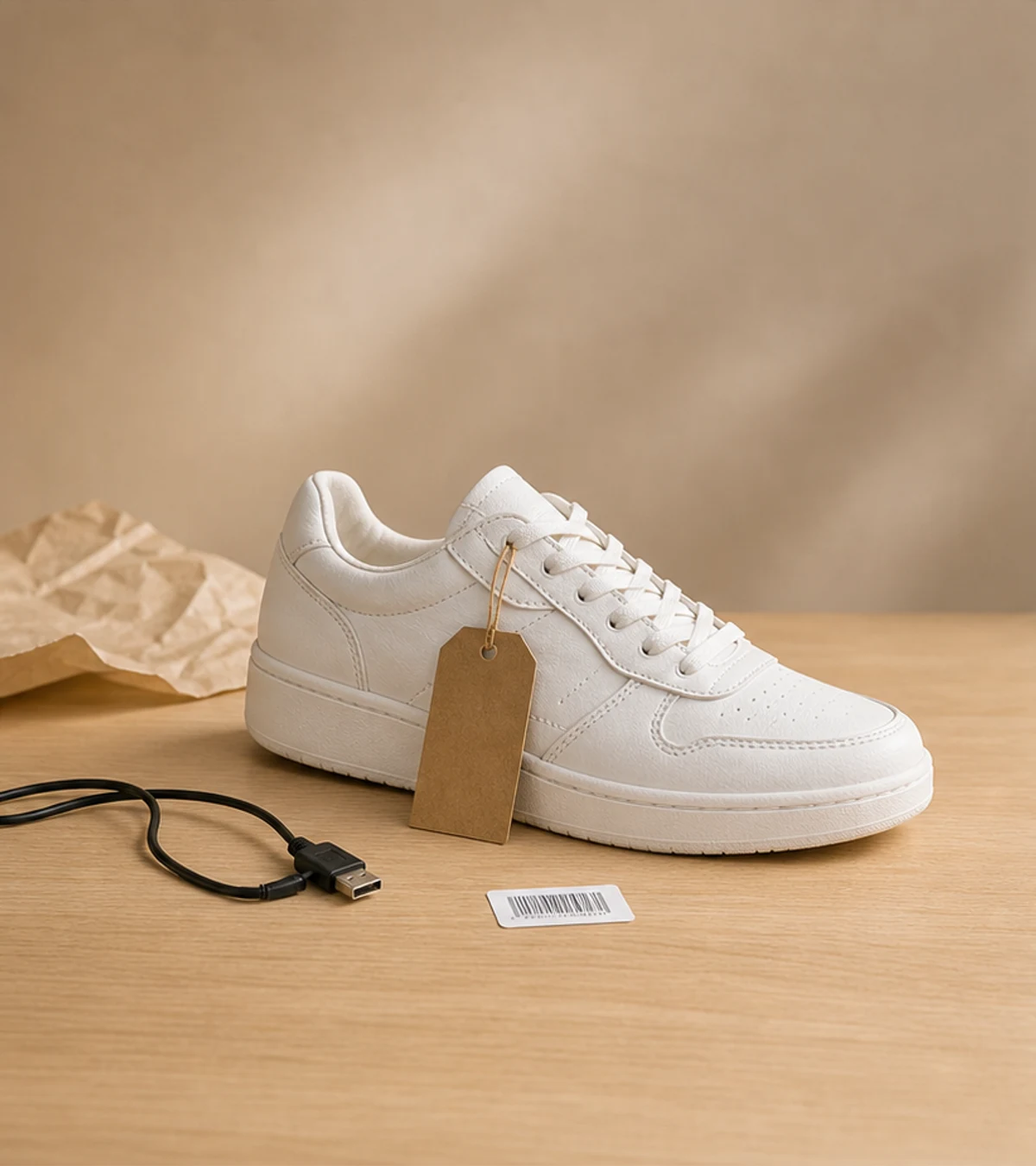
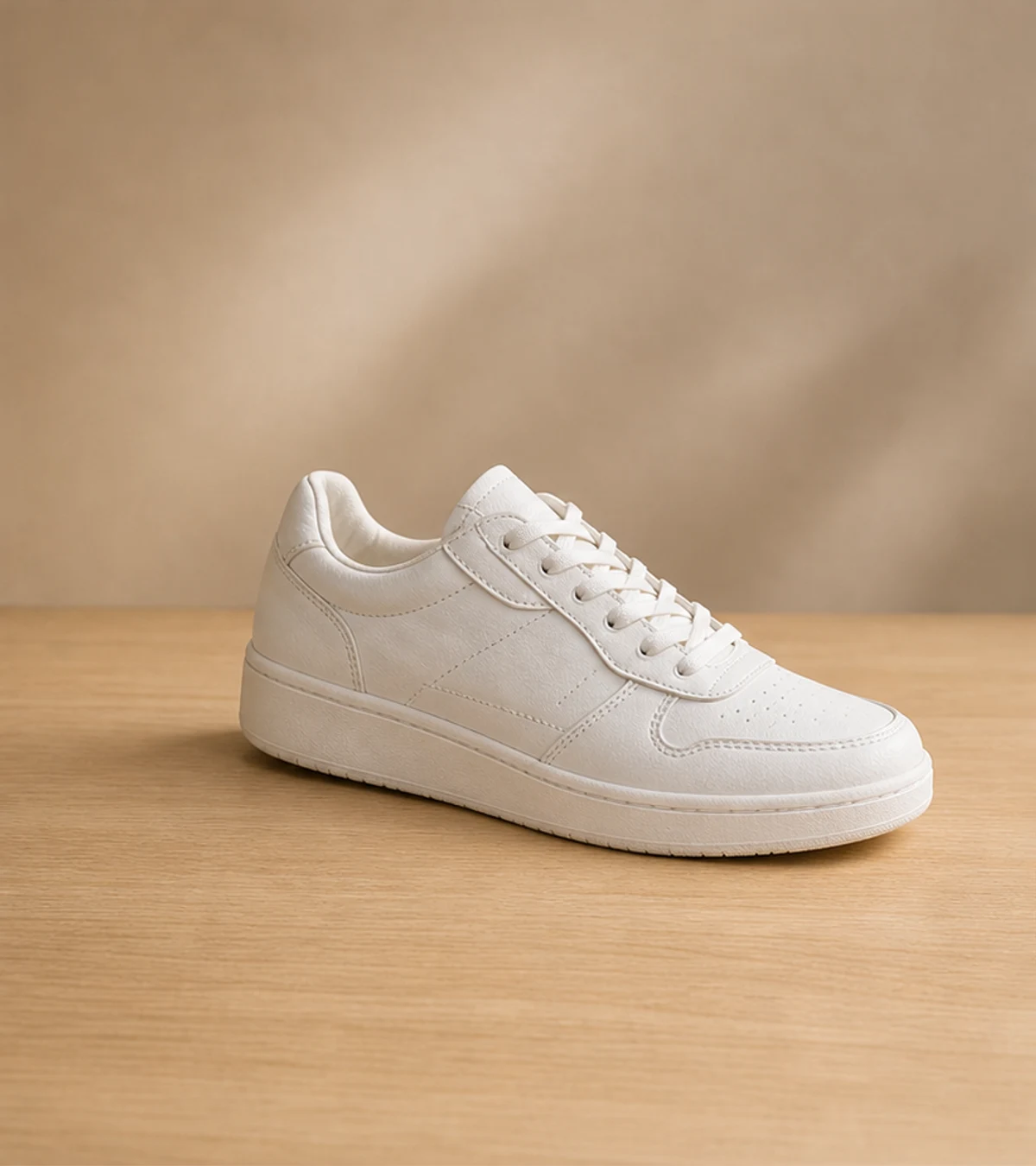
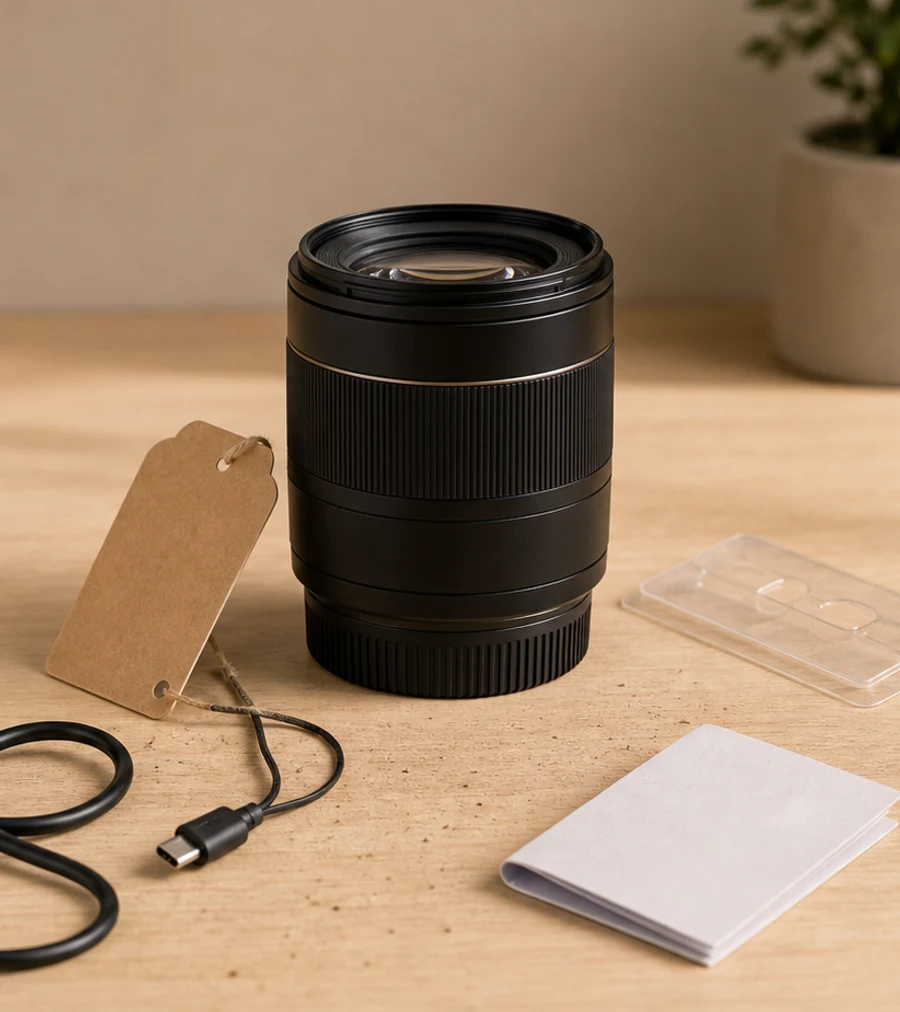
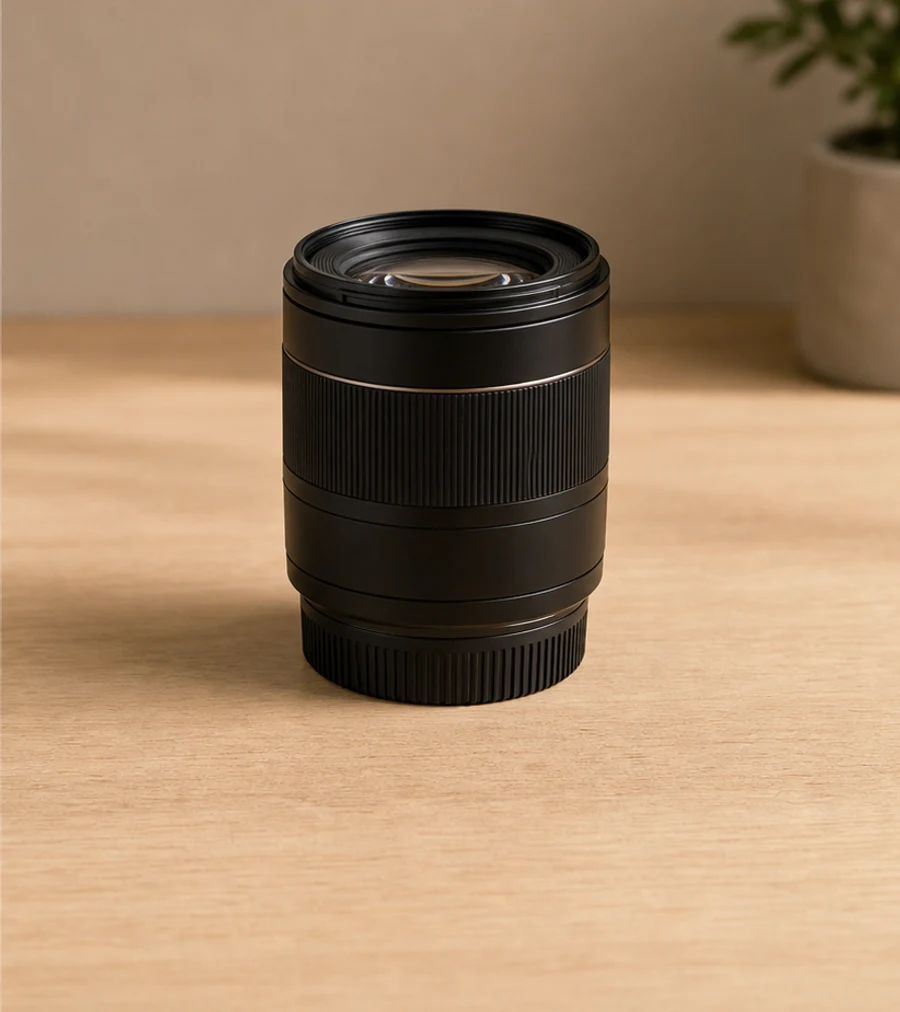
A product photo can be almost ready except for a stand, sticker, cable, reflection, dust, packaging edge, or table clutter. Use a product photo object remover to remove the distraction while keeping the product angle, lighting, shadow direction, and usable crop intact. This gives ecommerce images a cleaner finish without reshooting the item or rebuilding the scene in a complex editor.
Before
After
Remove people and distractions from travel photos
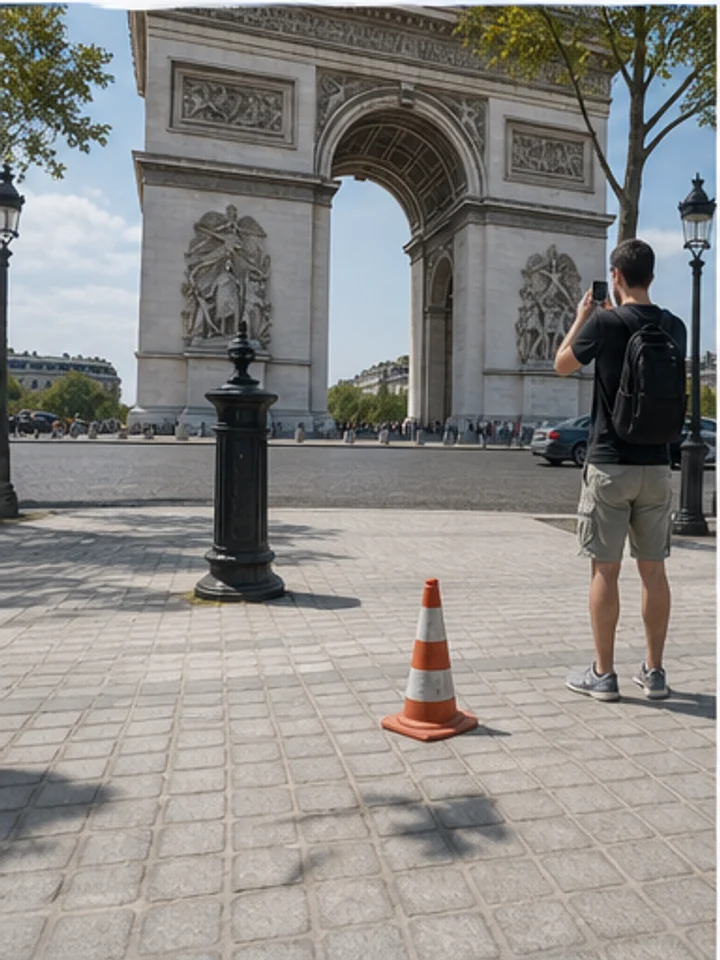
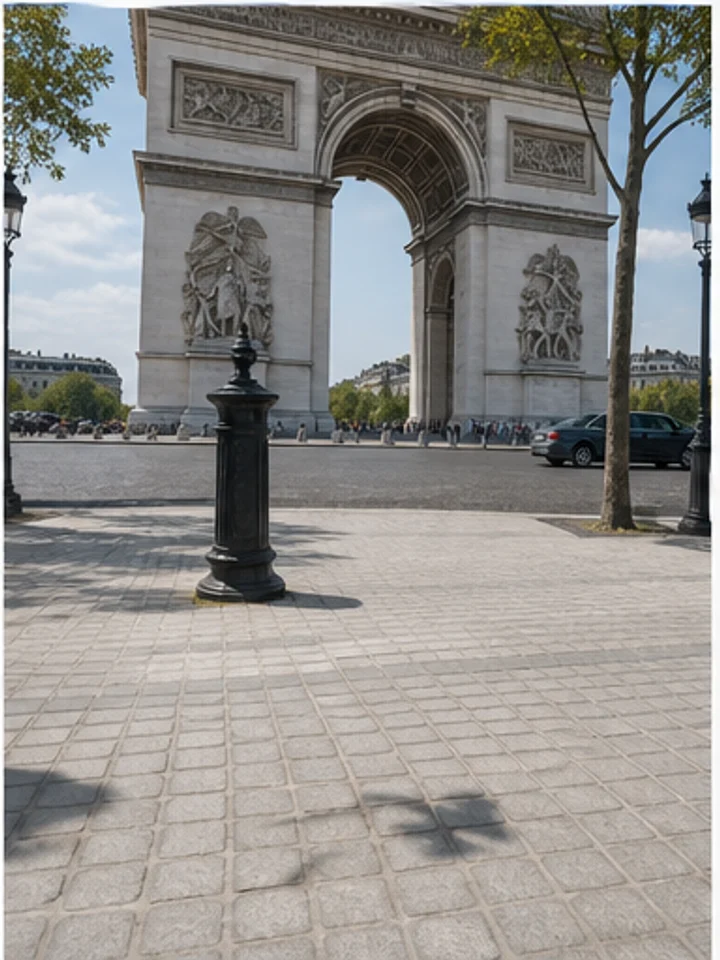
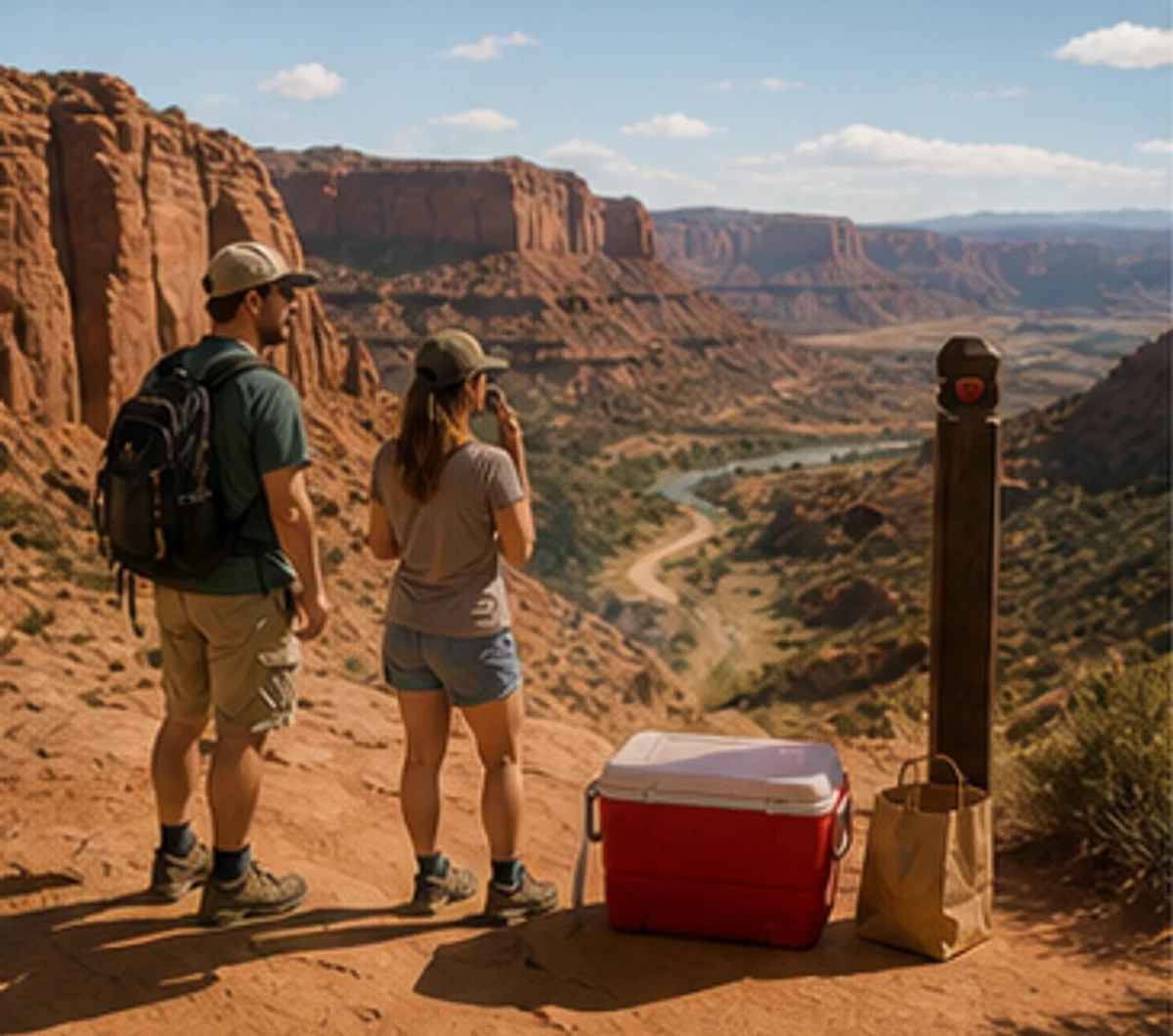
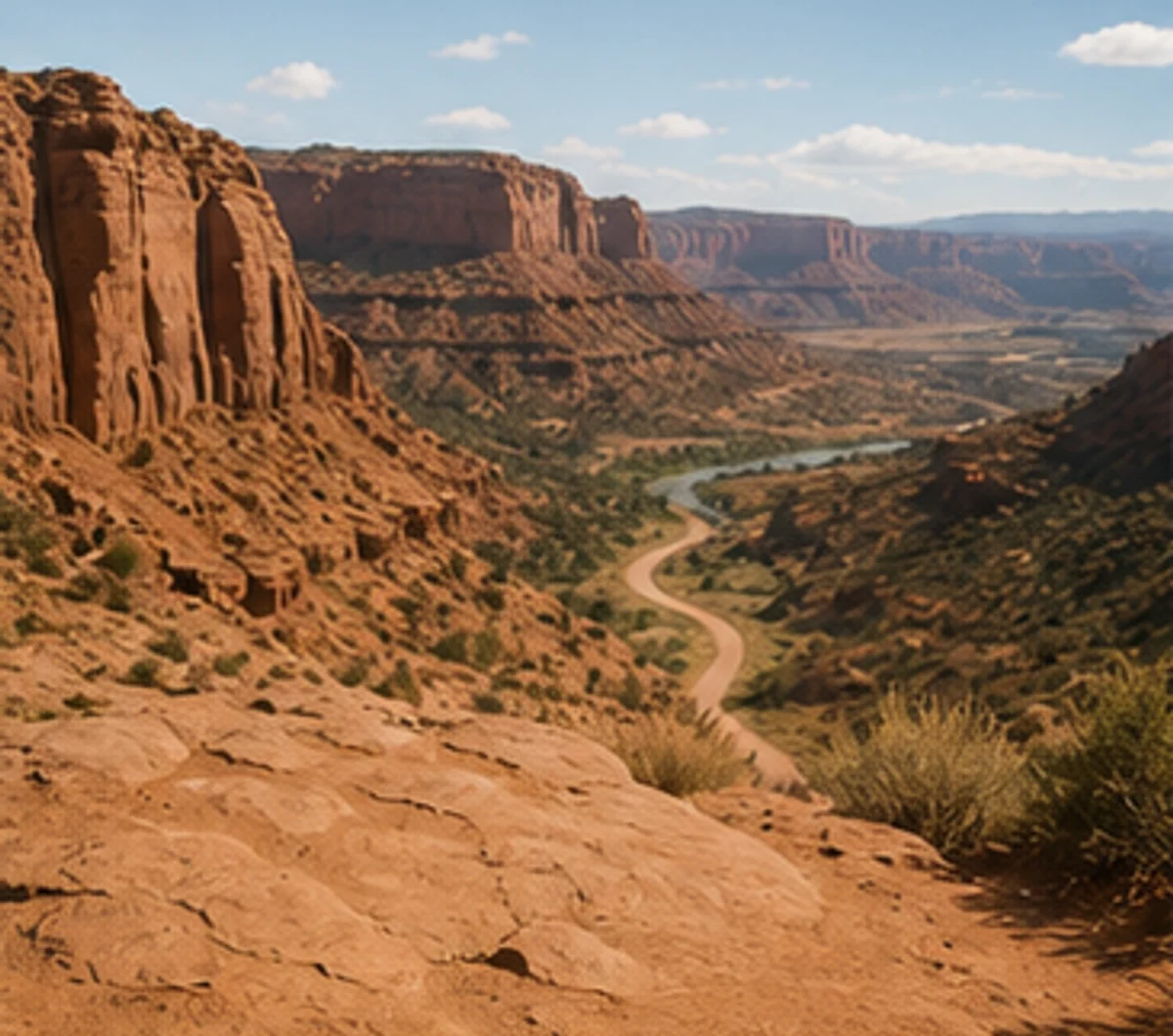
Tourists, parked bikes, traffic cones, passersby, and small street clutter can pull attention away from landmarks and vacation shots. Use Object Remover as a broader remove people from photos and object cleanup workflow when a photo contains both people and physical distractions. You can keep the original travel moment while making the background feel calmer and more intentional.
Before
After
Make real estate and room photos feel cleaner
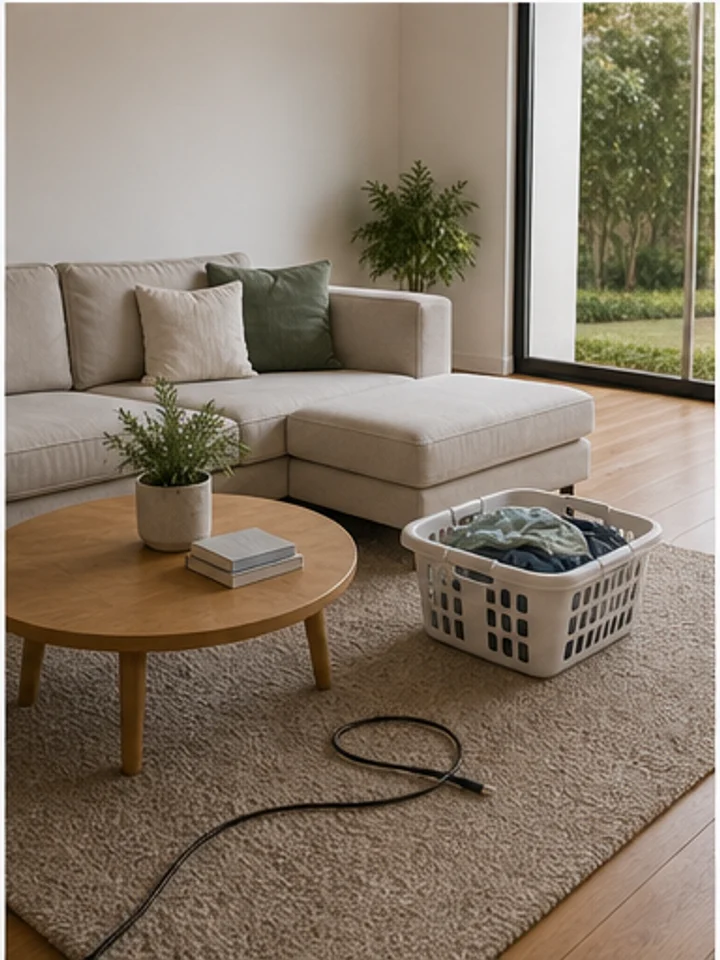
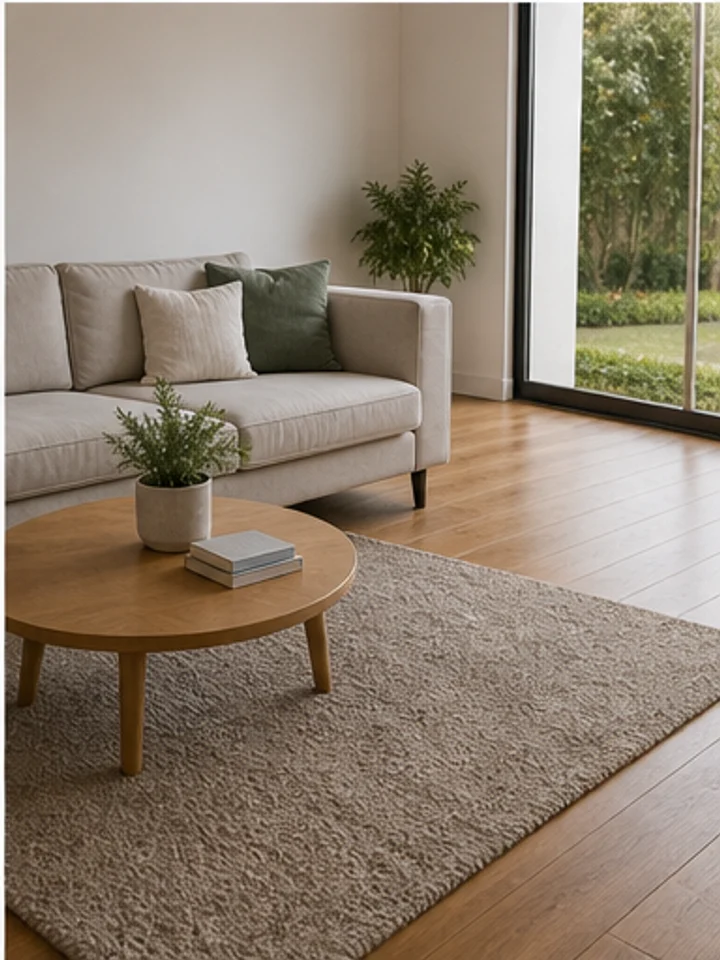
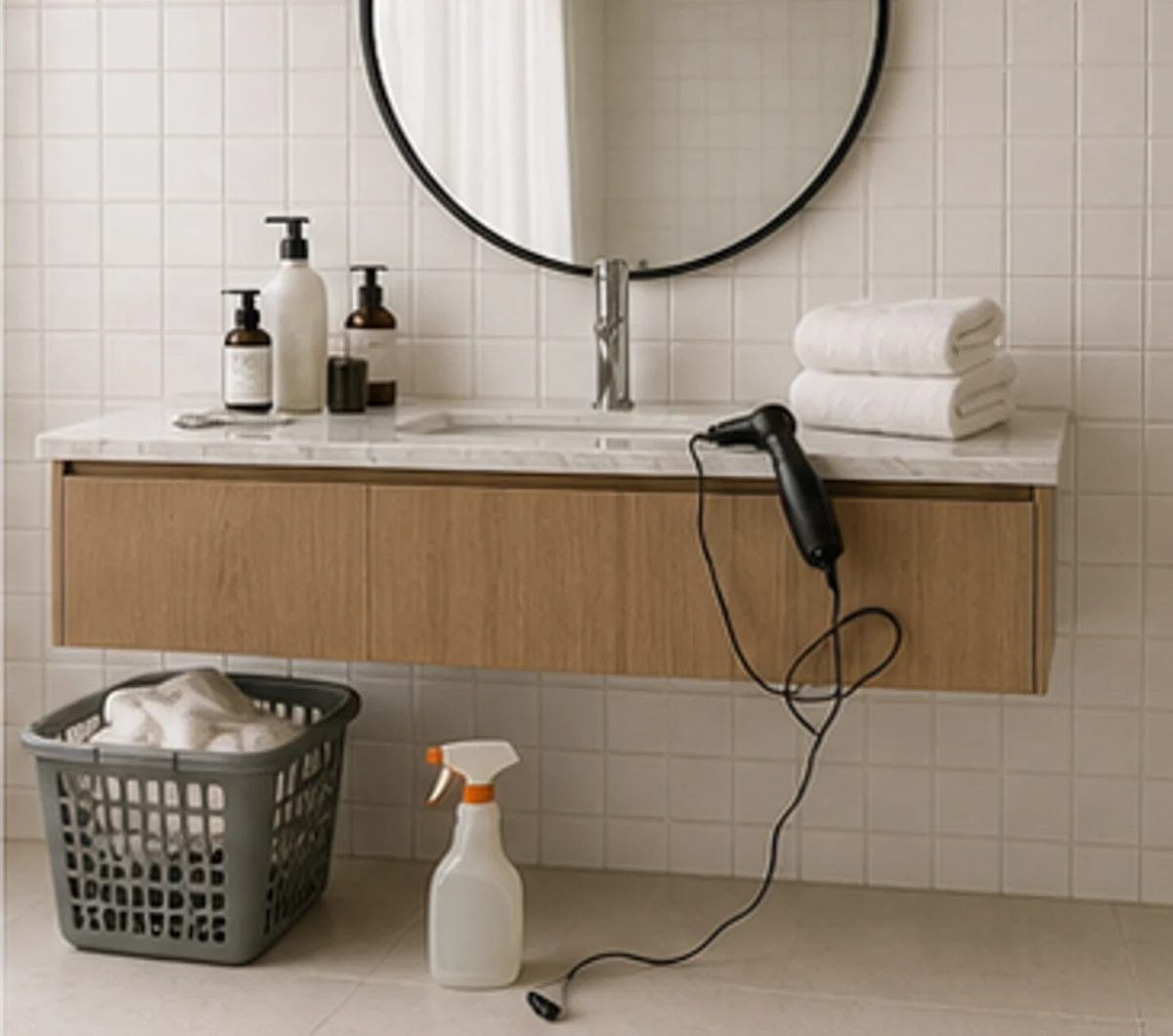
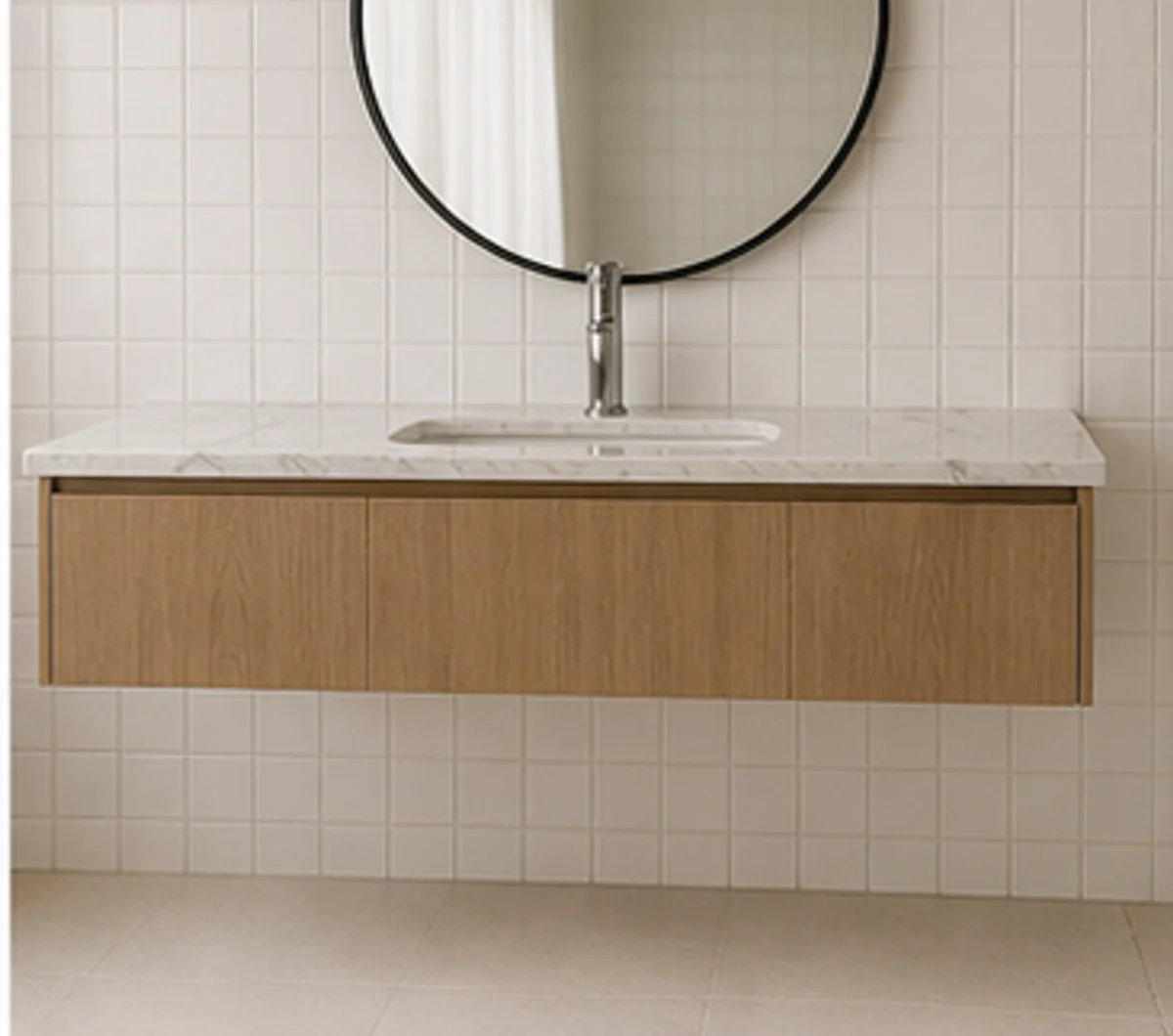
Remove bins, cords, small boxes, wall marks, floor clutter, and distracting room items before a listing, rental page, portfolio, or social post goes live. This photo object remover keeps the room layout, window light, floor texture, and furniture placement visible. It helps property photos look more prepared without making the space feel artificial.
Features of AI Object Remover
AI object remover for quick photo cleanup
Remove props, signs, wires, trash, table clutter, small marks, and background distractions without rebuilding the entire image by hand. This remove object from image workflow keeps control with you while AI handles the repair, matching nearby surfaces and textures where possible. Use it for quick cleanup passes before export, publishing, or a second round of creative editing. For larger cleanup queues, use Batch AI Remove to process related images with the same removal goal.
People and background object remover
Object Remover is broad enough for passersby, tourists, photobombers, and background people, while still covering product props, real estate clutter, cables, signs, and visual noise. It works best when you want one flexible unwanted object remover for mixed scenes instead of switching between several narrow workflows. Start broad, then refine with the brush when edges need more control. If the page should focus only on people, open People Remover for a more specific workflow.
Product and ecommerce cleanup
Clean stands, labels, dust, scratches, harsh reflections, packaging flaws, and table items before publishing product photos to shops, marketplaces, ads, and catalog pages. Keep the product shape and lighting consistent while removing the small details that make a listing look unfinished. It is a practical ecommerce object remover step for sellers, creators, and marketing teams preparing many assets.
Scene-ready visuals for creators and teams
Prepare cleaner thumbnails, social posts, campaign visuals, real estate photos, food shots, lifestyle images, and personal pictures without opening a complex desktop editor. Use the online object remover to remove visual noise before adding text, changing backgrounds, cropping for channels, or exporting final files. Teams can use the same cleanup rhythm across everyday images and more polished campaign assets.
How to Remove Objects from Photos Online
Upload your image, select the unwanted object, person, prop, cable, or background distraction, then download a cleaner photo. The AI object remover works in your browser, supports common photo formats, and keeps the remove object from photo workflow simple.
1
Upload your photo
To remove objects from photos online, choose a JPG, PNG, WebP, AVIF, or BMP image, or start with an object remover sample.
1Use product, travel, room, food, real estate, event, or social photos.
2Pick a clear image where the object has surrounding background texture.
3Check the preview before starting the cleanup pass.
2
Select the object to remove
Use Auto Remove for clutter, or brush over the exact object, person, cable, sign, or prop you want the AI object remover to clean.
1Keep the mask close to the unwanted area for cleaner repair.
2Use a smaller brush near product edges, hands, faces, and straight lines.
3Clear and repaint the mask if the first selection is too wide.
3
Preview and download
Let AI rebuild the area, compare the result, refine if needed, then export your cleaned photo or keep editing.
1Review textures, shadows, and edges before downloading.
2Continue with background, text, crop, or adjustment tools when needed.
3Start another pass if the photo has several unrelated distractions.
AISuperRemover
Object remover use cases
Use AI Object Remover when an image is useful enough to publish, list, share, pitch, or reuse, but small distractions still pull attention away from the subject. It helps remove unwanted objects from image files for ecommerce, real estate, travel, food, creator, and marketing workflows.
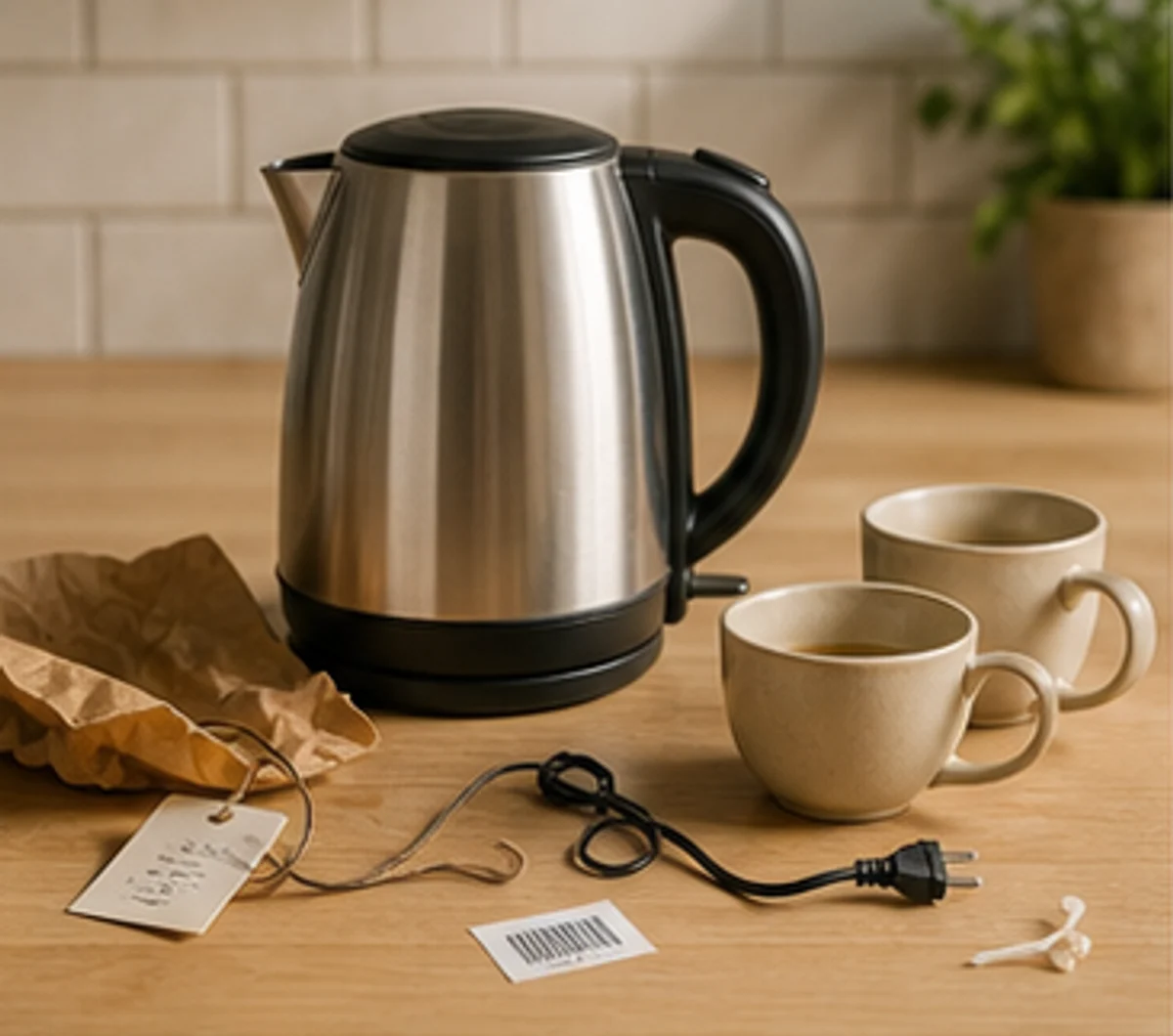
Before
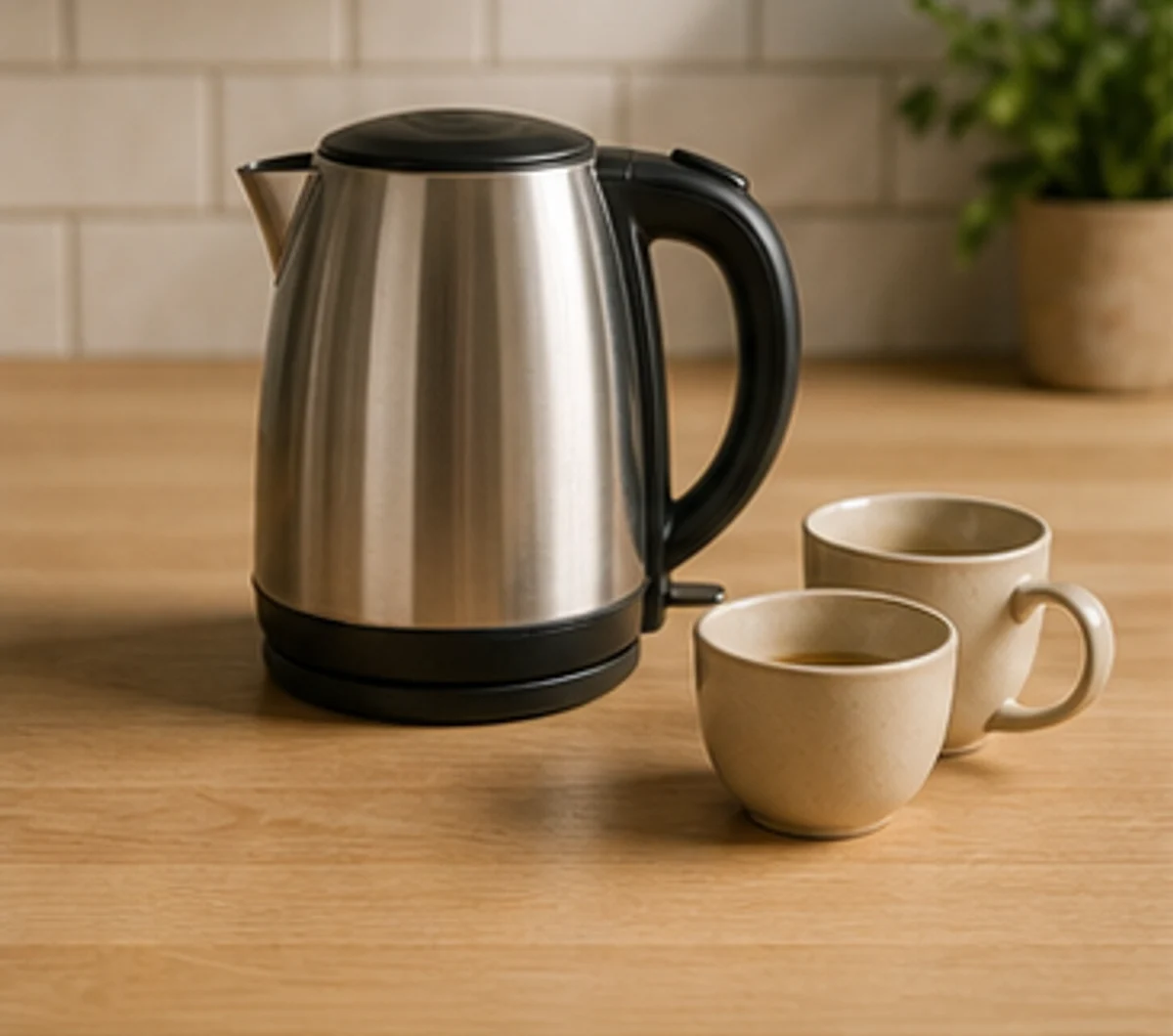
After
Ecommerce products
Remove tags, cables, dust, paper clutter, and table distractions with an ecommerce object remover before publishing product photos to shops, marketplaces, catalog pages, and ads.
Before
After
Profile and portrait photos
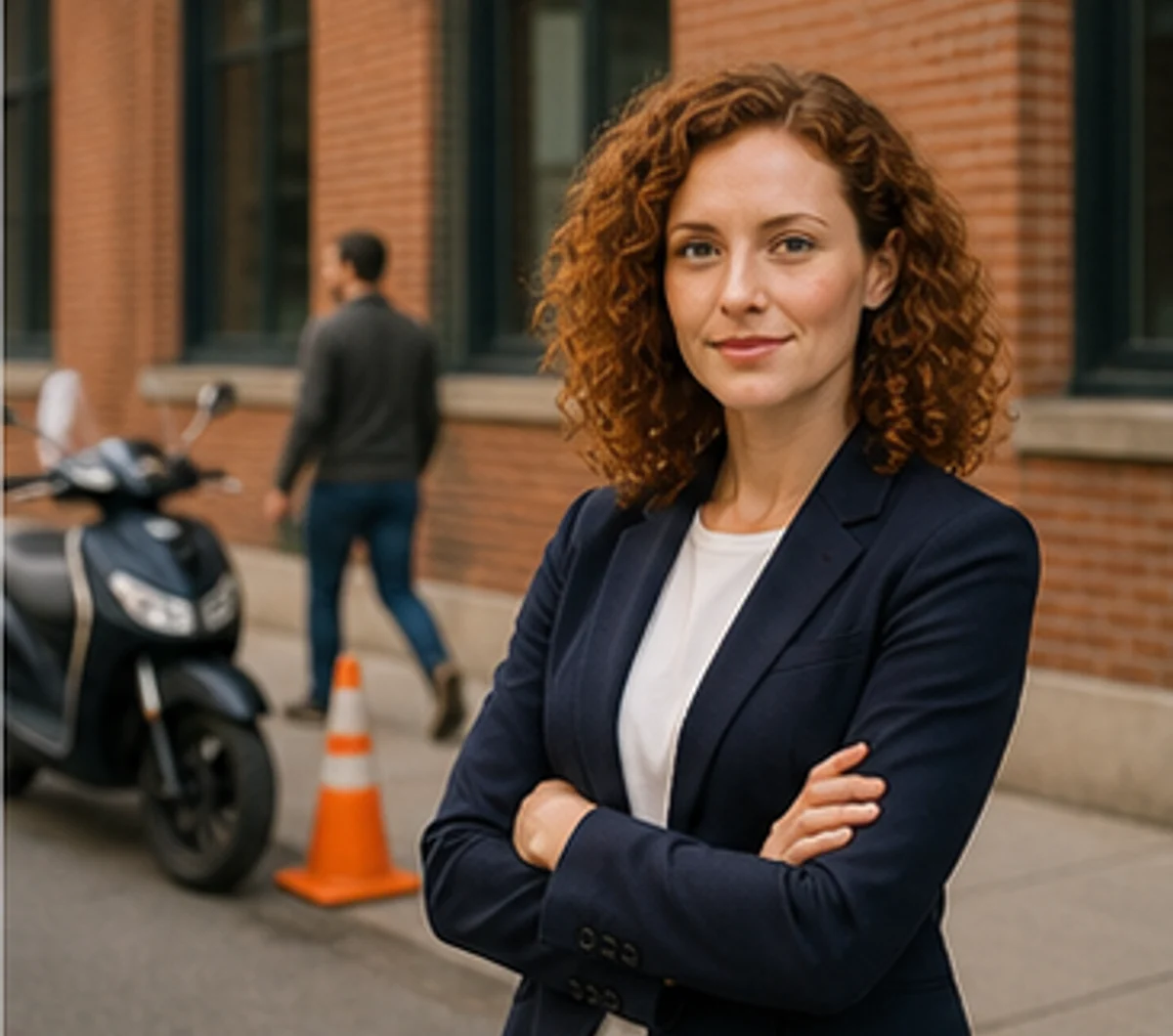
Clean background people, trash cans, sidewalk clutter, and small distractions from creator portraits, profile images, resume photos, and thumbnails without cropping the photo.
Before
After
Travel and landscape photos
Remove tourists, cones, litter, parked objects, and foreground distractions while keeping the landmark, scenery, and original travel composition.
Before
After
Home and real estate images
Prepare listing photos, rental rooms, interior portfolios, and property marketing images by clearing bins, cords, boxes, laundry, and floor clutter from room photos.
Before
After
Food and menu images
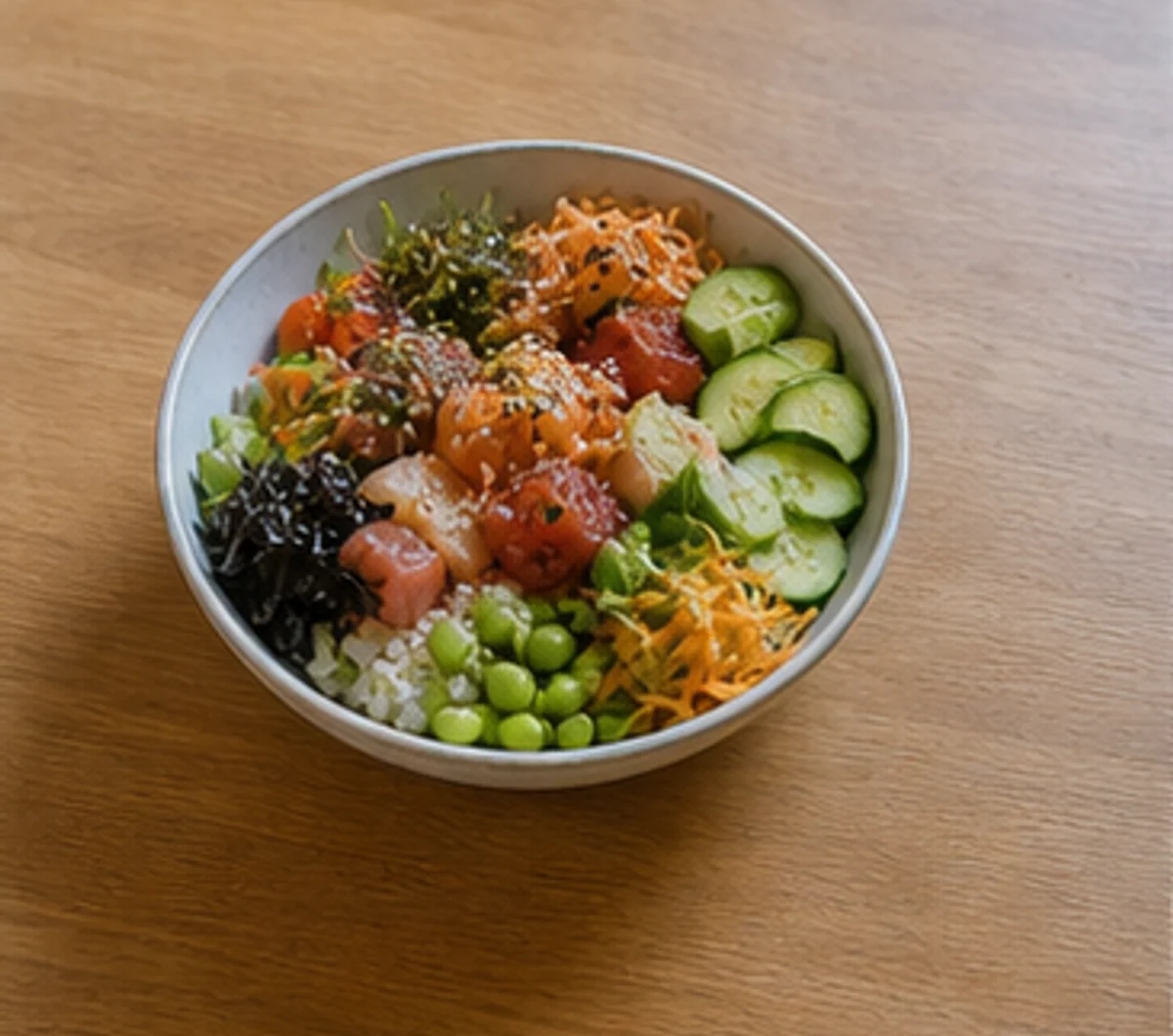
Clean crumbs, extra utensils, napkins, table mess, and sauce smears from restaurant dishes, dessert photos, menu images, and social food posts.
Before
After
Creator campaigns
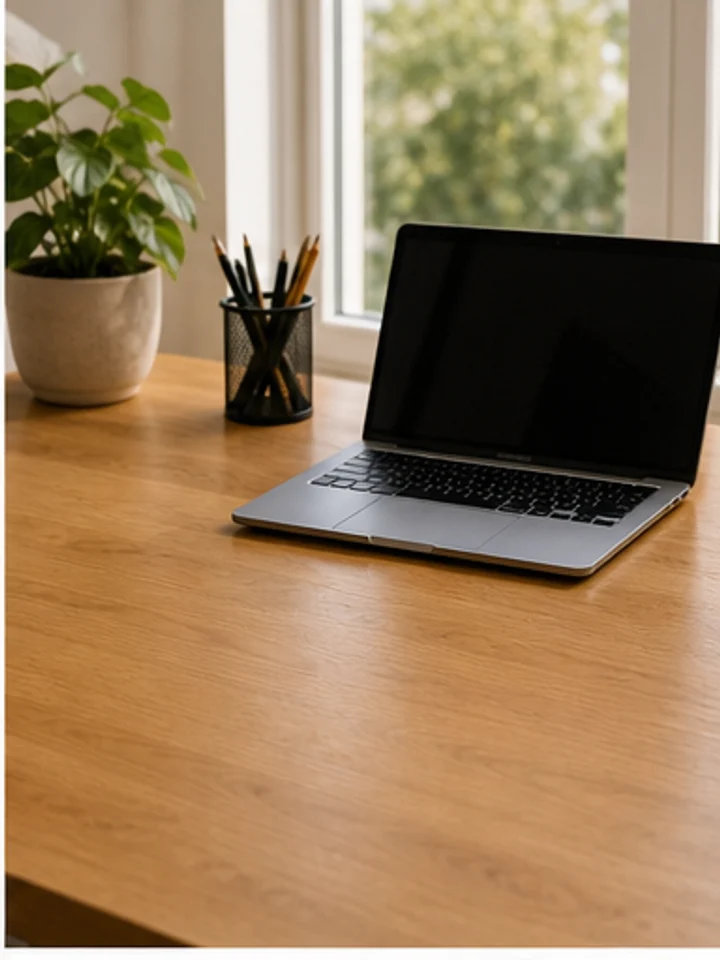
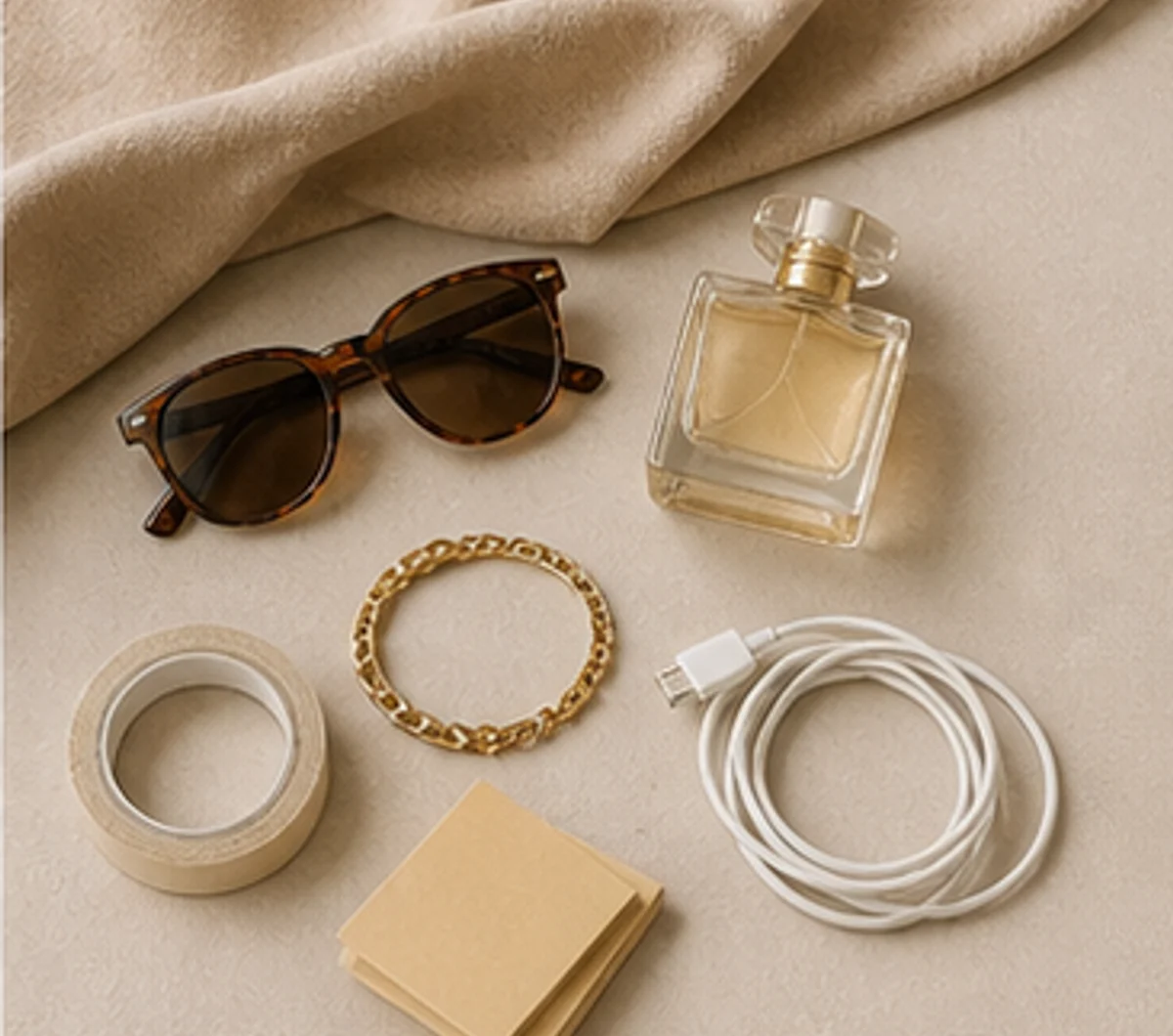
Turn desk scenes, brand photos, blog headers, campaign assets, and creator visuals into cleaner images by removing cables, notes, phones, props, and small background objects.
Explore More
FAQ
Object Remover FAQ
Answers about removing unwanted objects from photos online, supported formats, brush selection, people cleanup, image quality, ecommerce cleanup, remove object from image workflows, and responsible editing.
How do I remove unwanted objects from a photo online?
Upload your image, choose Auto Remove or Brush Remove, select the object, clutter, person, cable, sign, or prop you want to remove, preview the AI repaired area, and download the cleaned photo.
Can I use Object Remover to remove people from photos?
Yes. Object Remover can help remove background people, tourists, pedestrians, passersby, and photobombers. If your whole workflow is focused only on people, the People Remover page gives more people-specific examples and copy.
What can I remove with the AI object remover?
You can remove common distractions such as clutter, props, signs, wires, cables, trash, wall marks, table items, product stands, background people, small objects, and visual noise from photos you own or have permission to edit.
Can I use this object remover from image workflow for free?
You can start with the online object remover workflow for free. Current usage limits, credits, higher-quality exports, or larger remove object from image processing options are shown in the product interface.
Do I need Photoshop to remove objects from photos?
No. This AI object remover runs in your browser. Upload an image, mark the unwanted area, let AI repair the photo, and continue editing or export without opening Photoshop or a complex desktop editor.
Which image formats are supported?
The upload flow supports common image formats such as PNG, JPG, JPEG, WebP, AVIF, and BMP up to the current file-size limit shown on the page.
Will the AI repair always look perfect?
Results depend on image quality, object size, brush accuracy, background texture, lighting, and edge complexity. Smaller objects with clean surrounding texture usually produce better repairs.
Can I clean product and ecommerce photos?
Yes. Object Remover is useful for product photos, marketplace listings, Shopify images, catalog assets, and ads when you need to remove props, dust, labels, cables, packaging edges, reflections, or table clutter.
Can I remove objects from real estate and room photos?
Yes. You can clean bins, cords, boxes, floor clutter, wall marks, small decor items, and distracting objects from room, rental, interior, and real estate photos.
Can I keep editing after removing an object?
Yes. After object cleanup, you can keep using the same editor for background removal, AI backgrounds, text, crop, image adjustment, and export.
Use object removal only on images you own or have permission to edit.
AI Object Remover Online - Remove Unwanted Objects from Photos