
AI BACKGROUND CHANGER
Change Background in a Photo Online
Instantly change background in a photo with AI. Upload a JPG, PNG, or WebP image, then swap the original background for white, black, solid colors, creative textures, scenery, or your own custom upload - no Photoshop required.
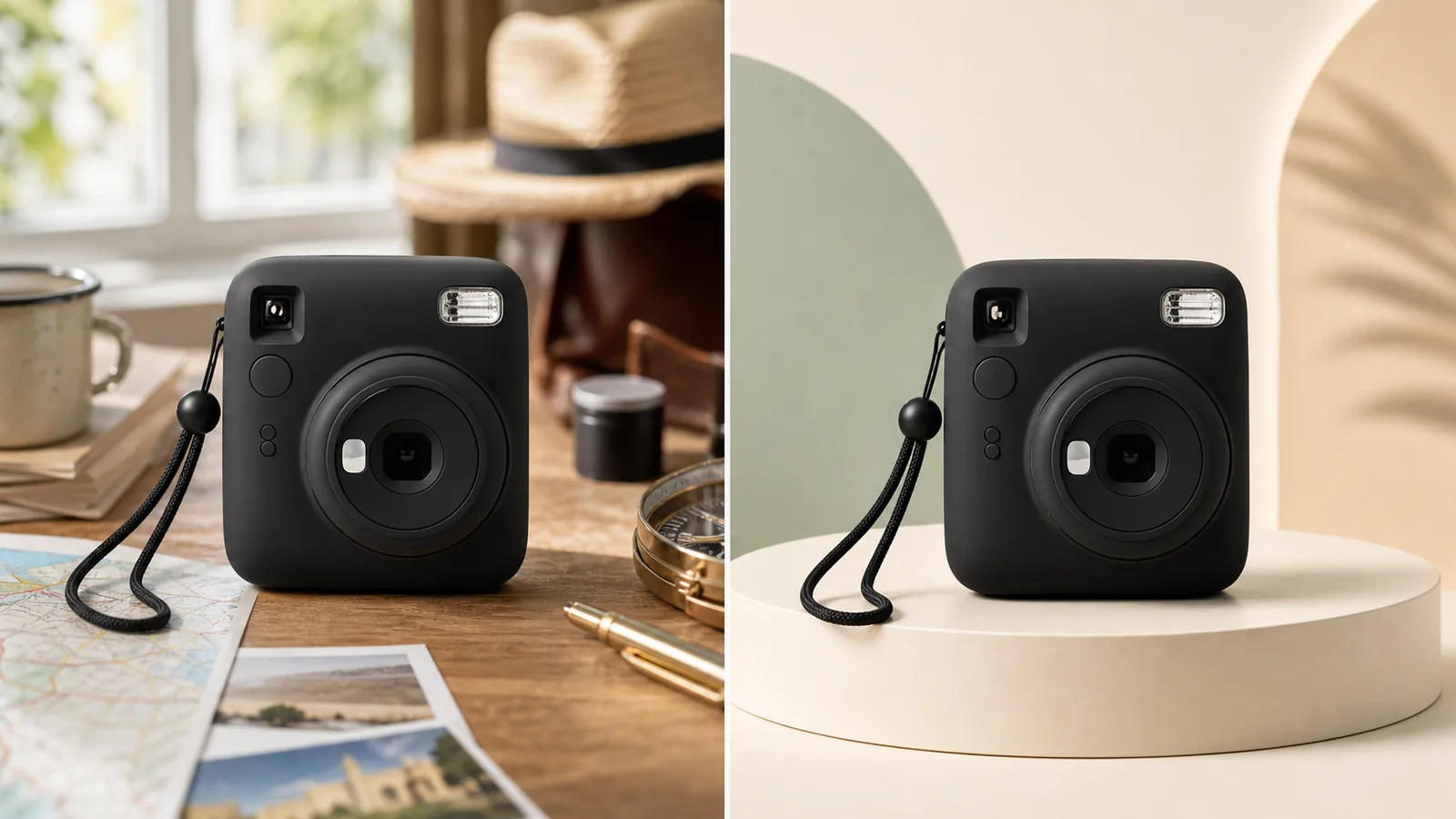
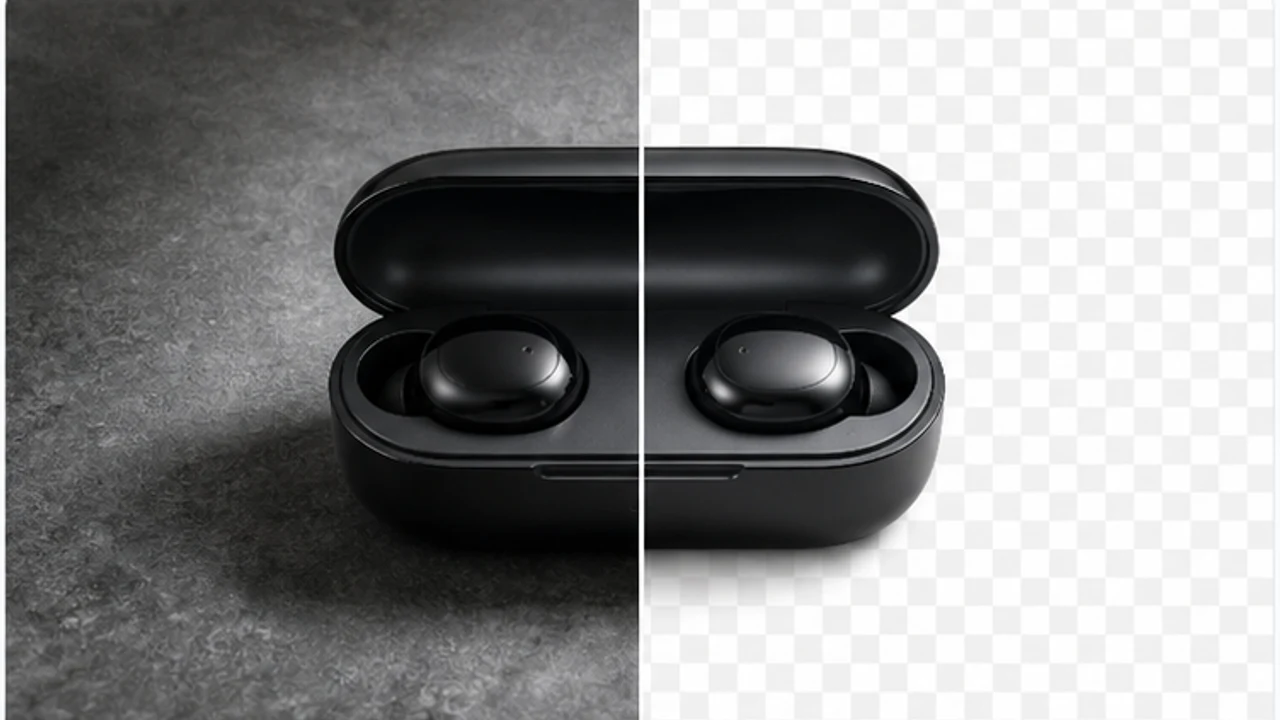
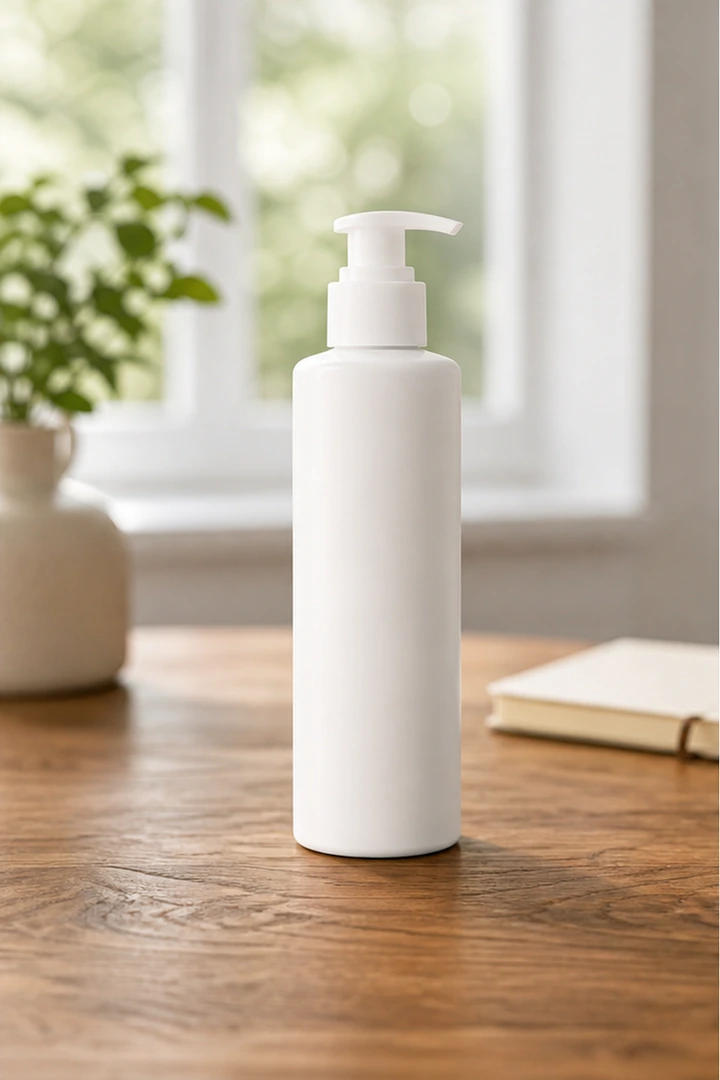 Before
 After
AfterInstantly Change Background of Photo With AI Precision
Struggling to change a background by hand or don't want to open Photoshop? Manual edits can be messy - one wrong move and hair, glass, or product edges look distorted. With AISuperRemover's photo background changer, you can change background in photo in seconds. Make it white for product shots, switch to a brand color, add a creative texture, or upload a custom backdrop for social visuals.
Free Online Background Changer With No Sign Up Needed
Just want to change a photo background without downloading an app or signing up? AISuperRemover makes it easy. Upload your photo, and our free background changer will handle removal in seconds. Then pick the look you want - solid colors for ID photos, on-brand colors for product shots, or fully transparent for design work. Use it for marketplace listings, profile images, product thumbnails, social posts, presentation graphics, and quick design tests. After upload, the editor keeps your subject ready so you can preview the cutout, compare styles, and continue refining the image without leaving the browser.
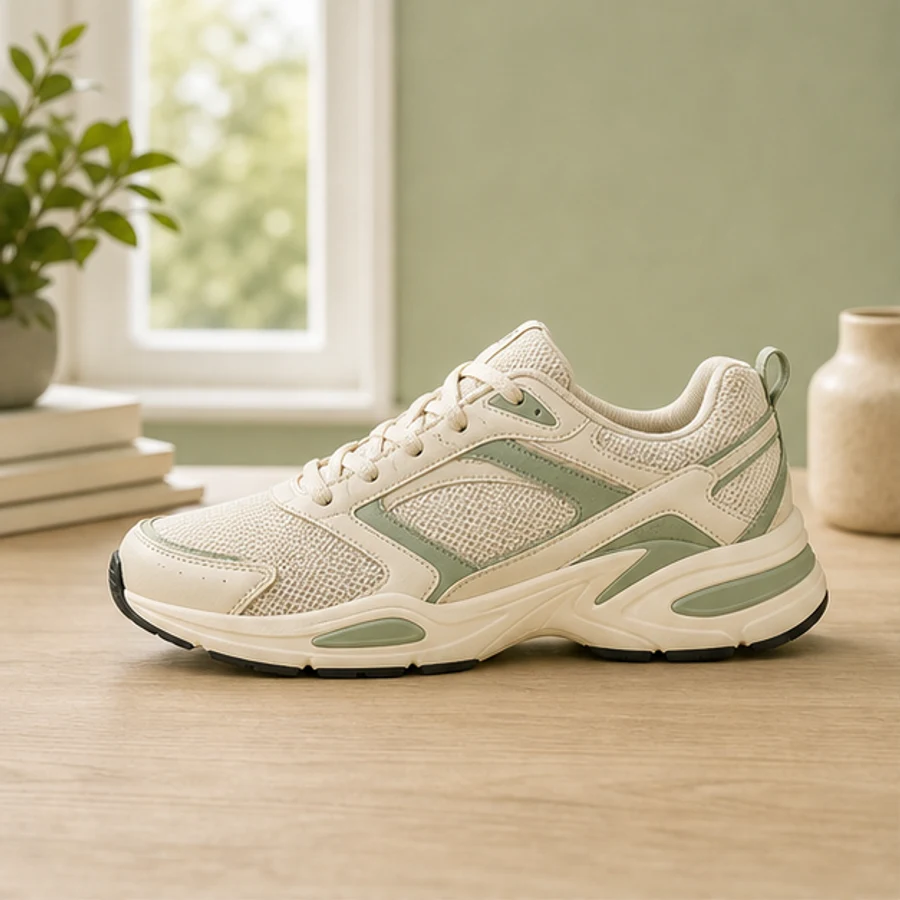
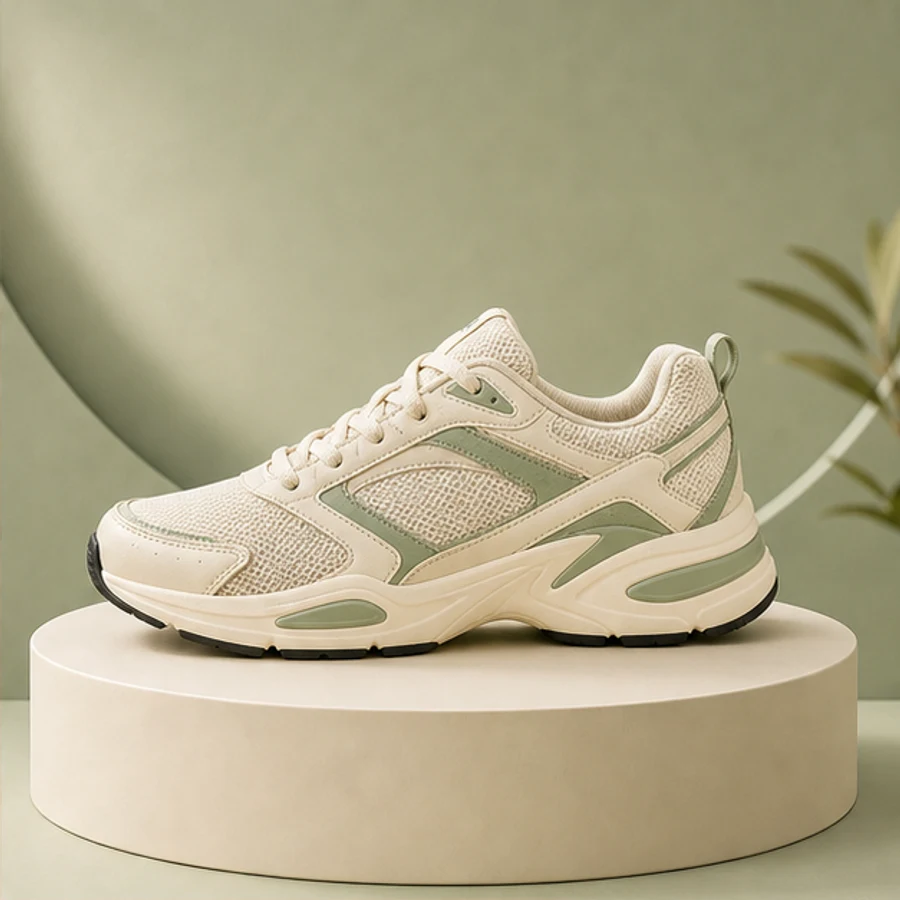
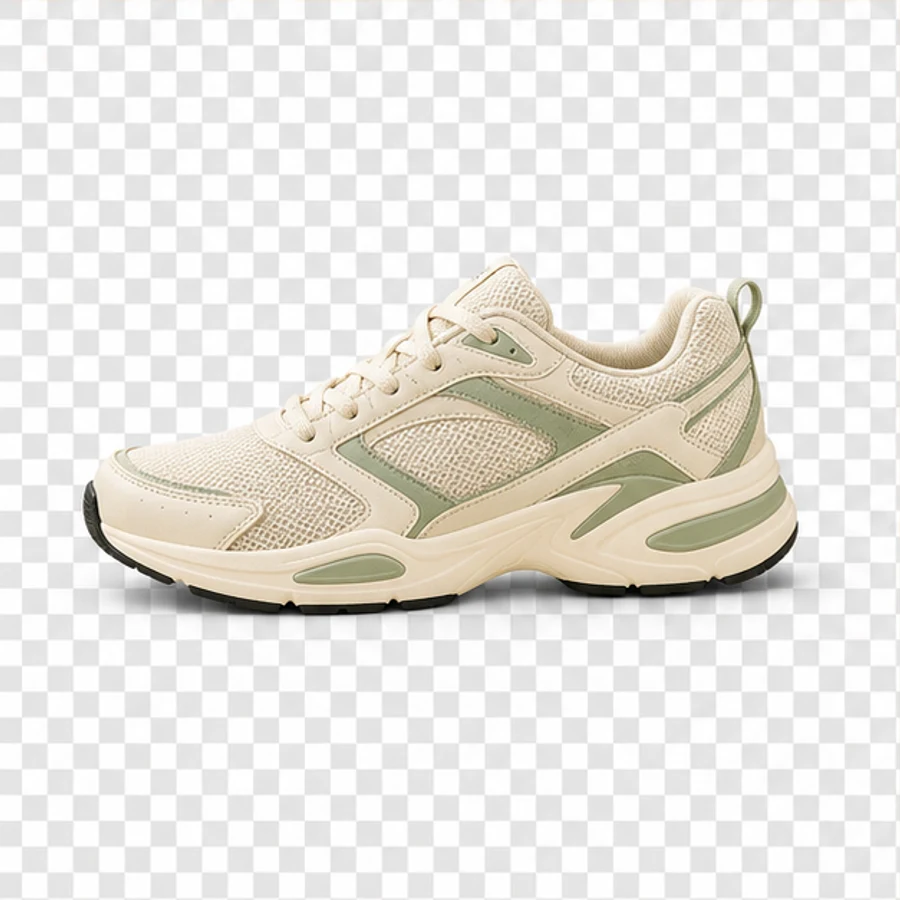
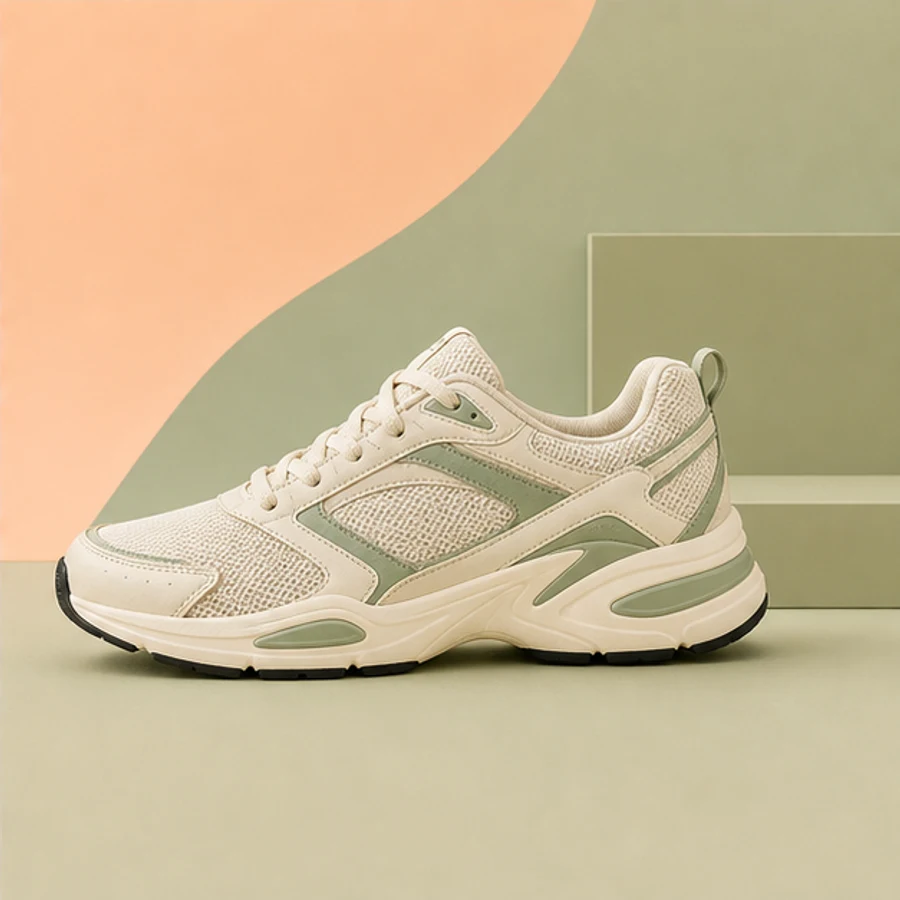
Features of Background Change
AI-Powered Precision
Our change background generator uses AI to detect your subject and perform a seamless background change. Pair it with the AI background remover when you need a clean cutout first, then swap in a fresh scene. No rough edges, no manual masking - just a polished result for online stores, social media, and campaign visuals.

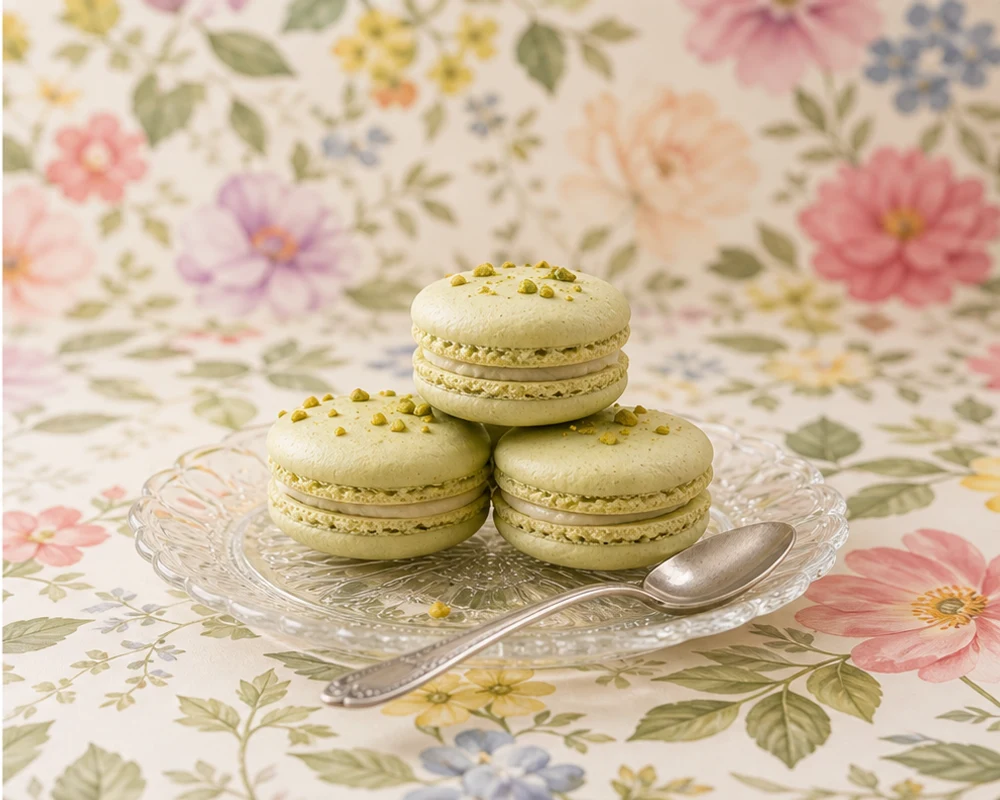
Multiple Styles for Every Need
Don't limit yourself to one look. Change photo background to white, black, a solid color, a soft gradient, a creative texture, or a custom upload. For larger product sets, move from one image to the Batch Background Remover so ecommerce white backdrops and campaign-ready scenes stay fast and flexible.
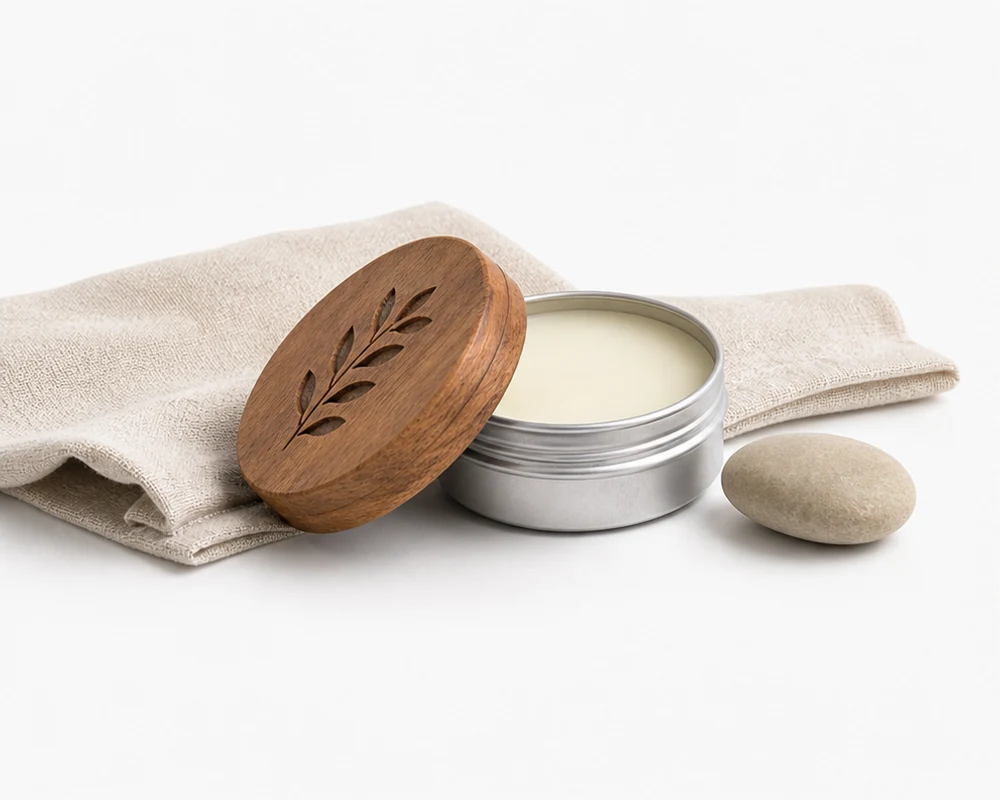
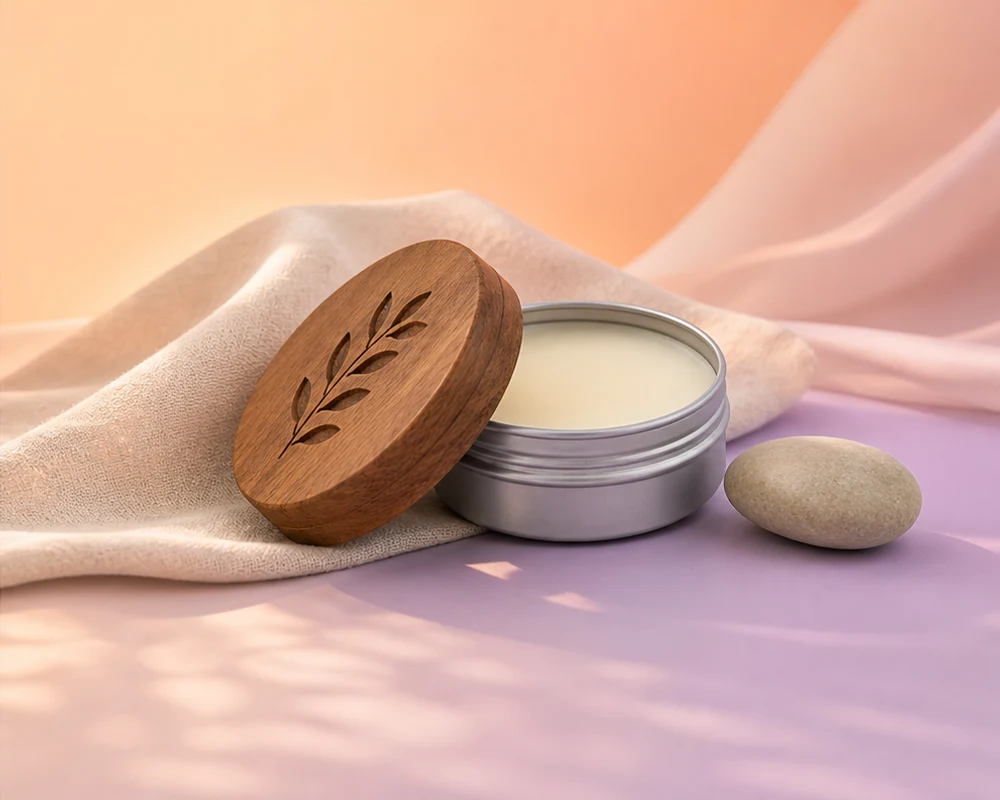
Consistent Product Sets
Apply the same background direction across related product photos, from clean catalog shots to campaign scenes. Use Batch Smart Remove to clear distracting objects before styling, then keep scale, lighting, and visual tone aligned across bottles, boxes, accessories, or seasonal collections.
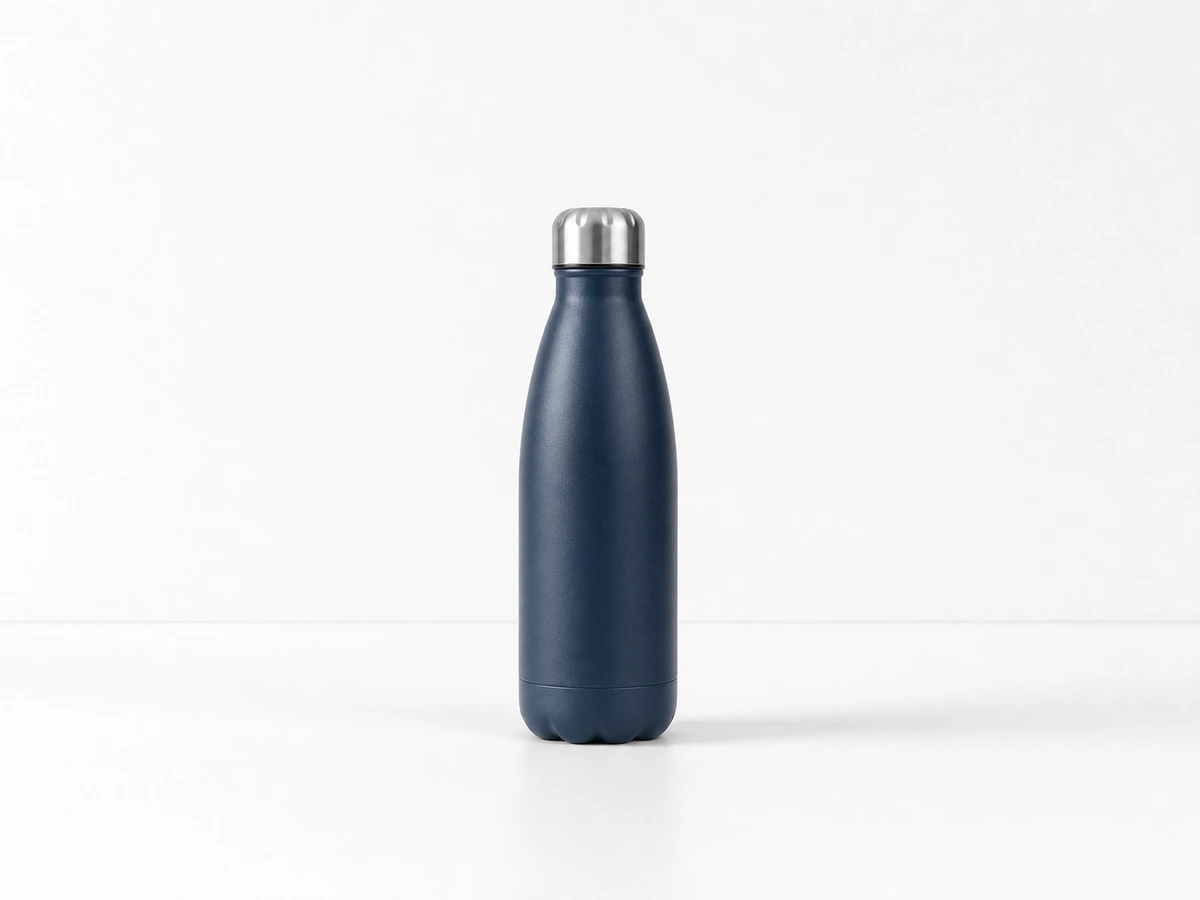

Scene-Ready Backgrounds
Turn a simple product photo into a lifestyle-ready visual with contextual backgrounds that fit the subject. If the original photo needs extra cleanup, open Magic Eraser first, then add desks, cafes, counters, or branded environments for ads, listings, and social posts.
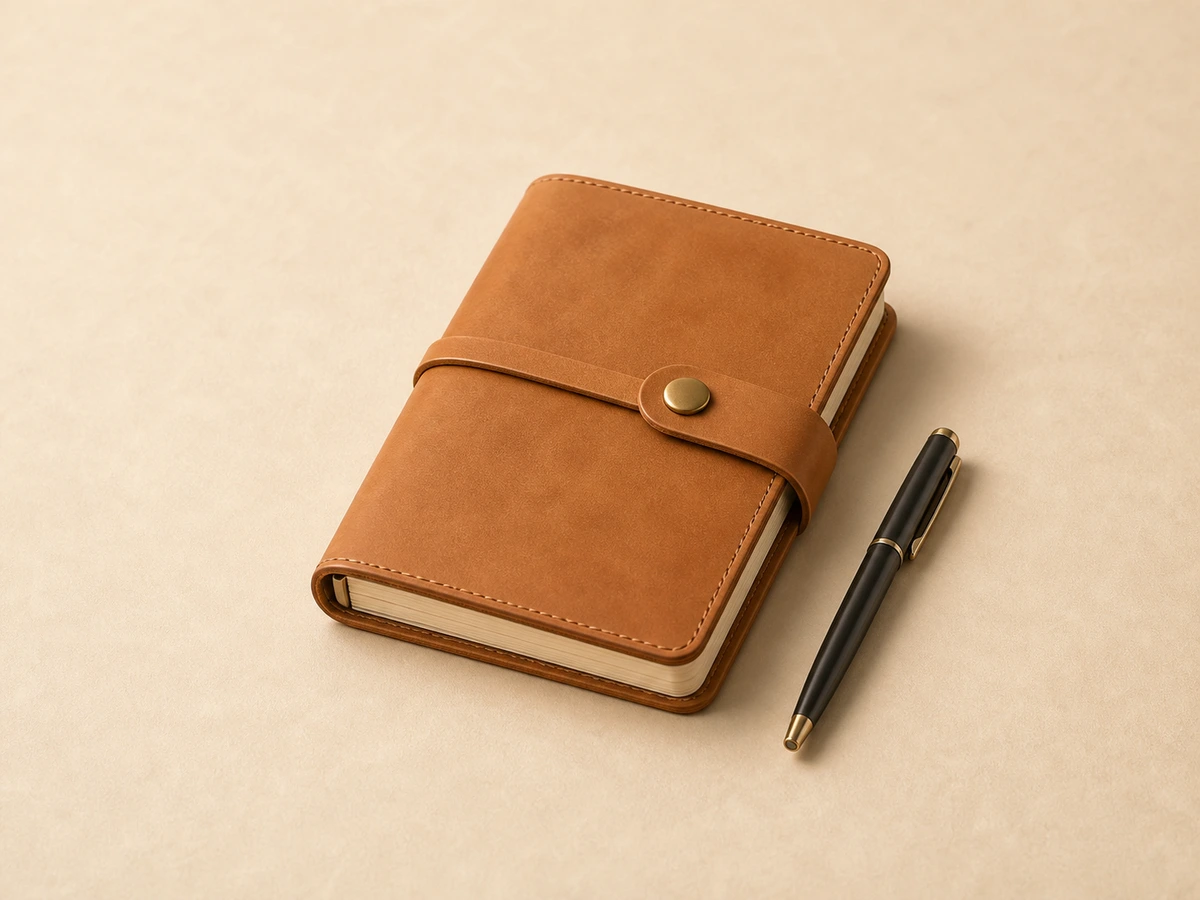
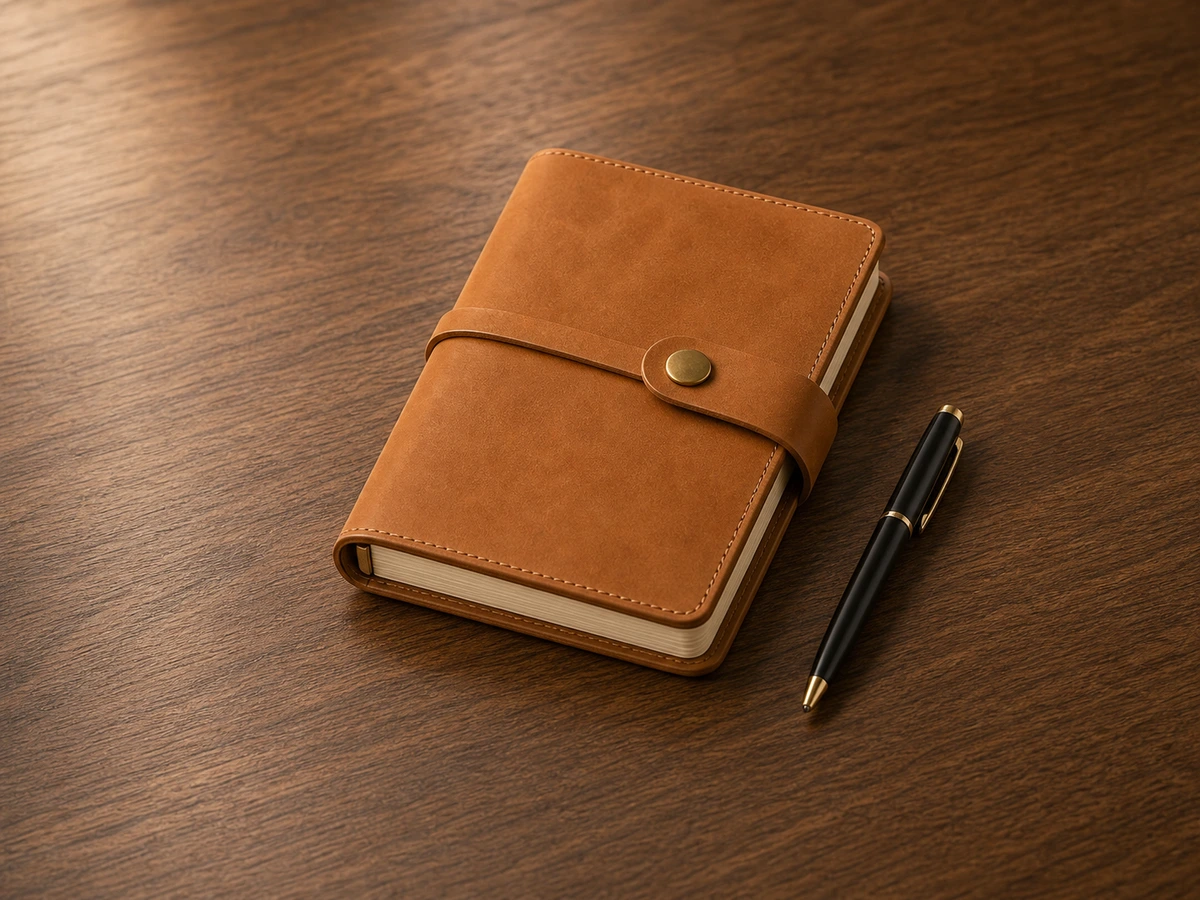
Edit and Transform Photo Backgrounds
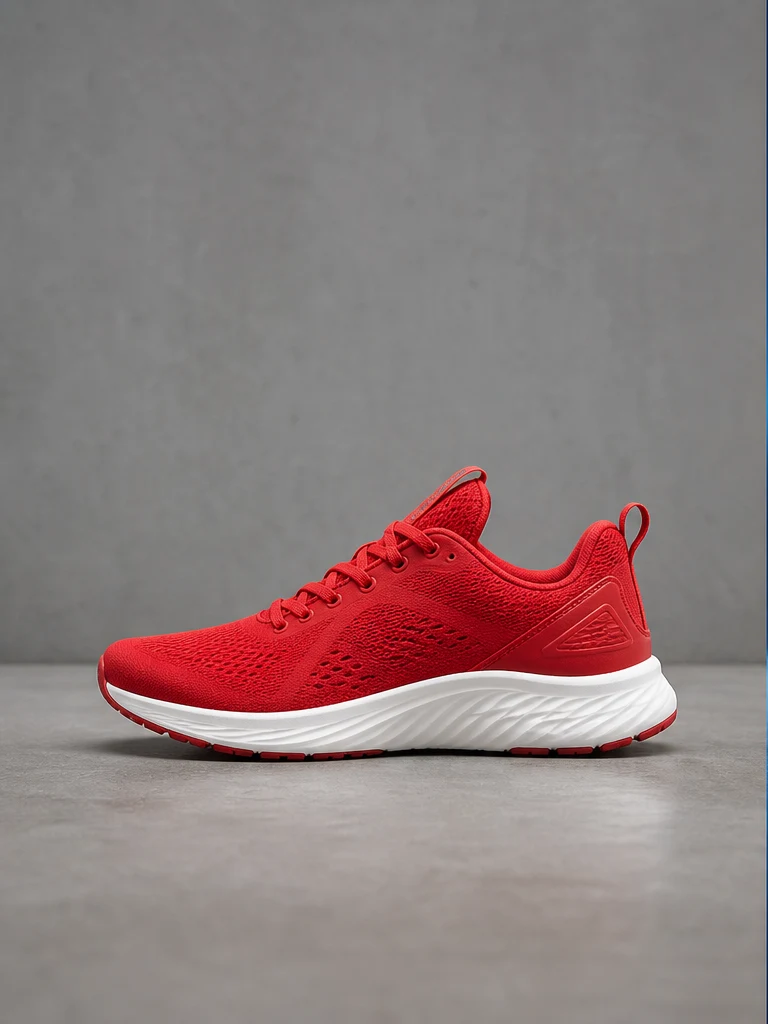

Edit Backgrounds In an Instant
Use AISuperRemover's background editor to instantly transform the look of any photo. Create a transparent background or change the background color for a cleaner appearance. Match e-commerce standards with a white background, or give subjects a retro look on a black background. Every step is built for ease of use, so you focus on creativity, not complexity. Compare the before and after view, keep the subject edges clean, test transparent, white, black, or branded backgrounds, then continue with crop, text, cleanup, and export in the same workspace. It is designed for ecommerce photos, creator visuals, campaign drafts, and everyday images that need a cleaner background fast.
Transform Your Images by Adding a New Background
Want more background options? Browse ready-made styles or upload your own image. An intuitive interface makes every background change feel natural. Need to isolate the subject first? Use the remove background tool for a smoother edit. Whether you're a content creator or a pro, this easy-to-use tool keeps every refresh seamless. Build catalog sets, seasonal ads, social banners, landing page visuals, and reusable product cutouts from one original image. Start with automatic background removal, then choose a studio scene, brand color, transparent PNG, or uploaded backdrop so each image matches the channel where it will be published.
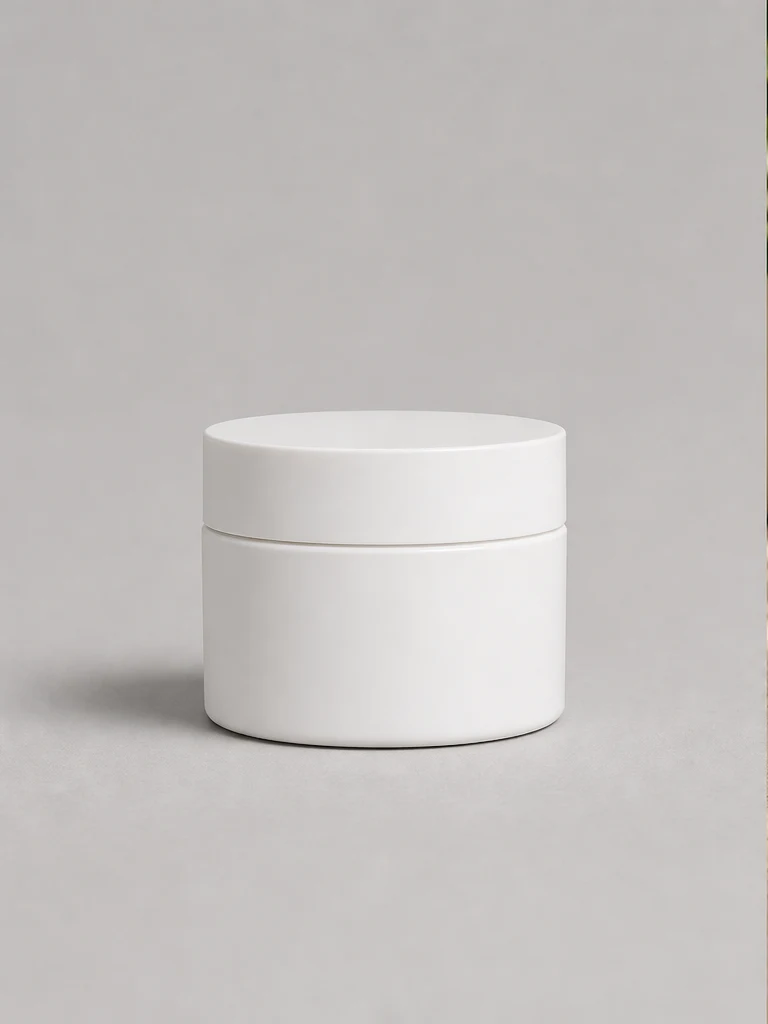
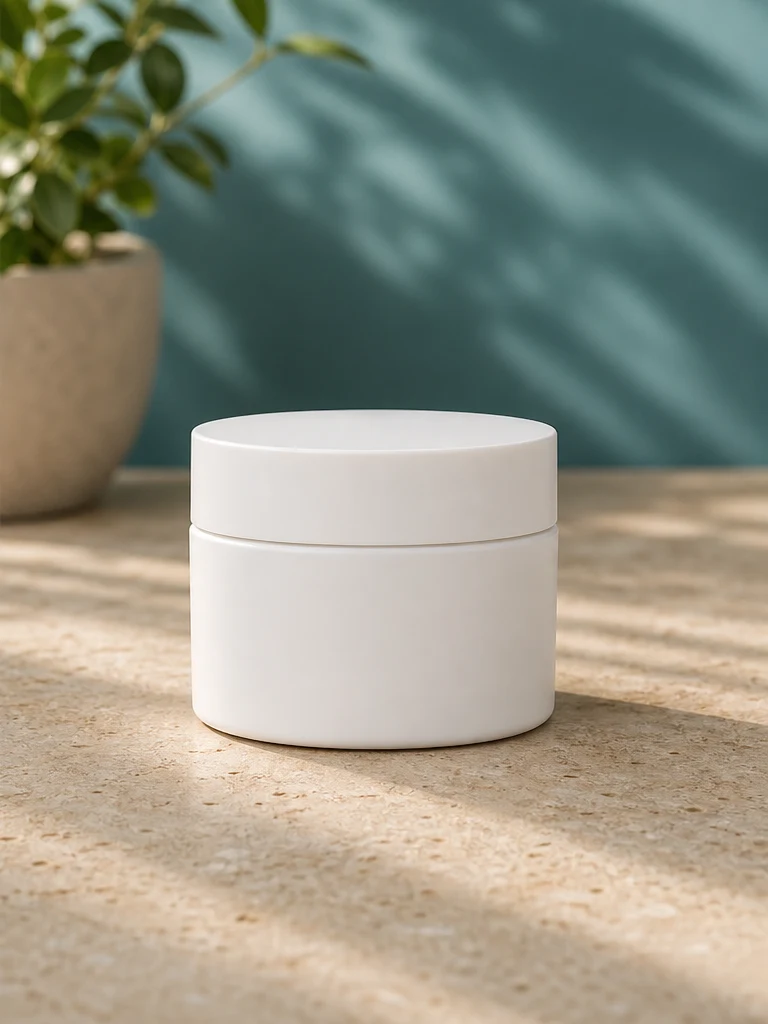
See the Photo Background Editor in Action
Keep focus on products with minimal backgrounds. Use AI to streamline promotional content production and minimize cost.


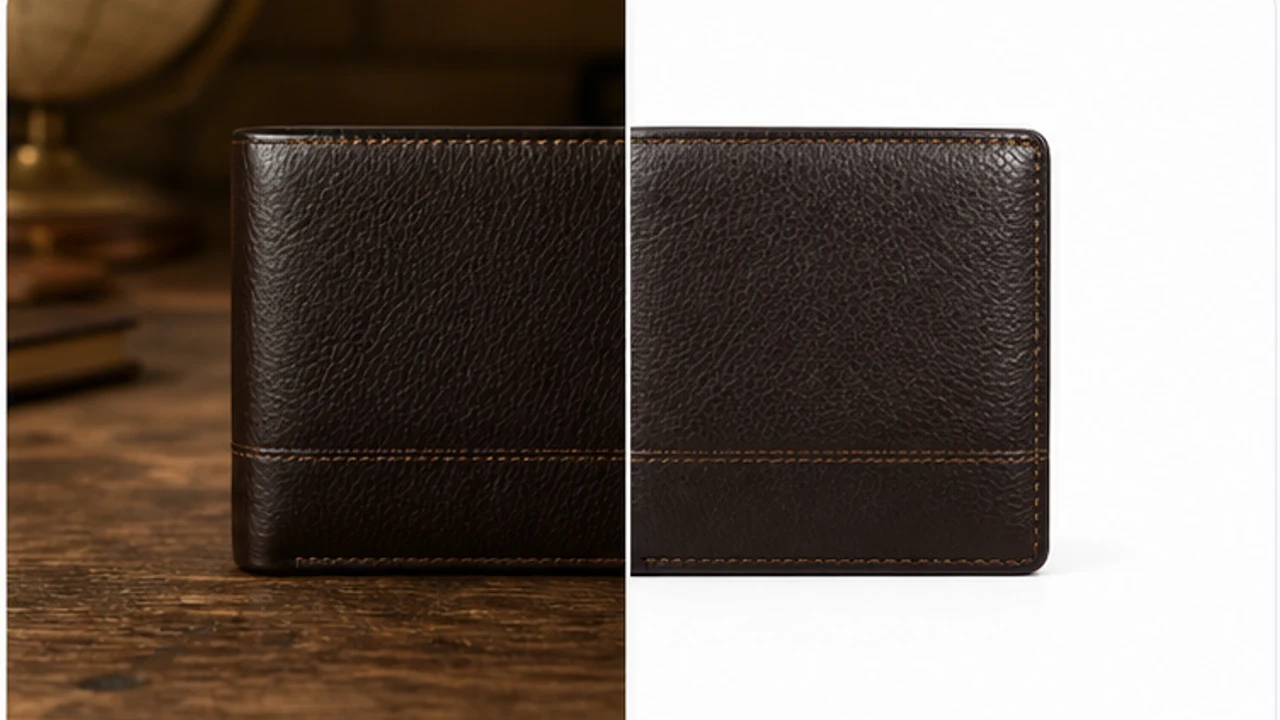
More Than Just a Background Changer
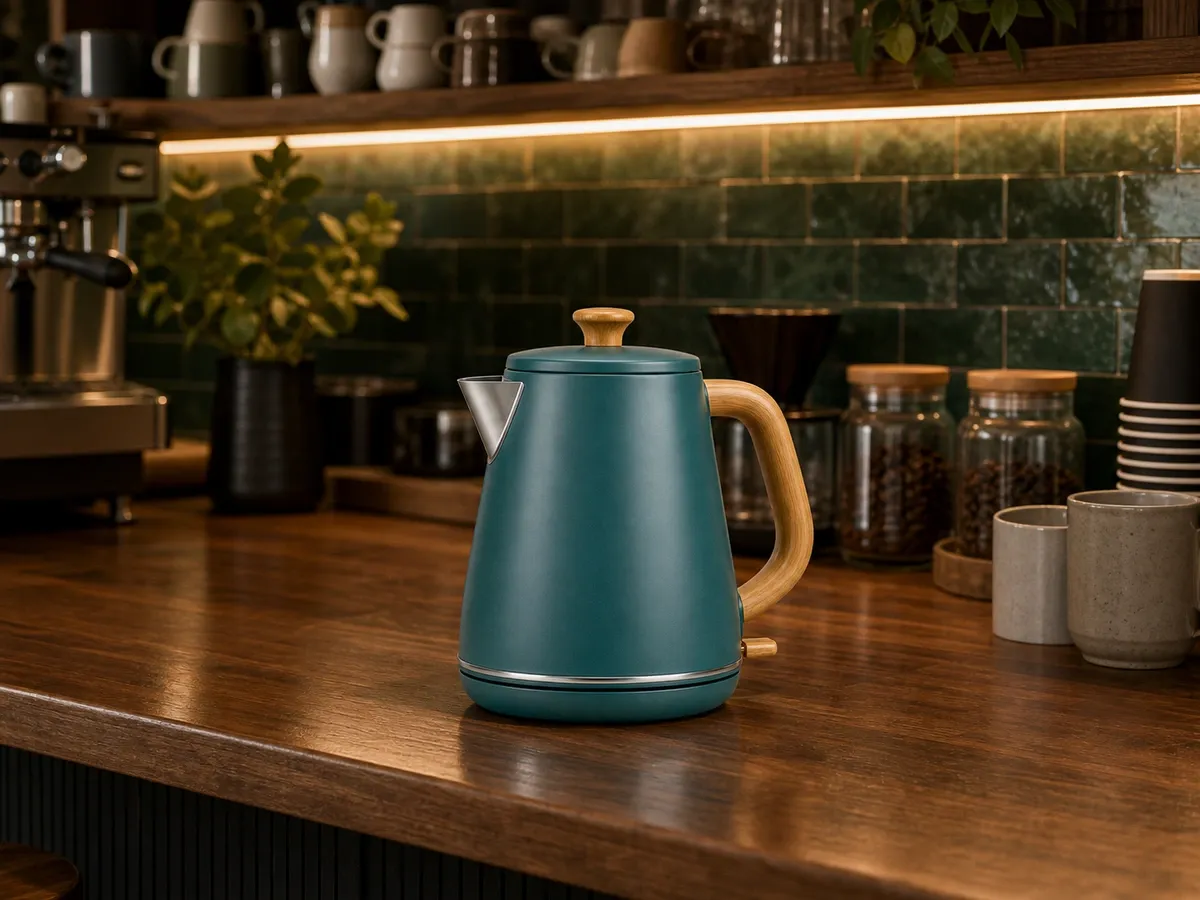
Turn a simple product photo into a branded cafe-style campaign image. Swap backgrounds for warmer light, richer surfaces, and stronger visual context while keeping the subject clear for ecommerce and social posts.
How to Change a Photo Background Online
Upload your image, let AI isolate the subject, pick any new background, then download. The background changer works in your browser and supports common photo formats.
Upload your image
Choose a file from your device or drag & drop it into the editor.
- 1Click Upload Image or drop a JPG, PNG, WebP, or AVIF file into the upload area.
- 2Use a clear photo with the main subject visible, such as a product, portrait, logo, vehicle, or ad creative.
- 3Check the preview before editing so you know the correct image is selected.
Pick a new background
Solid color, gradient, scenery from our library - or fully transparent.
- 1Let AI isolate the subject automatically, then choose transparent, white, black, a brand color, a gradient, or a scene.
- 2Match the background to your use case: ecommerce listings, profile photos, social posts, ads, or campaign banners.
- 3Fine-tune the result with crop, Magic Eraser, or another edit when small edges need cleanup.
Download the result
Get a clean, high-quality image ready for shop, social or print.
- 1Preview the final composition and confirm the subject, background, and edges look natural.
- 2Export the finished image for your shop, social post, ad creative, catalog, or print layout.
- 3Start another version from the same photo when you need multiple background styles.
FAQ
Background Changer FAQ
Answers about changing image backgrounds online, creating transparent PNG files, white background product photos, supported image formats, and continuing edits after background changes.What is an AI background changer?
An AI background changer detects the main subject in a photo, separates it from the original scene, and places it on a new background. You can change background in a photo to white, black, solid colors, gradients, creative textures, or a custom upload without manual design work.
How do I change the background of a photo online?
Upload a JPG, PNG, WebP, or AVIF image, let AI identify the subject, then choose a new background style and download the result. The workflow is designed for product photos, portraits, profile pictures, ads, real estate images, and social visuals.
Can I change image background to white?
Yes. You can change photo background to white for ecommerce listings, catalog images, marketplace uploads, ID-style photos, and clean product pages. You can also switch to black, neutral, transparent, or brand-color backgrounds.
Is the background changer free?
You can try the online background changer for free. Processing limits, higher-quality exports, or larger workflows may follow the options shown on the page.
Can I use my own background image?
Yes. After the subject is isolated, you can use a solid color, gradient, creative texture, scenery image, or your own uploaded background. This makes image background change useful for shops, campaigns, thumbnails, and branded content.
Can I create a transparent background too?
Yes. If you need a reusable cutout, you can keep the subject on a transparent background and export it for websites, marketplaces, social posts, presentations, and design layouts.
Which image formats are supported?
Common image formats such as JPG, PNG, WebP, and AVIF are supported. For best results, upload a clear photo with good lighting and visible contrast between the subject and the original background.
Can I use it for product photos?
Yes. The photo background changer is ideal for clean product images, white background product photos, transparent product PNGs, SKU assets, marketplace listings, and ad visuals.
Do I need Photoshop or design skills?
No. The AI background changer handles subject detection and background replacement in the browser, so you can change picture background quickly without Photoshop, complex masks, or design experience.